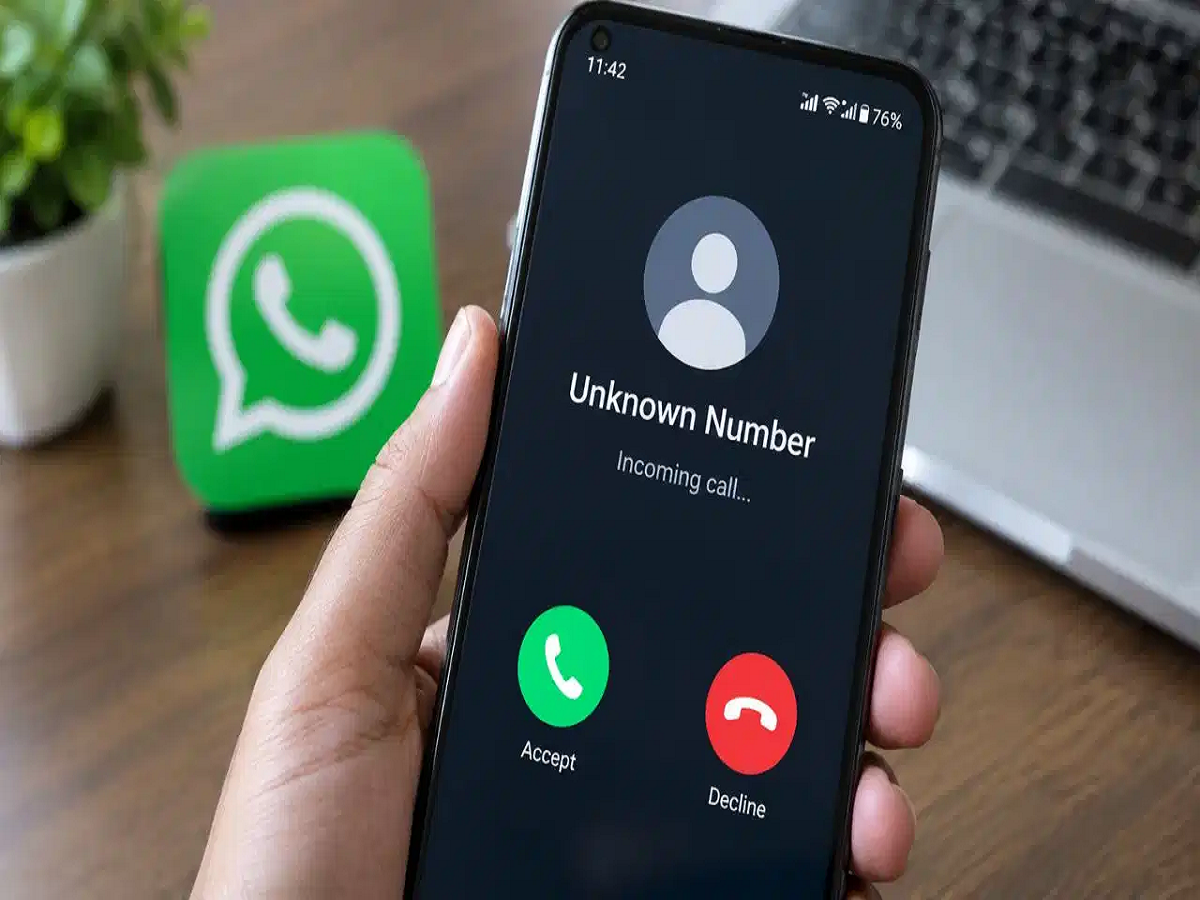
WhatsApp has become an essential part of everyday life, helping people stay connected through messages, voice calls and video calls. However, its popularity has also made it a target for cybercriminals who use fake calls, impersonation and social engineering to deceive unsuspecting users.
If you frequently receive calls from unfamiliar numbers, including international numbers, it is important to stay cautious. Scammers may pretend to be police officers, customs officials or other government authorities to frighten people into transferring money. Fortunately, WhatsApp offers privacy settings that can help reduce unwanted calls and protect your IP address during conversations.
1. Silence Calls From Unknown Numbers
One of the easiest ways to reduce interruptions from suspicious callers is to enable WhatsApp's Silence Unknown Callers feature.
Once activated, calls from numbers that are not saved in your contacts will not ring on your phone. They will still appear in your Calls tab, allowing you to review them later if necessary.
How to enable it
-
Open WhatsApp on your smartphone.
-
Go to Settings.
-
Tap Privacy.
-
Select Calls.
-
Enable Silence Unknown Callers.
This feature can help prevent scam calls from interrupting you and reduce the chances of answering one accidentally. However, it does not block the caller completely, and the call may still appear in your call history.
2. Protect Your IP Address During WhatsApp Calls
Another useful privacy feature is Protect IP Address in Calls. It helps prevent the person you are speaking with from directly discovering your IP address through the call connection.
In certain peer-to-peer calling arrangements, the other participant may be able to infer your IP address, potentially revealing information about your network and approximate geographical location. Enabling this setting routes calls through WhatsApp's servers, making it harder for the other participant to obtain your IP address directly.
How to enable it
-
Open WhatsApp and navigate to Settings.
-
Tap Privacy.
-
Select Advanced, if this option is available in your version of the app.
-
Turn on Protect IP Address in Calls.
The exact menu location may vary depending on your phone and WhatsApp version.
This setting adds an extra layer of privacy, although it does not guarantee complete anonymity or prevent every type of cyberattack.
How Cybercriminals Use WhatsApp to Commit Fraud
Scammers often rely on fear, urgency and impersonation rather than sophisticated hacking techniques. A caller might claim that a parcel containing illegal goods has been seized in your name or that you are involved in a criminal investigation.
In some cases, victims are threatened with arrest and pressured to remain on video calls while being instructed to transfer money. This type of coercion is commonly associated with so-called digital arrest scams.
Remember that legitimate authorities do not conduct arrests through WhatsApp video calls or demand money to settle a criminal case over the phone.
Can Simply Answering an Unknown WhatsApp Call Reveal Your Data?
Receiving or answering an ordinary WhatsApp call does not automatically give a stranger access to your bank account, private messages, photographs or live location.
However, calls can expose you to social engineering, attempts to obtain sensitive information and, in certain calling configurations, IP-address exposure. Serious technical attacks may also exploit software vulnerabilities, which is why keeping your phone and WhatsApp updated is important.
Never share an OTP, banking PIN, password or screen-sharing access with an unknown caller. Avoid clicking suspicious links or installing applications at a caller's request.
Additional Steps to Strengthen Your WhatsApp Security
Along with these two settings, follow a few basic precautions:
-
Enable two-step verification in WhatsApp settings.
-
Keep WhatsApp and your phone's operating system updated.
-
Never transfer money because someone threatens you over a call.
-
Block and report suspicious numbers.
-
Review your privacy settings for profile photos, groups and personal information.
-
If someone claims to be a government official, end the call and verify the claim through an official channel.
If you suspect that you have been targeted by financial cyberfraud in India, report it promptly through the national cybercrime helpline at 1930 or the official portal at cybercrime.gov.in.
The Bottom Line
Unknown WhatsApp calls are not automatically dangerous, but they deserve caution. Enabling Silence Unknown Callers and Protect IP Address in Calls can help reduce unwanted interruptions and improve calling privacy. Combined with strong account security and awareness of digital arrest scams, these simple precautions can help you use WhatsApp more safely.