A message arrives in your inbox claiming that your bank account will be blocked, your parcel cannot be delivered or your Google account needs immediate verification. It looks official, carries a familiar logo and may even address you by name. But one wrong click could expose your personal information or lead to financial loss.
Phishing is a cyberattack in which criminals impersonate trusted organisations to trick people into revealing passwords, payment details or other sensitive information. These attacks can target Gmail users through emails, fake login pages and malicious attachments.
Here are seven warning signs to check before responding to an unfamiliar email.
1. The Sender's Email Address Looks Suspicious
Scammers often use addresses that resemble legitimate company names but contain extra words, unusual characters or misleading domains.
For example, an email claiming to come from a bank may use an address that has nothing to do with the bank's official domain.
Click or tap the sender's name to inspect the complete email address. However, remember that even a familiar-looking address is not an absolute guarantee that a message is genuine.
2. The Message Creates a Sense of Urgency
Phrases such as “Your account will be suspended today” or “Verify immediately to avoid a penalty” are commonly used to pressure recipients into acting without checking the facts.
Scammers want you to panic rather than investigate.
If an email threatens account closure, a tax penalty or a payment failure, open the relevant service's official app or type its website address yourself. Do not rely on links supplied in the suspicious message.
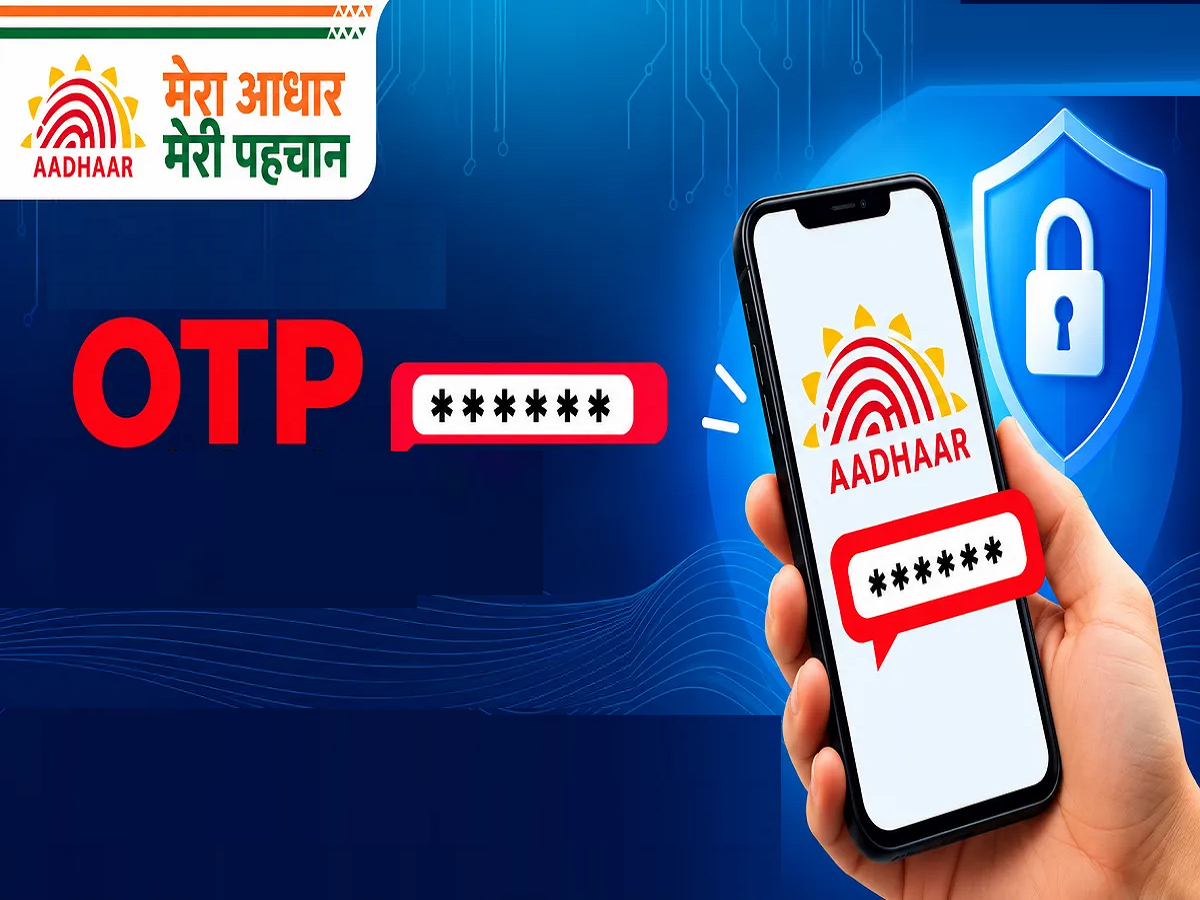
3. The Email Asks for Your Password or OTP
Treat requests for passwords, banking PINs or one-time passwords with extreme caution.
Do not share these credentials through email or with someone who contacts you unexpectedly. A message claiming to be from customer support does not make the request legitimate.
If you have already disclosed a password, change it immediately through the official website or app. If you have shared banking credentials or an OTP, contact your bank promptly.
4. The Link Leads to an Unfamiliar Website
A phishing email may contain a button labelled “Track Parcel”, “Claim Refund” or “Secure Account”.
Before opening a link, inspect its destination where possible. Be cautious of misspelled domains, unfamiliar website addresses and shortened links from unexpected senders.
A website that displays a familiar logo or a padlock symbol is not necessarily trustworthy. HTTPS protects the connection but does not prove that the website belongs to the organisation it claims to represent.
The safest approach is to navigate directly to the official website or app.
5. The Email Contains Unexpected Attachments
Fraudulent messages may include attachments disguised as invoices, delivery receipts, job offers or bank statements.
Be particularly careful with unexpected executable files, password-protected archives and documents asking you to enable macros or install software.
If you were not expecting the attachment, confirm with the sender through a separate, trusted communication channel before opening it.
6. The Message Contains Strange Details
Spelling mistakes, unusual formatting, generic greetings and inconsistent company information can be warning signs.
However, modern phishing emails may be professionally written and look almost identical to genuine messages. Poor grammar is not required for an email to be fraudulent.
Check whether the message refers to a transaction you recognise, whether the sender's details match the organisation and whether the request makes sense in context.
7. Gmail Displays a Security Warning
Gmail may flag suspicious messages, identify potential spam or display warnings about dangerous links and attachments.
Do not ignore these warnings simply because the email appears to come from a familiar brand. If a message looks suspicious, use Gmail's Report phishing option rather than replying or clicking its links.
Reporting helps Gmail identify potentially harmful messages, although it does not guarantee that every future phishing attempt will be blocked.
What Should You Do If You Clicked a Suspicious Link?
Opening a link does not automatically mean your account has been compromised. The risk depends on what happened next.
If you entered your Google password on a suspicious page, change it immediately through Google's official account settings and review your account's security activity. If you reused that password elsewhere, change it on those services too.
If you downloaded a file or installed an application, remove suspicious software and run the security checks available on your device.
If you disclosed banking information or authorised a fraudulent transaction in India, contact your bank immediately. You can also report cyber financial fraud through the National Cyber Crime Reporting Portal at cybercrime.gov.in or call the national cybercrime helpline at 1930.
How to Make Your Gmail Account Safer
Enable two-step verification on your Google Account, use a unique password and keep your phone and browser updated. A passkey can also provide a more phishing-resistant way to sign in on supported devices.
Avoid using the same password across multiple services, and never trust an email solely because it contains your name, a company logo or a familiar-looking sender address.
Final Takeaway
The most effective defence against phishing is to pause before acting. Check the sender, question urgent requests, inspect links and avoid sharing confidential information through unexpected messages.
If an email asks you to pay money, verify your identity or disclose sensitive credentials, confirm the request independently through the organisation's official channels before proceeding.