TECH
Google Maps Gets an F1 Upgrade! Turn Your Navigation Arrow Into a McLaren Racing Car With These Simple Steps
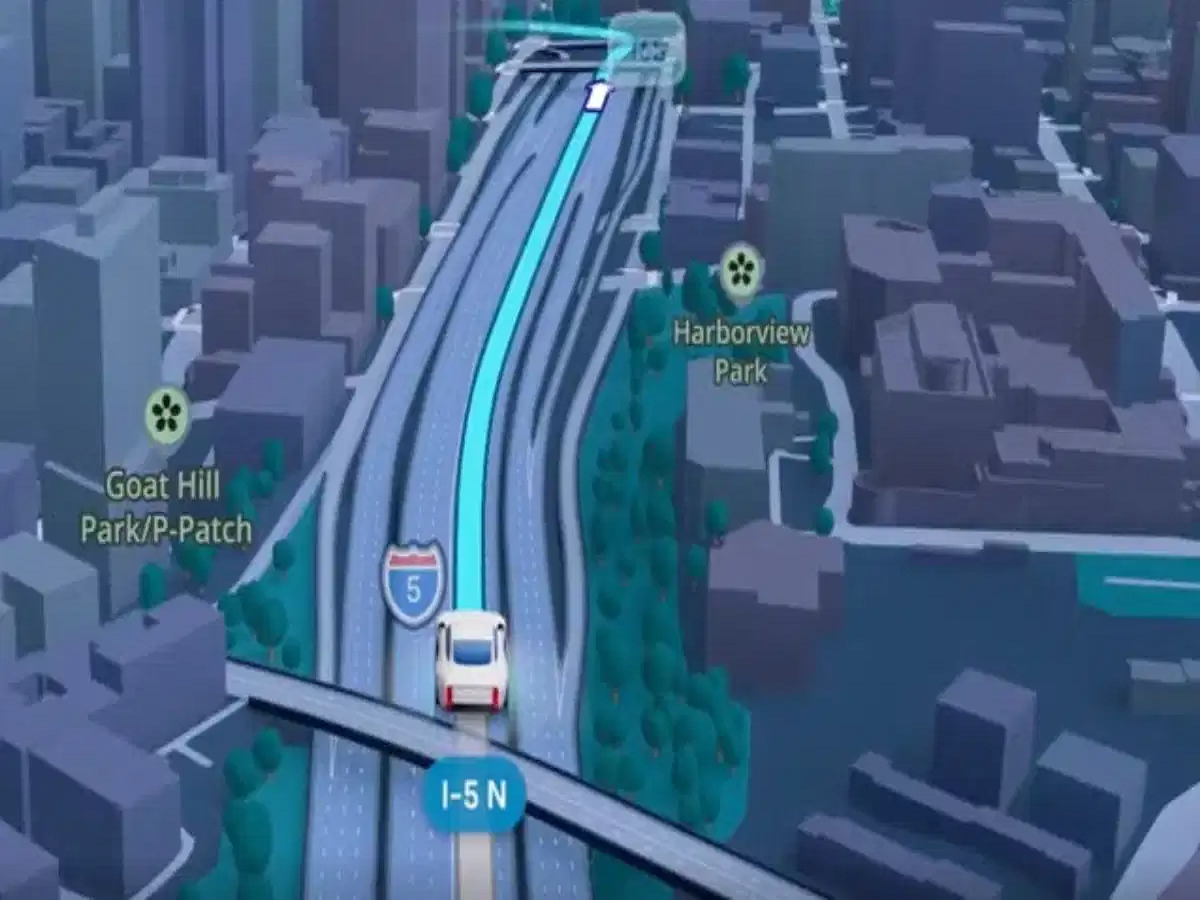
Google Maps is adding a fun twist to everyday navigation for Formula 1 fans. Instead of following the usual blue arrow on the screen, eligible users can replace their navigation icon with an orange McLaren F1 racing car.
Introduced through a partnership between Google Maps and McLaren Racing, the feature brings a little motorsport excitement to everyday journeys. Whether you're heading to work, travelling across the city, or navigating an unfamiliar route, the customised avatar offers a fresh way to personalise your navigation experience.
The feature is associated with Formula 1 activities in the United States and is intended to be available for a limited period, reportedly until November 23, 2026. Availability may depend on the user's device, app version, and regional rollout.
Here's how the feature works and how you can check whether it is available on your phone.
1. Google Maps Introduces a McLaren F1 Racing Car Avatar
Google Maps traditionally displays a blue arrow to indicate your current position and direction while navigating. With the new McLaren-themed option, users can replace that familiar symbol with an orange racing car.
The feature is particularly appealing to Formula 1 enthusiasts who want to bring their interest in motorsport into their everyday digital experiences.
The McLaren avatar is a visual customisation rather than a change to the navigation system itself. Google Maps continues to provide the same route guidance, estimated arrival times, and turn-by-turn directions.
The main difference is that your position on the map is represented by a racing car instead of the standard arrow.
2. How to Change Your Google Maps Icon to a McLaren F1 Car
If the feature is available in your Google Maps app, you can try changing your navigation avatar by following these steps.
-
Open Google Maps on your smartphone.
-
Tap your profile picture in the top-right corner.
-
Open Settings and look for the vehicle or navigation customisation options.
-
Select the available driving avatar or vehicle icon setting.
-
Choose the McLaren F1 racing car if it appears among the available options.
Once selected, the customised icon should appear in place of the standard navigation arrow during supported navigation sessions.
Important: Menu names and settings can vary between app versions and devices. If you cannot find the McLaren option, it may not have reached your account or region yet. Check that Google Maps is updated and look again later.
3. Can You See the McLaren Icon on Android Auto or Apple CarPlay?
Many drivers use Google Maps through their vehicle's infotainment display rather than looking at their smartphone screen.
If your phone is connected to a compatible car display through Android Auto or Apple CarPlay, the customised avatar may also be visible there, depending on the supported interface and current software version.
However, the availability of a feature on a smartphone does not automatically guarantee that it will appear identically on every car display.
If the McLaren avatar does not show up in your vehicle, check the Google Maps app on your phone first and ensure that your connected system is running compatible software.
As always, drivers should rely on spoken directions and keep their attention on the road rather than interacting with navigation settings while driving.
4. Is the McLaren F1 Icon a Permanent Google Maps Feature?
The McLaren racing car avatar is described as a limited-time promotional feature linked to Formula 1 activities in the United States.
The reported availability period runs until November 23, 2026. After that date, Google may remove the option or change its availability.
The rollout may also be gradual, meaning some users could see the feature before others. Its absence from your app does not necessarily indicate a problem with your phone.
Users who want to try it should check the available navigation customisation options while the promotion is active.
5. What Makes This Google Maps Feature Interesting?
Google Maps already allows users to customise the navigation marker, making it possible to personalise the way their vehicle appears on the map.
The McLaren partnership adds a motorsport-inspired option that stands out from the usual navigation symbols. For F1 fans, seeing a miniature racing car follow their route is a playful way to personalise everyday journeys.
However, the feature does not turn Google Maps into a racing simulator. It does not increase your vehicle's speed, change the route, improve navigation accuracy, or modify any driving functions.
It simply changes the appearance of the location icon while retaining the app's usual navigation features.
Final Takeaway
Google Maps' McLaren F1 avatar offers Formula 1 fans a fun way to customise their navigation experience. If the option is available on your device, you can select the racing car through the app's vehicle or driving-avatar settings.
Since the feature is being rolled out gradually and is intended to be available for a limited period, it may not appear for everyone immediately. Update your app, check the available settings, and keep an eye out for the orange McLaren racing car on your next journey.