
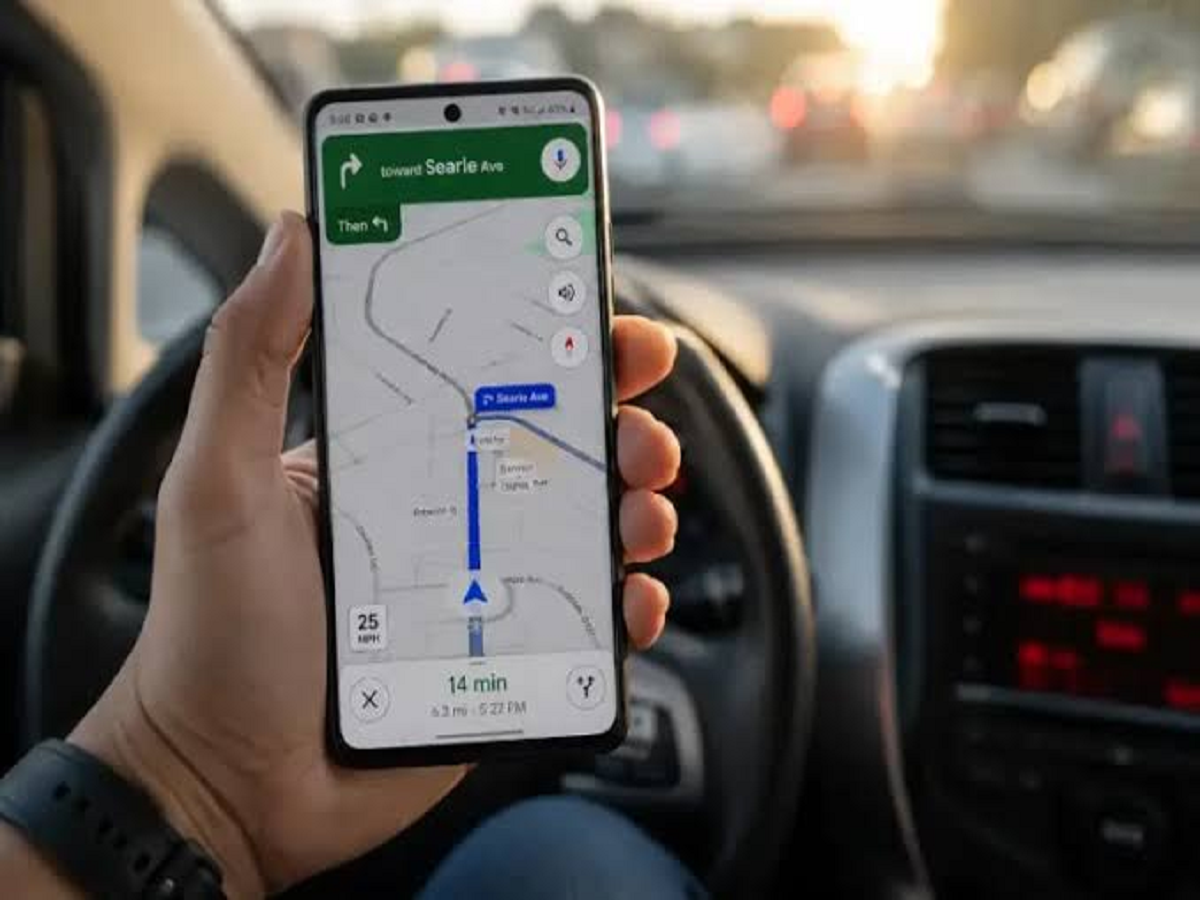
Most people open Google Maps only when they need directions. But the app can do much more than tell you which road to take.
From remembering where you parked to helping you avoid crowded places, several useful features remain hidden in plain sight. Here are seven Google Maps tricks that can make everyday travel much easier.
1. Never Forget Where You Parked
Ever walked out of a shopping mall or airport and forgotten exactly where you left your car?
Google Maps can help you save your parking location.
Once you've parked, open Maps and mark your current location as your parking spot. Later, you can open Maps again to find your way back to the vehicle.
This can be particularly useful in large parking lots where every row looks identical.
2. Find Out How Busy a Place Is
Before heading to a restaurant, shopping centre or popular tourist attraction, check its Google Maps listing.
Many places display information about how busy they typically are at different times of the day.
This can help you decide whether to visit immediately or wait for a less crowded period.
3. Download Maps for Offline Use
Travelling somewhere with unreliable mobile internet?
You can download an area of Google Maps for offline use.
Once the map has been downloaded, you can continue using it for navigation in areas where your internet connection is weak or unavailable, subject to the features supported in offline mode.
It's a particularly useful feature when travelling to remote areas or when you want to reduce mobile data usage.
4. Share Your Live Location
If you're meeting someone or travelling somewhere unfamiliar, you can share your real-time location with a trusted contact.
The person can then see where you are for the duration you choose.
This can be useful when travelling alone, meeting friends at a crowded location or letting family members know that you've reached your destination.
5. Measure the Distance Between Two Places
Google Maps can also be used to measure distances manually.
You can select a starting point and then add another location to see the approximate distance between them.
This isn't limited to roads—it can also help you understand straight-line distances between locations.
6. Remember Places You Have Visited
Google Maps can help you keep track of places you've visited through its Timeline and location-history features, depending on your account settings and device configuration.
This can be surprisingly useful when you're trying to remember the name of a restaurant you visited during a trip or retrace part of an earlier journey.
Because this involves sensitive location information, review your Google account's location settings and privacy controls regularly.
7. Save Places You Want to Visit
Planning a holiday?
Instead of keeping a long list of restaurants, attractions and shops in your notes app, you can save places directly in Google Maps.
Create lists for categories such as:
-
Restaurants to try
-
Places to visit
-
Hotels
-
Shopping
-
Weekend trips
When you're travelling, you can open the list and see your saved locations on the map.
One App, Much More Than Directions
Google Maps has gradually evolved from a simple navigation tool into an everyday travel assistant.
The next time you open it, don't just enter your destination. Explore its location-sharing, offline maps, saved places, parking and local information features.
You may find that the app you're already using every day can do much more than you thought.


