
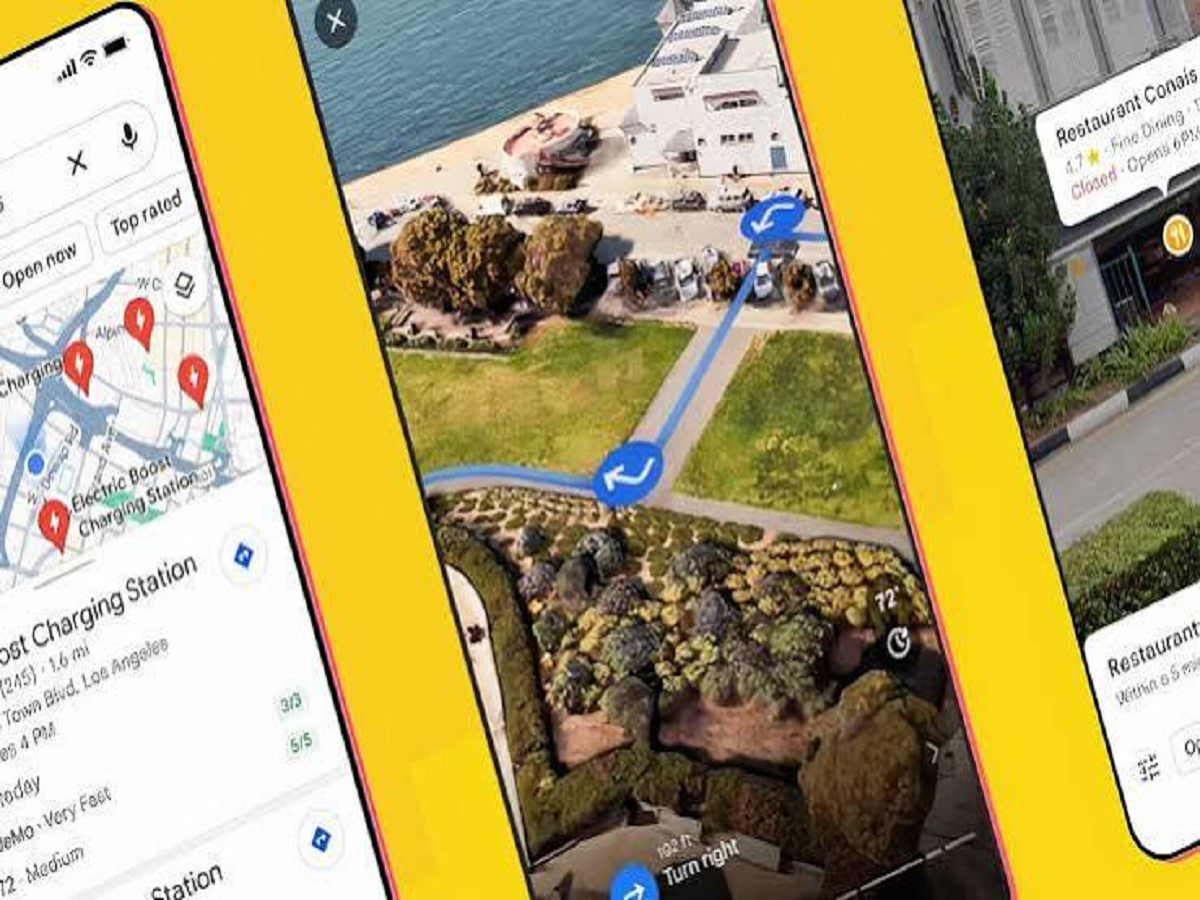
Google Maps is no longer just a navigation app. Google has been adding AI-powered features that can help users plan trips, discover places and get more useful information without switching between multiple apps.
The latest Ask Maps updates are particularly useful for Indian users, with support for Hindi, real-time public-transit information and more personalised recommendations.
If you use Google Maps regularly, here are five useful tricks worth trying.
1. Ask Maps for Places Using Normal Language
Instead of searching for individual restaurants, hotels or attractions, you can use natural-language questions with Ask Maps.
For example, you can ask for:
-
"Best vegetarian restaurants near me"
-
"Places to visit with children"
-
"Good cafes for a quiet evening"
-
"Hotels near the airport under my budget"
The AI-powered feature can provide suggestions based on what you're looking for, making trip planning easier.
2. Try Asking in Hindi
Google has expanded Ask Maps with Hindi support in India.
This means users who are more comfortable communicating in Hindi can ask Maps questions in Hindi instead of having to formulate searches in English.
This can be particularly useful when searching for local places or planning trips where you want to describe your requirements naturally.
3. Use Maps to Plan Your Entire Outing
You don't necessarily have to search separately for a restaurant, hotel and nearby attractions.
Ask Maps can help bring these types of recommendations together. For example, you could ask for a weekend plan involving a particular city, a hotel, restaurants and places to visit.
This can save time because you don't have to repeatedly switch between search results and Maps.
4. Check Real-Time Public Transport Information
Another useful addition is real-time public-transit information in Ask Maps.
If you're travelling without a car, you can use Maps to understand available public transportation options and incorporate them into your journey planning.
This can be particularly useful when you're visiting an unfamiliar city and don't know which transport options are available.
5. Use Offline Maps When Internet Is Unreliable
One of the most useful Google Maps features isn't new, but many users still overlook it: offline maps.
Before travelling to an area where mobile internet may be weak, download the relevant map while you have a reliable connection.
Once downloaded, you can continue using Maps for navigation in supported areas even when your internet connection is unavailable.
A Simple Trick That Can Save You Time
The biggest change in Google Maps is that you don't always have to search using short keywords anymore.
Instead of typing several separate searches, try describing exactly what you want in one sentence.
For example:
"Find a family-friendly restaurant near a shopping mall that is open tonight."
Natural-language searches can make Maps feel much more like a personal travel assistant than a traditional navigation app.
With Google's latest AI updates, including Hindi support and real-time transit information, Maps is becoming more useful for everyday travel and trip planning in India.


