
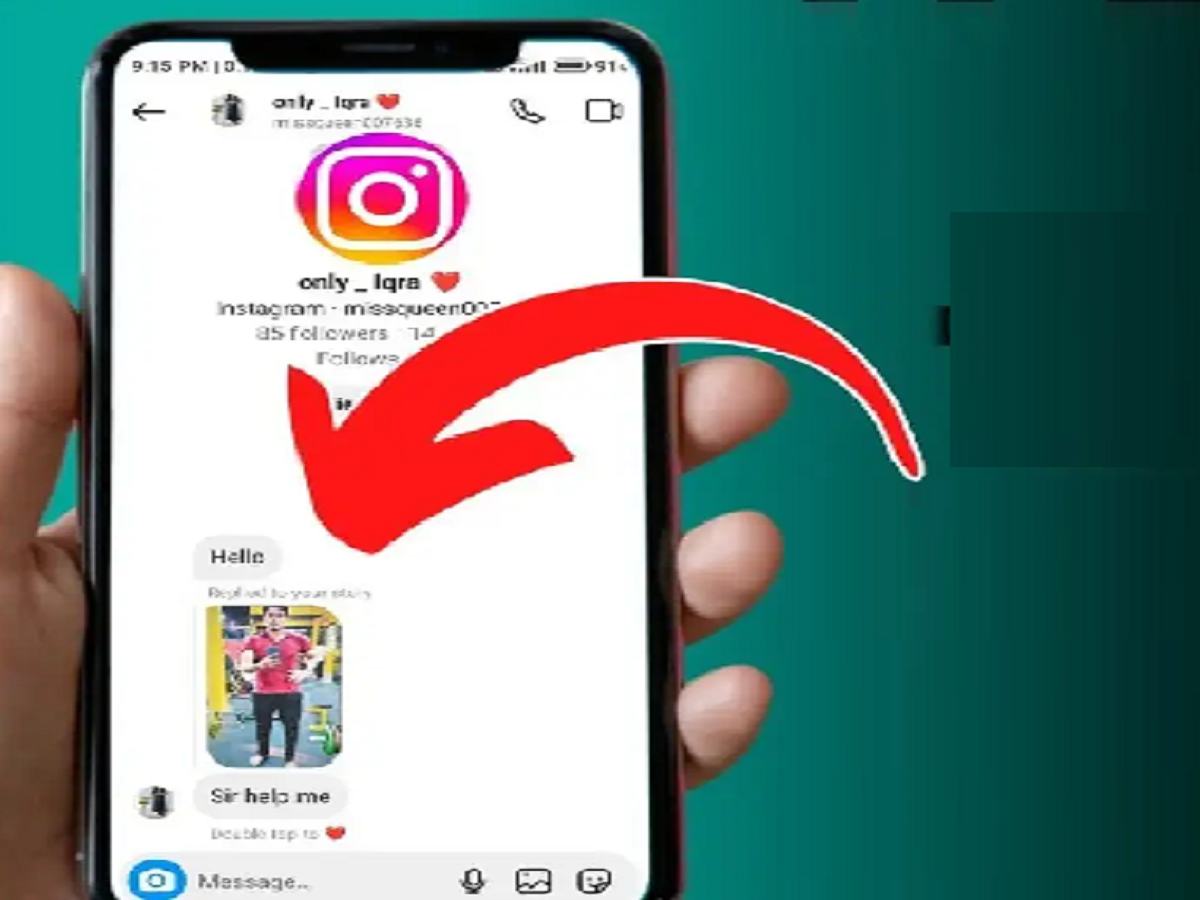
There are times on Instagram when you want to read someone's Direct Message, but don't want to show the other person "Seen" immediately. If you're in this situation, some of Instagram's privacy settings can help. However, the method may vary slightly depending on your current version of the Instagram app and your account settings.
Turn off Read Receipts to read messages.
Instagram has an option to control Read Receipts, meaning read messages. To do this, first open Instagram and go to your profile. Now, tap the three-line menu in the top right and go to Settings and activity.
Then, look for "Show read receipts" under "Messages and story replies." If this option is available on your account, it can be turned off. This will prevent the sharing of "Read/Seen" information after a message has been read in a chat.
You can also control this for a specific chat.
If you don't want to turn off Read Receipts for all chats, some accounts may have the option to control this through the chat's settings. Open the relevant chat, tap the person's name, and look for the Privacy or Read Receipts options available.
Keep this important note:
Instagram periodically changes its features and settings interface. Therefore, the name or location of the option may be slightly different on your phone. Also, do not attempt to secretly read Instagram messages using any third-party app or website, as this may compromise the security of your account.
So the safest way is to use Instagram's own Privacy and Message Settings.
PC: youtube


