
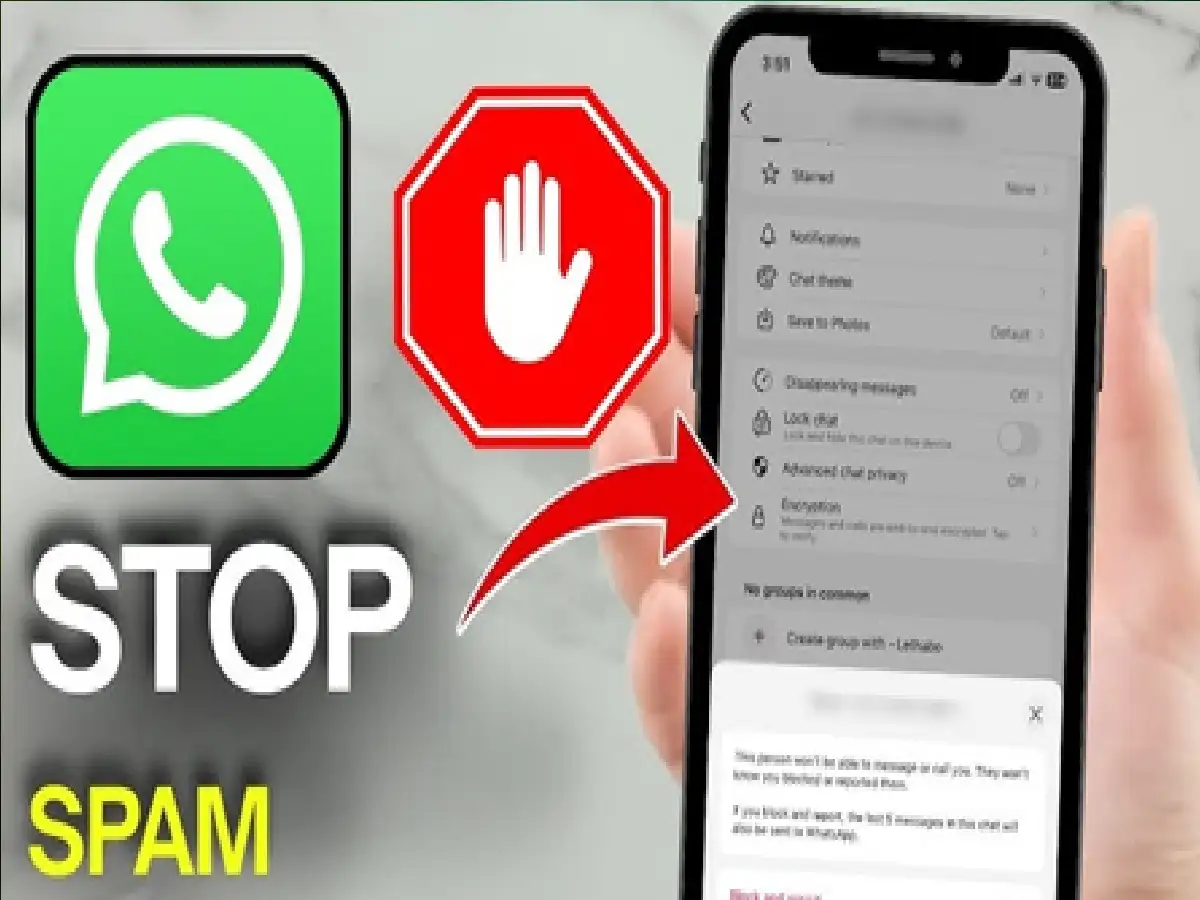
WhatsApp is one of the most popular messaging apps in the world, but with its increasing use, the problem of spam calls and messages has also increased. Often, unknown numbers send persistent calls, fake offers, lottery winning messages, or suspicious links. Such messages can pose a threat to your privacy and security. Fortunately, WhatsApp has several useful features to help prevent such spam.
1. Block unknown numbers immediately
If you're receiving repeated calls or messages from an unknown number, open that chat, tap their profile, and select Block. This will prevent that person from calling or messaging you.
2. Report Spam Contact
Simply blocking a number isn't enough. If a number is sending scams, fake offers, or objectionable content, use the Report option. This allows WhatsApp to review the account and take action if necessary.
3. Turn on the Silence Unknown Callers feature
WhatsApp has a feature called Silence Unknown Callers. When you enable it, calls from unknown numbers won't ring your phone, but the call details will appear in the call log. This feature provides significant relief from spam calls.
4. Don't click on suspicious links
If you receive a suspicious message containing a link related to a bank, prize, job, or OTP, avoid clicking on it. Always trust information only from reputable sources.
5. Keep Privacy Settings Updated
Go to WhatsApp's Privacy Settings to control who can see your profile photo, last seen, about, and status. This limits access to your personal information from strangers.
6. Turn on Two-Step Verification
To increase your account security, be sure to enable Two-Step Verification. This will prevent someone else from easily accessing your WhatsApp account using your number.
PC: Rochak Khabre


