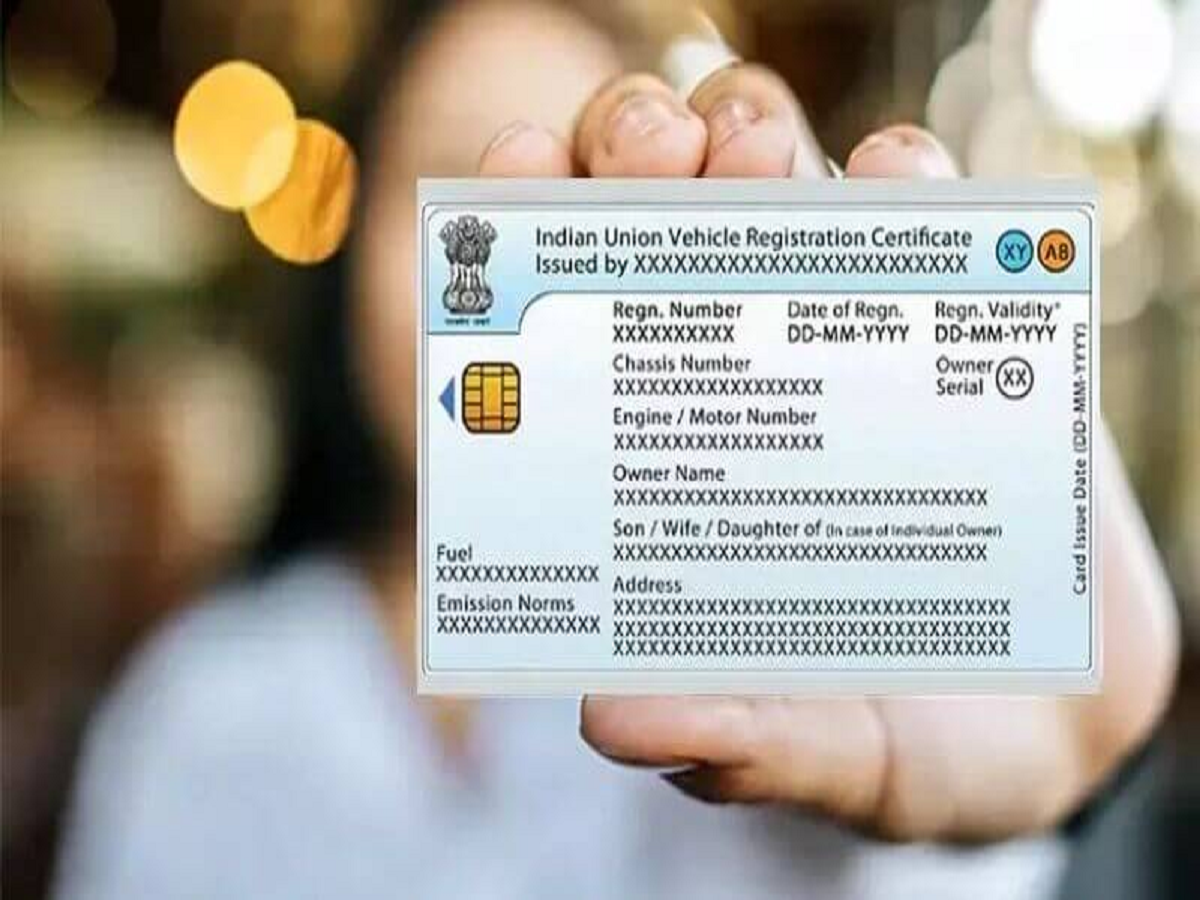
If you have shifted to a new permanent address, it is mandatory to update the address on all key official documents—including your vehicle’s Registration Certificate (RC). Under the Motor Vehicles Act, 1988, vehicle owners are required to report a change of residential address within 14 days.
The address on your RC can be updated online through the official transport services portal, making the process simpler and faster. Here’s a complete guide to help you change your vehicle’s RC address online.
Documents Required for RC Address Change
As per the official Parivahan Sewa portal, you may need the following documents:
-
Application in Form 33
-
Original Registration Certificate (RC)
-
Proof of new address
-
Valid insurance certificate
-
Pollution Under Control (PUC) certificate
-
No Objection Certificate (NOC) from financier (if vehicle is under hypothecation)*
-
Smart card fee receipt*
-
Attested copy of PAN card or Form 60 / Form 61 (as applicable)*
-
Chassis and engine pencil print*
-
Owner’s signature identification*
*Some documents may be required only in certain states.
How to Apply for Address Change on RC Online
Follow these steps to submit your application online:
Step 1
Visit the official Vahan e-Services website of the Ministry of Road Transport and Highways.
Step 2
Click on the Login option and enter your user ID, password, and security code.
Step 3
Go to Online Services and select Vehicle Related Services.
Step 4
Enter your vehicle registration number and the last five digits of the chassis number.
Step 5
Click Generate OTP and enter the OTP sent to your registered mobile number.
Step 6
After verification, select Change of Address in RC and proceed.
Step 7
Click on Change Address in RC from the left-hand menu.
Step 8
Fill in the required address details and submit the form.
Step 9
Enter insurance details under the Service Details tab and submit.
Step 10
Upload documents using the DMS (Document Management System) option.
Step 11
Book an appointment by selecting an available date and slot.
Step 12
Proceed to Fee Details, make the payment, and select a payment gateway.
Visit the RTO for Verification
After successful payment, download and print the receipt. Visit the concerned RTO with:
-
Payment receipt
-
Original documents
Once document verification is completed, the updated address will be recorded on your vehicle’s Registration Certificate.
Important Tip
The RC address update process may vary slightly from state to state. Always check local RTO requirements before visiting to avoid delays.