
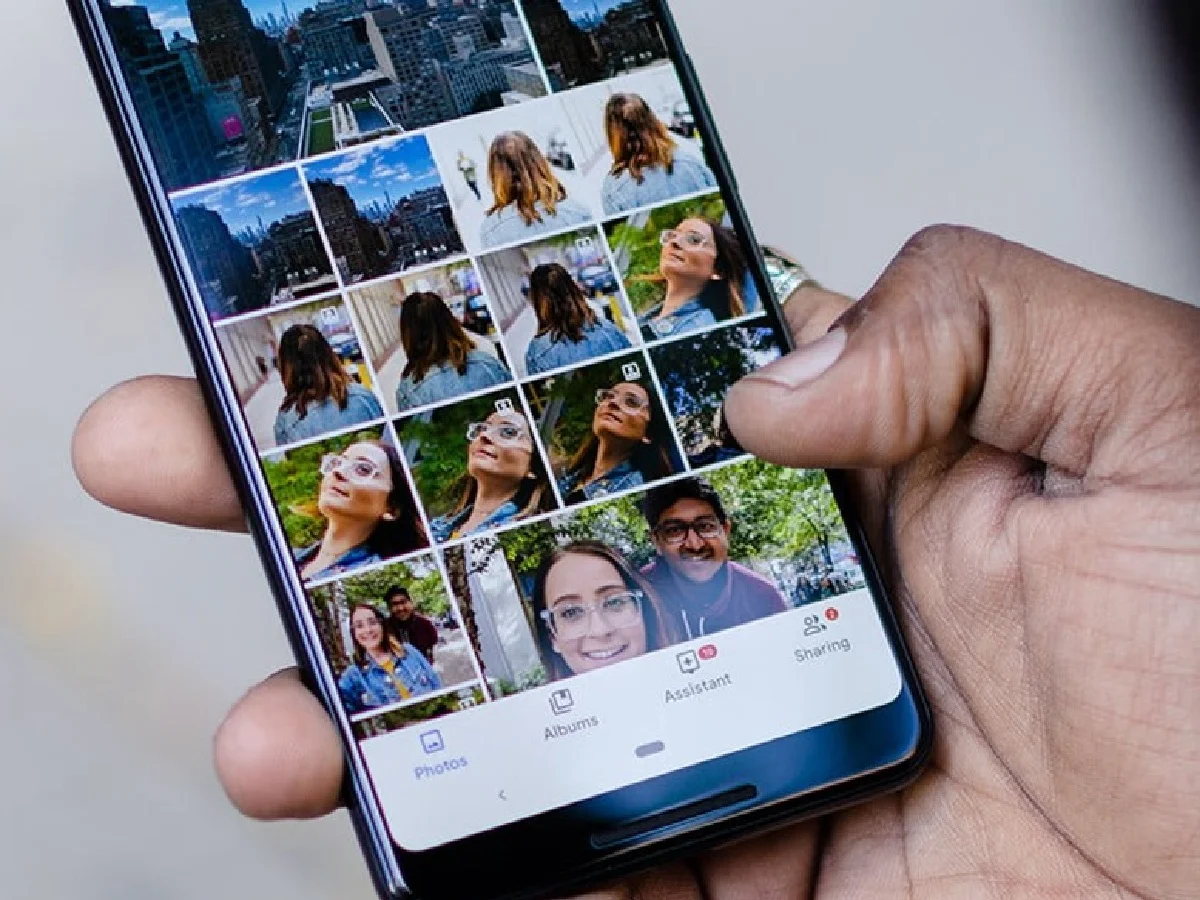
Nowadays, our smartphones store our personal photos, videos, important documents, and other sensitive files. If the phone falls into someone else's hands, these files could be at risk of misuse. Therefore, it's crucial to keep your private photos and files safe. Let's explore some simple methods.
1. Set a strong screen lock.
First, set a strong PIN or password on your phone. Don't just use simple passwords like a pattern or date of birth. Fingerprint or face unlock can also be used for additional security.
2. Use a private folder.
Many Android phones offer features like Private Folder, Secure Folder, or Locked Folder to hide photos and files. Keep your private photos and important files in these secure folders.
3. Secure your gallery and file manager.
If your phone has an App Lock option, lock apps like Gallery, File Manager, and Photos. This will prevent your private files from being easily accessed even when your phone is unlocked.
4. Keep your cloud account secure.
If you back up your photos and files to a cloud account like Google or Apple, be sure to enable a strong password and two-factor authentication (2FA) on that account. This increases account security.
5. Avoid suspicious apps.
Don't download apps from unknown websites or suspicious sources. Some apps may ask for excessive permissions and access your personal information. Always check the permissions of the app before installing it.
6. Take immediate action if your phone is lost
or stolen. If your phone is stolen or lost, immediately remote lock it and use remote erase if necessary. Also, change the passwords of important accounts.
PC: I am the world


