
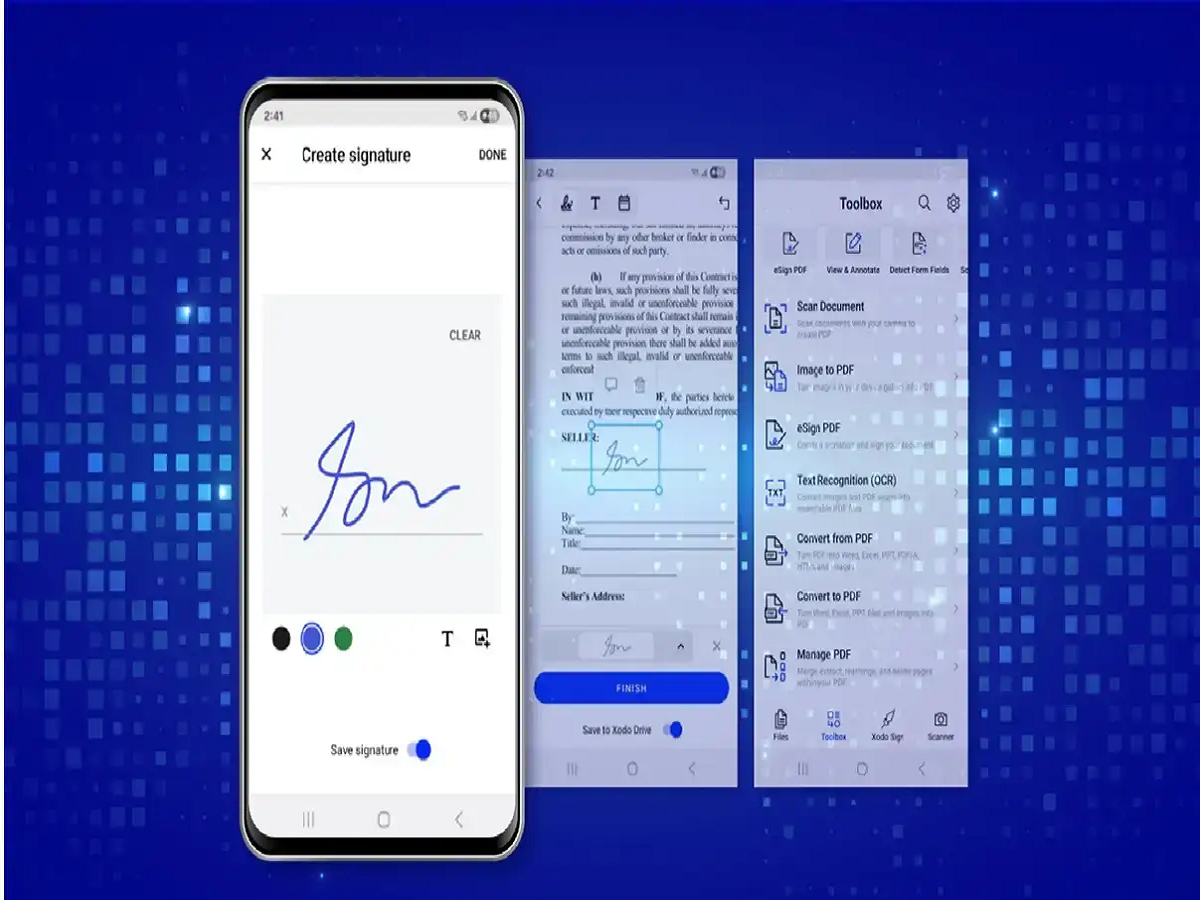
In today's digital age, many important documents are sent as PDFs. Signing a PDF doesn't require a computer or printer. You can sign a PDF in a few easy steps using your mobile phone.
How to Sign a PDF from Your Mobile
First, open the PDF file you want to sign on your mobile. You can use a PDF reader or PDF editor app for this. Many apps offer the option to Fill & Sign or Sign.
After opening the PDF, tap the Sign or Fill & Sign option. You'll now see the option to create your signature. You can create your signature using your finger or stylus on your mobile screen.
If you've already saved a photo of your signature, some apps also offer the option to add it to the PDF as an image. After adding your signature, place it in the correct location and resize it as needed.
Once the signature is correct, save the PDF using the Save or Save a Copy option. You can then easily send the signed PDF via WhatsApp, email, or other means.
When signing
PDFs from your mobile device, be sure to place your signature on the correct document. For important or legal documents, check the type of electronic or digital signature the person or organization accepts.


