
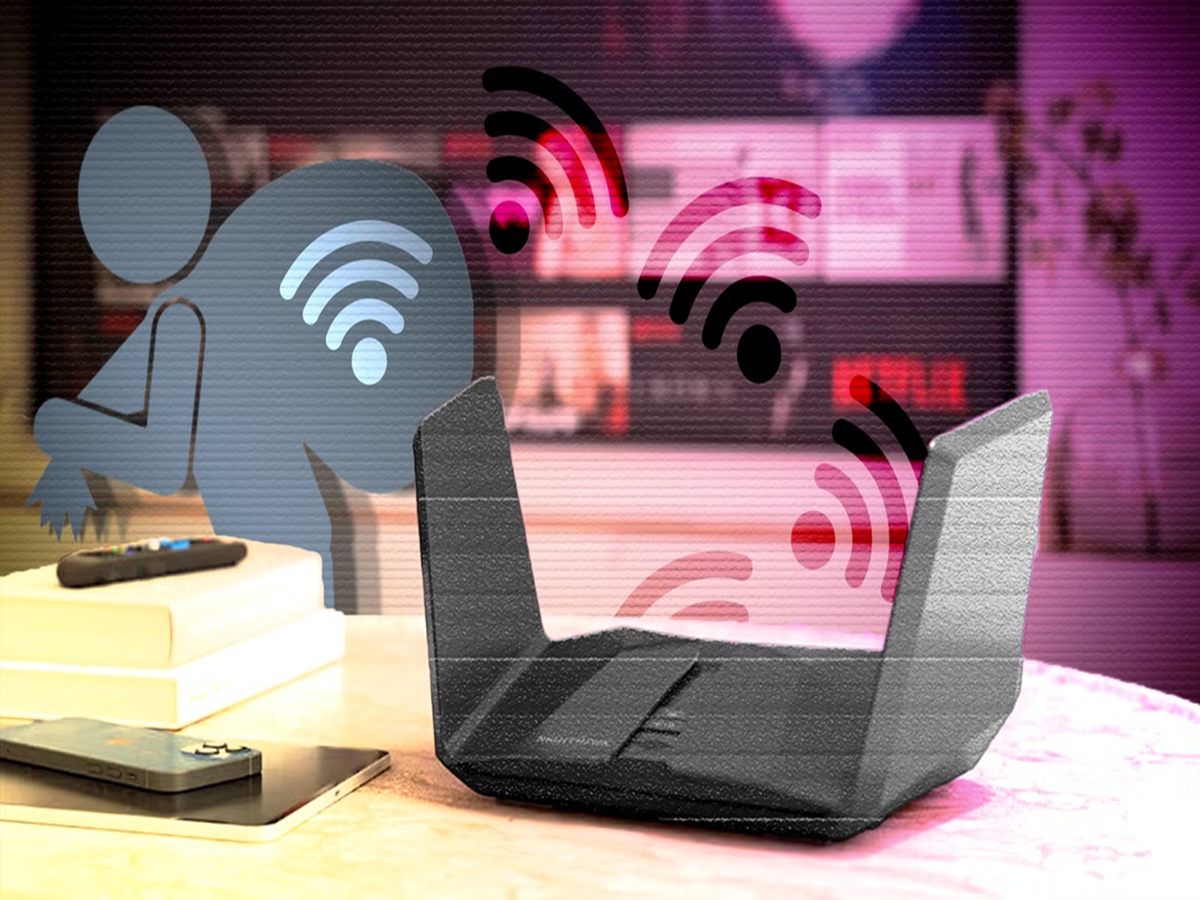
A slow internet connection isn't always your internet service provider's fault. Sometimes, the real reason could be that someone else is using your Wi-Fi without your knowledge. An unauthorized user on your network can reduce internet speeds, consume your data, and even put your personal information at risk if your network security is weak.
Fortunately, you don't need to be a tech expert to find out whether someone is connected to your Wi-Fi. Here are some simple ways to check and secure your home network.
The easiest place to start is your router's admin page. Most Wi-Fi routers allow you to view a list of all connected devices. Simply log in to the router using its IP address—usually printed on the router—and look for sections such as "Connected Devices," "Client List," or "Device Management." If you notice an unfamiliar phone, laptop, or smart device, someone may be using your network without permission.
Another quick method is to turn off all your known devices, including smartphones, laptops, smart TVs, and tablets. If the router's Wi-Fi indicator continues flashing rapidly after everything has been disconnected, it may indicate that another device is still using your network.
You should also pay attention to sudden drops in internet speed, especially during times when no one in your home is streaming videos or downloading large files. While slow speeds can have many causes, persistent unexplained slowdowns are worth investigating.
Changing your Wi-Fi password is one of the most effective ways to remove unauthorized users. Choose a strong password with a combination of uppercase and lowercase letters, numbers, and special characters. Avoid easy-to-guess passwords such as your name, mobile number, or "12345678."
If your router still uses older security standards like WEP or WPA, switch to WPA2 or WPA3 encryption if your router supports it. These newer security protocols provide much stronger protection against unauthorized access.
Many modern routers also allow you to receive notifications whenever a new device joins your network. Enabling this feature helps you spot unknown devices immediately rather than discovering them weeks later.
Finally, don't forget to keep your router's firmware updated. Manufacturers regularly release software updates that fix security vulnerabilities, improve stability, and enhance performance. Logging into your router every few months to check for updates can significantly improve your network's security.
As more homes become filled with smart TVs, security cameras, speakers, gaming consoles, and connected appliances, protecting your Wi-Fi has become more important than ever. A secure home network not only delivers better internet performance but also safeguards your personal data from unwanted access. Spending just a few minutes reviewing your router's settings today could save you from much bigger problems in the future.


