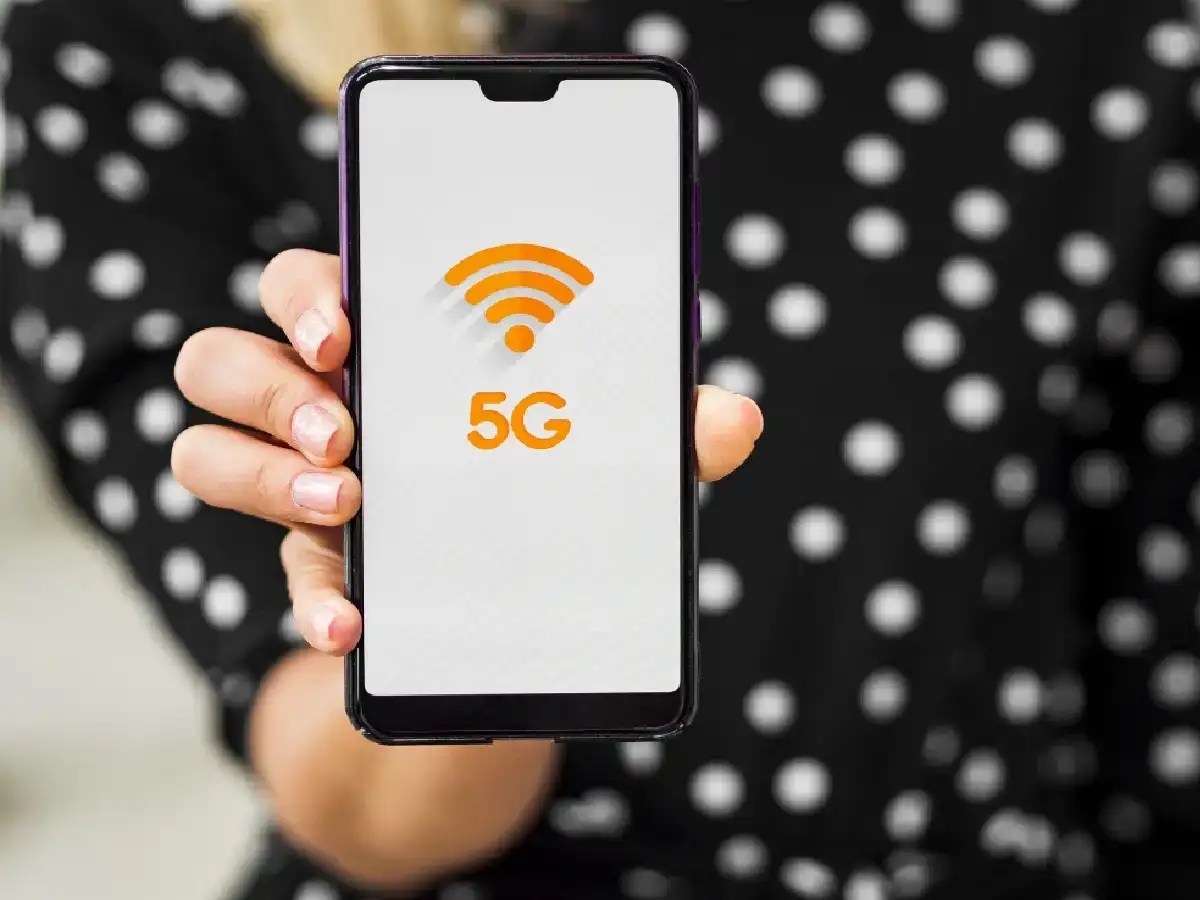
Sometimes, even with a 5G/4G network, your Android smartphone experiences extremely slow internet speeds. Videos start to buffer, and web pages take a long time to load. To fix this problem, follow the steps below:
1. Turn Airplane Mode on and off.
This is the quickest and most effective method. Pull down your phone's notification panel and turn Airplane Mode on for 5-10 seconds, then turn it off. This resets the phone's network connection and reconnects to the nearest strong tower.
2. Clear the phone's cache data.
'Cache files' accumulated in browsers (like Chrome) and apps running in the Tap on 3 Dots > Go to History > Clear Browsing Data and delete 'Cached images and files'.
3. Turn off Apps.
Tap on apps that use more data (like social media/gaming apps) and go to Mobile Data & Wi-Fi and disable/turn off ' Network & Internet (or SIM Cards & Mobile Networks).
Go to Preferred Network Type and select Auto 5G/4G/3G.
5. Reset APN (Access Point Names) settings.
Incorrect APN settings also affect network speed.
Go to Settings > Mobile Network > Select SIM > Access Point Names (APN).
Tap on the 3 dots in the top corner and select 'Reset to Default'.
6. Restart your phone.
If none of the above methods work, restart your phone. This clears the RAM and allows the network adapter to function freshly.
PC: Airtel