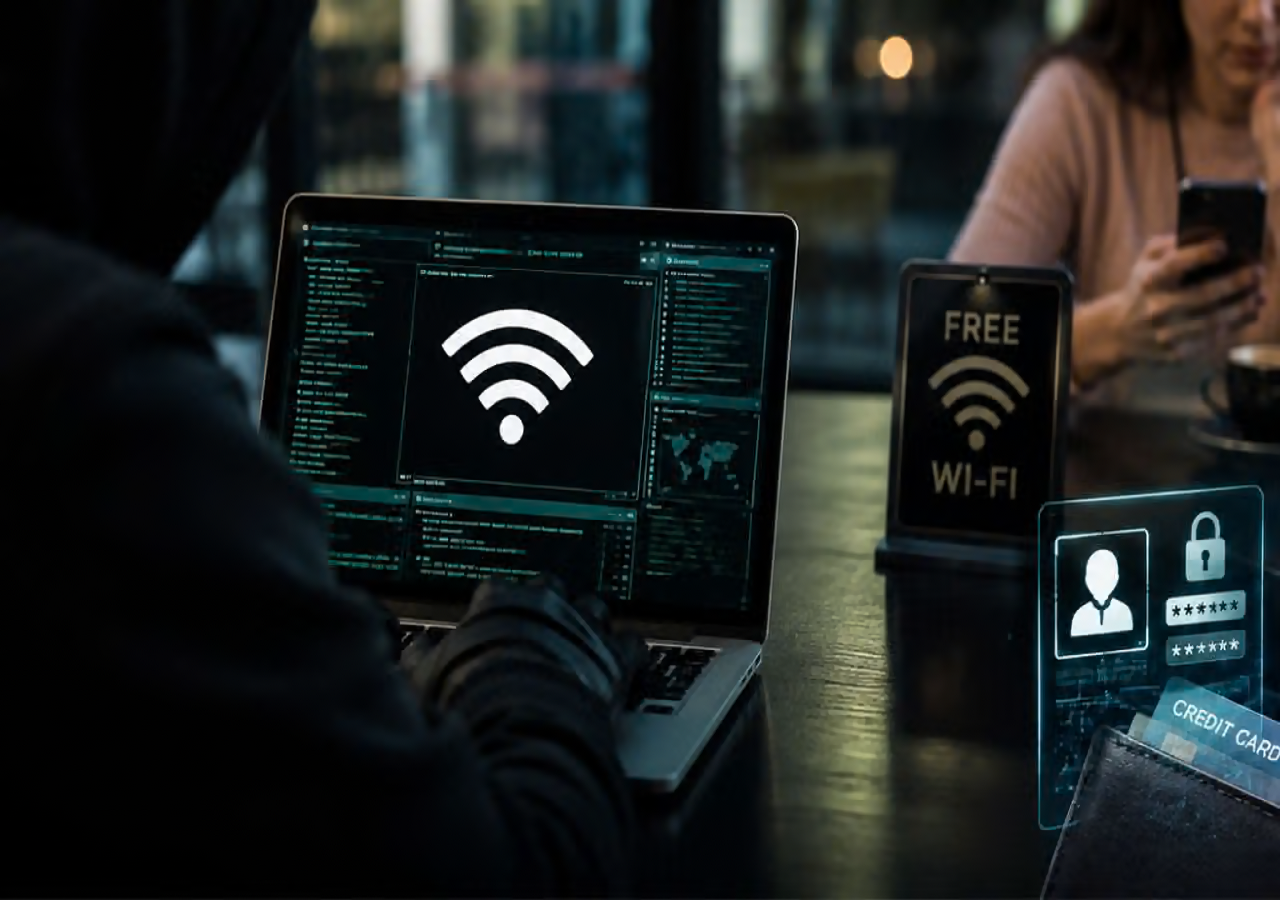
Your smartphone holds some of your most sensitive information, including personal conversations, photographs, emails and banking details. While most people take precautions such as using screen locks and strong passwords, one small habit often goes unnoticed: keeping Wi-Fi switched on throughout the day.
Leaving Wi-Fi enabled is not automatically dangerous, but your phone may continue scanning for nearby networks and reconnect to previously saved connections, depending on its settings. In certain situations, this behaviour can expose users to unnecessary privacy risks, particularly when connecting to unfamiliar public networks.
From fake Wi-Fi hotspots to unwanted network tracking, understanding these risks can help you make smarter decisions about your phone's connectivity.
1. Your Phone May Connect to Unfamiliar Networks
When Wi-Fi is enabled, smartphones can search for nearby wireless networks. Depending on your device settings, your phone may automatically reconnect to a previously saved network when it becomes available.
This can be convenient at home, but it may create problems if a saved network is no longer trustworthy or if you connect to an unfamiliar hotspot while travelling.
Public Wi-Fi is available in places such as airports, railway stations, hotels, shopping malls and cafés. Although many of these networks are legitimate, their security arrangements can vary.
To reduce unnecessary risks, disable automatic joining for networks you do not trust and switch off Wi-Fi when you do not need it. You can also remove old public networks from your saved connections.
2. Fake Wi-Fi Hotspots Can Put Your Data at Risk
One potential cybersecurity threat is a fraudulent Wi-Fi hotspot designed to look like a legitimate network.
For example, a cybercriminal could create a network with a name similar to that of an airport, hotel or café's official Wi-Fi service. Unsuspecting users might connect without checking whether the network is genuine.
Depending on how the fraudulent network is configured, users could be redirected to fake login pages, exposed to phishing attempts or subjected to attempts to intercept insecure communications.
To protect yourself, verify the network name with the establishment before connecting. Avoid entering passwords or banking details into unfamiliar pages that appear after joining a hotspot.
Remember that HTTPS encryption protects much of the information exchanged with legitimate websites, so connecting to public Wi-Fi does not automatically mean your personal data is exposed.
3. Wi-Fi Signals Can Raise Privacy Concerns
Did you know that wireless technology can sometimes be used to estimate people's movements in public places?
Certain tracking systems use Wi-Fi-related signals or device identifiers to study movement patterns in locations such as shopping centres, airports and retail stores. The extent of tracking depends on the technology used, the device's privacy settings and the information collected.
Modern smartphones employ privacy protections, including restrictions on how devices identify themselves to wireless networks. However, these measures do not eliminate every possible form of tracking.
Turning off Wi-Fi when it is unnecessary may reduce some wireless scanning activity, but it does not make your phone completely untrackable. Location services, mobile networks, Bluetooth and applications may still use other methods to determine or infer your location.
4. Keeping Wi-Fi On May Affect Battery Life
Another reason to manage your phone's wireless settings is battery consumption.
When Wi-Fi is enabled, the phone may periodically scan for available networks or maintain a connection in the 's security settings up to date.