TECH
Is Your Smartphone Battery Draining Faster in Winter? Follow These 7 Simple Tips to Make It Last Longer
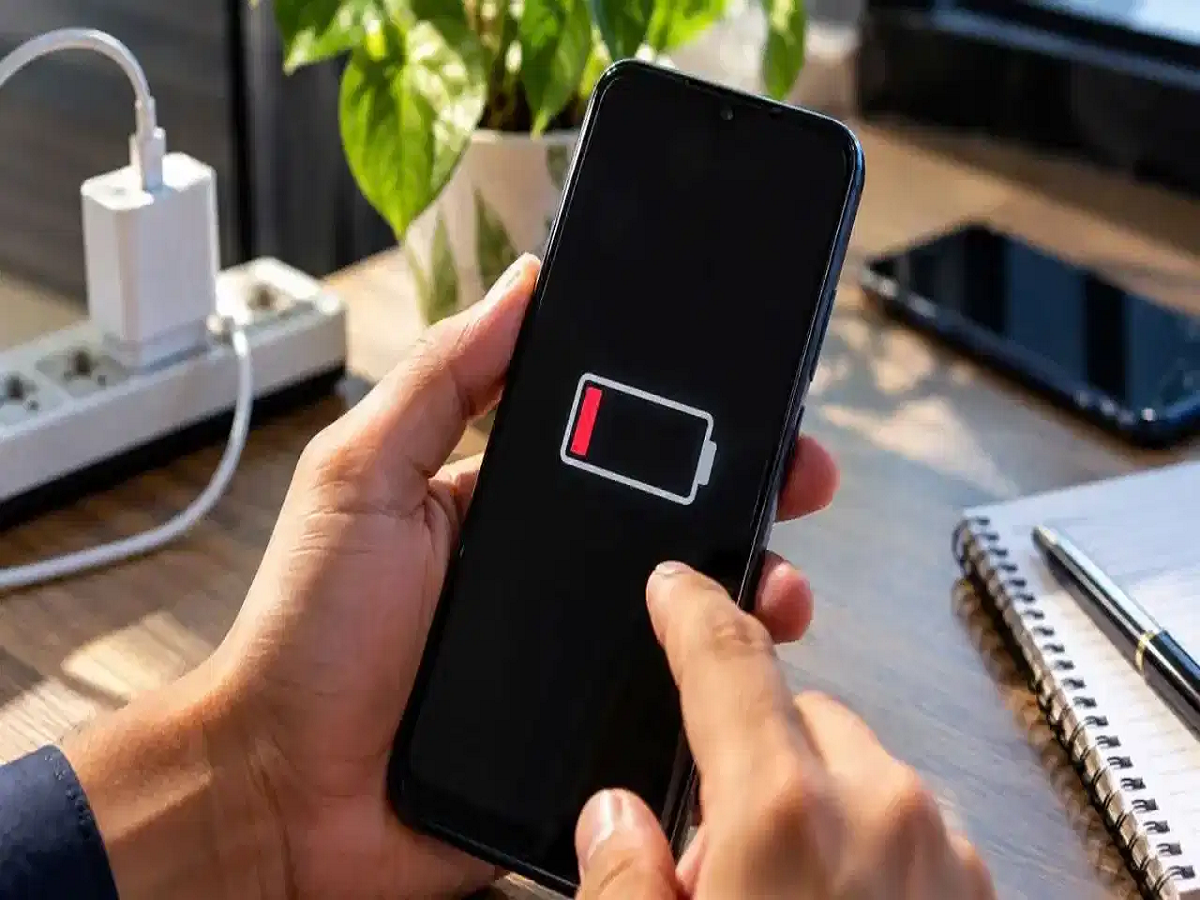
As winter approaches, smartphone users may notice an unusual problem: their phone's battery starts draining much faster when they step outside in the cold. In some cases, the battery percentage may still show a few per cent remaining, but the phone suddenly switches off.
This issue is particularly common among people travelling to mountainous regions or spending long hours outdoors during cold weather. While it may seem like a battery malfunction, low temperatures can affect how smartphone batteries work. Fortunately, a few simple precautions can help you keep your phone running longer throughout winter.
Why Does Your Phone Battery Drain Faster in Cold Weather?
Most modern smartphones use lithium-ion batteries. When temperatures drop, the chemical reactions inside these batteries slow down, temporarily reducing their ability to deliver power efficiently.
As a result, your phone may show a sudden drop in battery percentage or shut down unexpectedly. Activities such as using the camera, checking maps or increasing screen brightness can make the problem more noticeable.
A phone may start working normally again after returning to a warmer environment. However, charging a very cold phone immediately is not recommended, as extreme temperatures can affect battery health.
7 Ways to Protect Your Phone Battery This Winter
1. Keep Your Phone in Your Jacket's Inside Pocket
Avoid leaving your smartphone exposed to cold air for extended periods. Instead, keep it in the inside pocket of your jacket. Your body heat can help maintain a more stable temperature and protect the battery from excessive cold.
If you're travelling by bike or scooter, avoid keeping your phone mounted on the handlebar for too long. Put it back in your pocket once you have finished using it.
2. Turn on Battery Saver Mode Before Heading Out
If you plan to spend several hours outdoors, activate Battery Saver or Low Power Mode before leaving home. This feature limits background activities and reduces unnecessary power consumption.
You can also reduce screen brightness, shorten the screen timeout and turn off features you are not using.
3. Download Maps and Tickets in Advance
If you're planning a winter trip, especially to mountainous areas, download offline maps before starting your journey.
It is also a good idea to save your train and bus tickets on your phone. This reduces the need to repeatedly switch on mobile data or search for information online, helping conserve battery power.
4. Limit Camera and Screen Usage
Taking multiple photographs, recording videos and keeping the display at maximum brightness can consume considerable battery power.
During cold weather, try to use the camera only when necessary. Once you have finished using an app, lock your screen instead of leaving it switched on.
5. Fully Charge Your Phone Before Leaving Home
If you expect to spend the entire day outside, make sure your phone is adequately charged before leaving.
This is particularly important if you use an older smartphone, as batteries that have experienced significant wear may be more vulnerable to sudden shutdowns in cold conditions.
6. Avoid Charging a Very Cold Phone Immediately
If your phone has been exposed to extremely low temperatures, allow it to return gradually to normal room temperature before charging.
Do not use a heater, hair dryer or hot air to warm it up. Sudden temperature changes can damage the device, and charging outside the recommended temperature range may affect battery health.
7. Carry a Fully Charged Power Bank
A power bank can be extremely useful during long journeys, particularly when travelling through mountainous regions where charging facilities may not be readily available.
Keep the power bank charged and carry it in a pocket or bag where it is protected from extreme cold. It can provide an additional source of power when your phone's battery runs low.
A Few Precautions Can Make a Difference
Cold weather can temporarily affect smartphone battery performance, but that does not necessarily mean your battery is permanently damaged. Keeping your phone warm, reducing unnecessary screen usage and planning ahead can help prevent unexpected shutdowns.