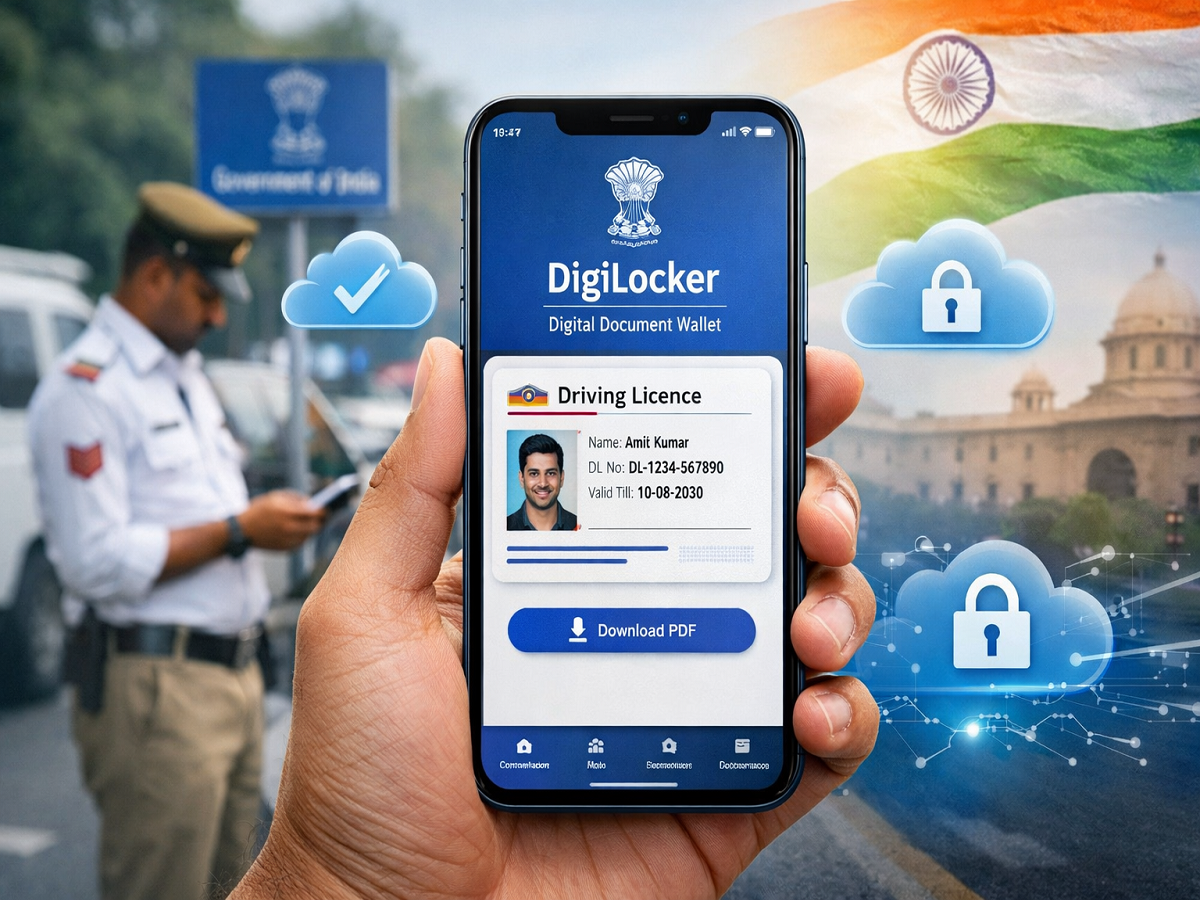
In today’s digital era, carrying physical documents is no longer necessary. Thanks to apps like DigiLocker and mParivahan, you can now store your driving licence safely on your smartphone. This not only reduces the risk of losing important documents but also ensures quick access whenever needed.
If you often forget to carry your driving licence or want a hassle-free digital solution, here’s a complete step-by-step guide to help you download and store its soft copy on your phone.
Why Store Driving Licence Digitally?
The Government of India has officially allowed digital documents stored in apps like DigiLocker and mParivahan to be treated as valid proof. This means:
- No need to carry physical licence
- Reduced chances of loss or damage
- Instant access anytime, anywhere
- Accepted by traffic police and authorities
What You Need Before Starting
Before downloading your licence, make sure:
- You have a DigiLocker account
- Your mobile number is linked with Aadhaar
- Stable internet connection is available
Method 1: Download Driving Licence via DigiLocker
Follow these simple steps:
Step 1: Login to DigiLocker
- Visit the DigiLocker website or open the app
- Sign in using your username and 6-digit PIN
- Verify using OTP sent to your registered mobile number
Step 2: Fetch Your Licence
- Click on “Get Issued Documents”
- In the search bar, type Driving Licence
- Select your issuing state
Step 3: Enter Details
- Input your driving licence number
- Accept consent to share data
- Click on Get Document
Step 4: Access and Download
- Your licence will appear under Issued Documents
- Tap on it to view
- Click on PDF download to save it on your phone
Method 2: Use mParivahan App
If you prefer an alternative, mParivahan is another official option.
Steps:
- Download the app from Play Store or App Store
- Sign up/login
- Go to DL Dashboard
- Enter your driving licence details
- Your digital licence will appear instantly
Key Benefits of Using These Apps
- Secure cloud storage
- Government-verified documents
- Easy sharing when required
- No paperwork stress
Important Tips
- Always keep your mobile charged while traveling
- Ensure your DigiLocker account details are updated
- Avoid sharing your login credentials
- Download offline copy for emergencies
Final Thoughts
Storing your driving licence digitally is a smart and convenient step towards a paperless lifestyle. With platforms like DigiLocker and mParivahan, you can access your important documents anytime without worry. Whether you’re traveling daily or occasionally, this digital solution ensures you’re always prepared.