
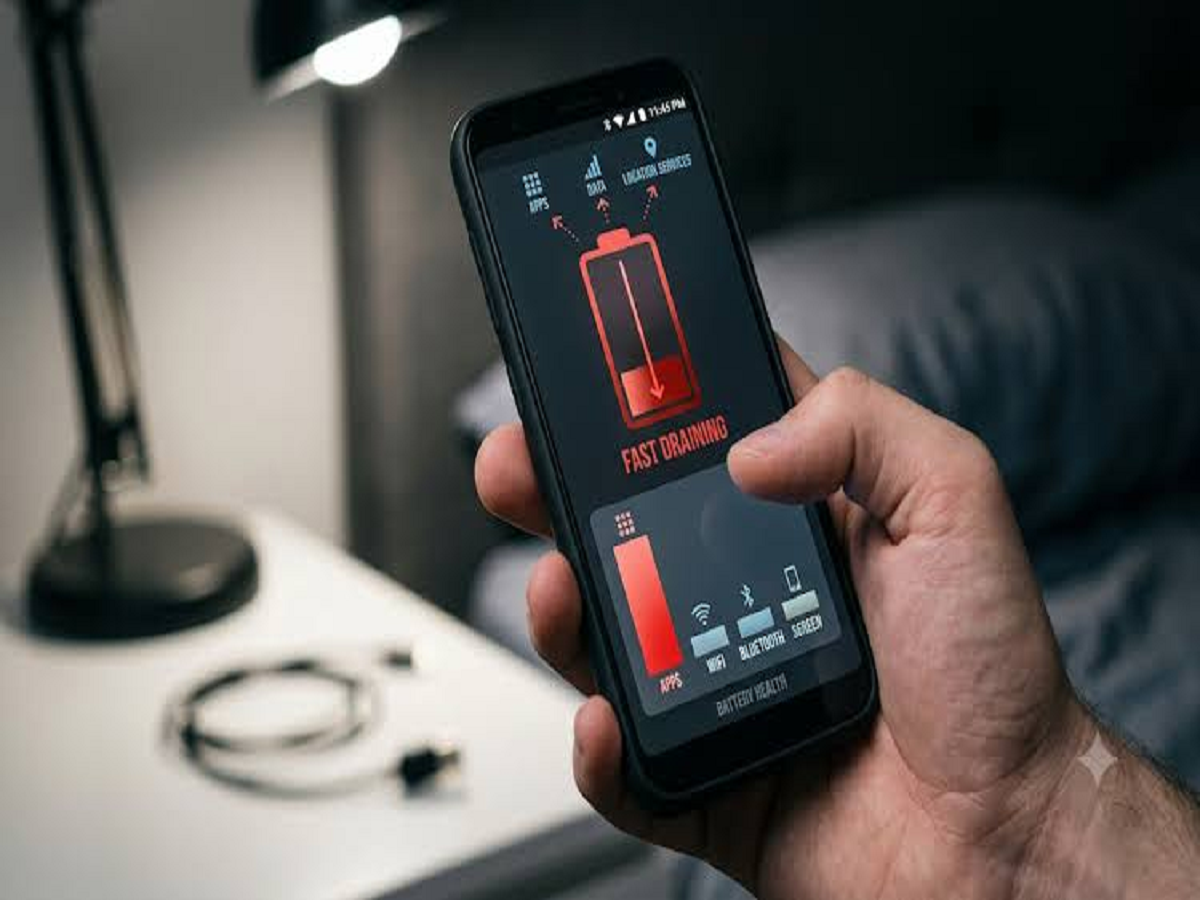
A smartphone battery that once lasted all day can start running out much faster as the device gets older or as more apps begin running in the background.
Before buying a new battery or phone, there are several settings you can check yourself. Some small changes can reduce unnecessary battery consumption without affecting normal phone usage.
1. Find Which Apps Are Consuming the Most Battery
Start by checking your phone's battery-usage section.
On Android, this is generally available under Settings → Battery. On iPhone, go to Settings → Battery.
The list can reveal applications that are using an unusually large amount of power.
If an app you rarely use is consuming significant battery, consider restricting its background activity or uninstalling it.
2. Reduce Unnecessary Background Activity
Some applications continue performing tasks even when you are not actively using them.
Social media, shopping and other frequently updated apps can consume power through background activity.
Review the background-usage permissions on your phone and restrict applications that do not need to operate continuously.
3. Lower Screen Brightness
The display is one of the biggest sources of smartphone battery consumption.
Using automatic or adaptive brightness can help prevent the screen from remaining unnecessarily bright.
You can also reduce the screen timeout so that the display turns off sooner when you stop using the phone.
4. Turn Off Features You Are Not Using
Bluetooth, location services, mobile hotspot and other connectivity features can consume additional power depending on how they are used.
There is no need to keep every feature active all the time.
For example, if you are not using a mobile hotspot, turn it off rather than leaving it running in the background.
5. Check Location Permissions
Not every application needs continuous access to your location.
Review location permissions and consider allowing access only when an application actually needs it.
This can improve privacy as well as reduce unnecessary background activity.
6. Enable Battery Saver When Necessary
Most modern smartphones include a battery-saving mode.
Battery Saver can limit background activity, reduce certain performance-intensive operations and change other settings to extend remaining battery life.
It is particularly useful when your battery is low and you still need the phone to last several more hours.
7. Keep Your Phone Updated
Software updates can sometimes include improvements to power management and bug fixes.
Make sure your operating system and important applications are kept reasonably up to date.
However, if battery drain suddenly becomes severe immediately after an update, check battery-usage statistics to identify whether a particular application is responsible.
8. Watch Out for Heat
Excessive heat is bad for smartphone batteries.
Avoid leaving your phone in direct sunlight or inside a hot car for extended periods. Intensive gaming, charging and demanding applications can also generate heat.
If your phone becomes unusually hot, give it time to cool down and check what is causing the increased workload.
What About Overnight Charging?
Modern smartphones generally include charging-management features designed to reduce unnecessary battery wear.
Instead of worrying about a single overnight charging session, focus on keeping the device cool and using the manufacturer's charging accessories or reputable compatible chargers.
If the battery has significantly degraded over time, software settings cannot restore its original capacity.
When Should You Consider a Battery Replacement?
If your phone is several years old and its battery health has deteriorated significantly, faster drain may simply be the result of normal battery ageing.
In that situation, replacing the battery through an authorised service provider can be more effective than constantly changing settings.


