
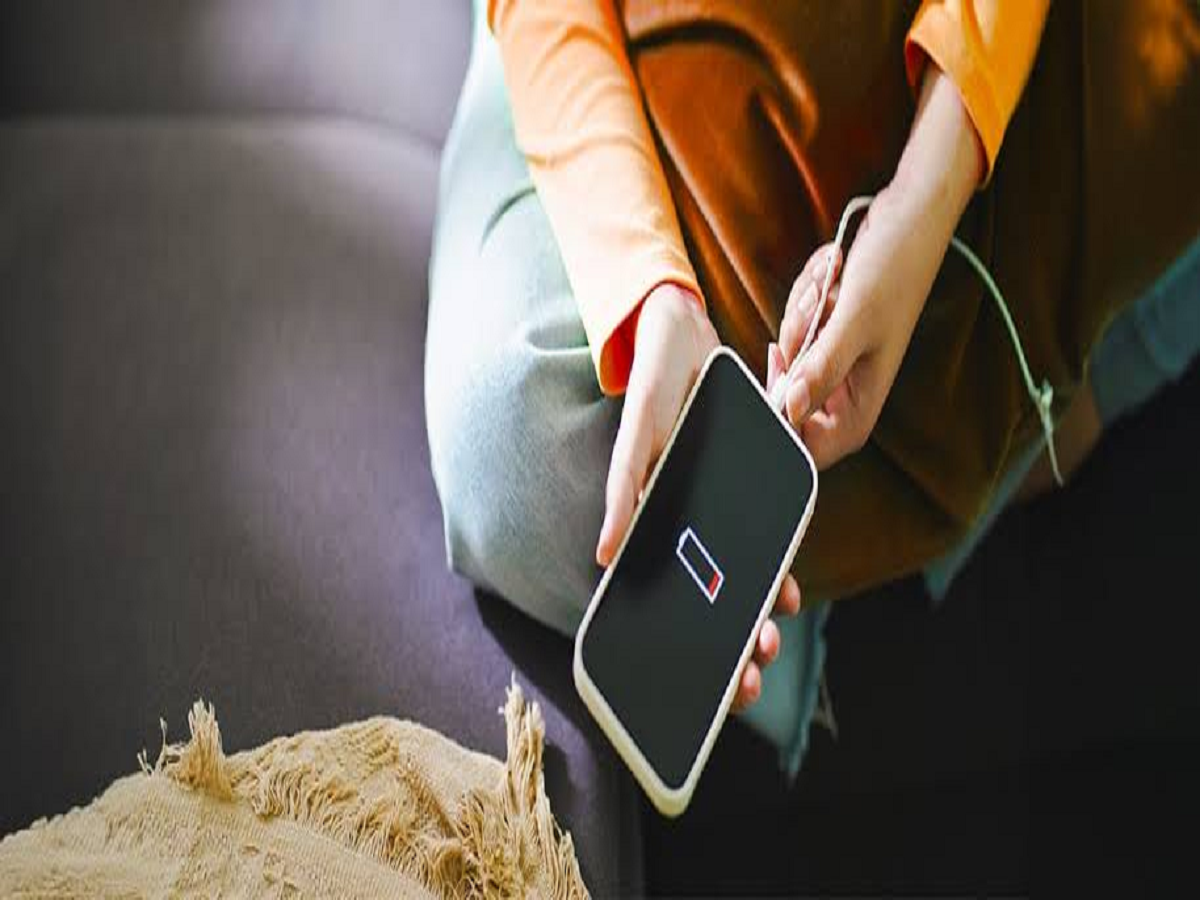
If your smartphone battery seems to be running out much faster than it used to, you don't necessarily need a new phone. Several background processes, display settings and power-hungry apps can quietly consume battery throughout the day.
A few changes to your daily habits and phone settings can help reduce unnecessary battery drain.
Find Out Which Apps Use the Most Battery
Before changing anything, check your phone's battery settings.
Open the Battery section in Settings and look at the apps consuming the most power. Social media, video streaming, navigation and gaming apps can use substantial battery, particularly when they frequently access the internet or location services.
If an app you rarely use is consuming a surprising amount of power, consider restricting its background activity or uninstalling it.
Reduce Screen Brightness
The display is often one of the biggest sources of battery consumption.
Using automatic brightness can help your phone adjust the screen according to surrounding light. You can also manually lower brightness when maximum brightness isn't necessary.
If your phone has a high-refresh-rate display, switching to a standard refresh rate can further reduce power consumption.
Use Dark Mode When Appropriate
Dark mode can reduce power consumption on phones with OLED or AMOLED displays because individual pixels can be turned off when displaying black.
The difference may not be dramatic for every user, but combining dark mode with other battery-saving measures can help.
Turn Off Features You Don't Need
Bluetooth, GPS, mobile hotspot and other wireless features can consume additional power when actively used.
You don't need to disable everything permanently. Instead, turn off features you're not using, particularly mobile hotspot and location access when they aren't required.
Check Background Location Access
Some apps continue accessing your location even when you're not actively using them.
Go to your phone's app permissions and review which apps have location access. Where appropriate, change unnecessary permissions to While using the app rather than allowing constant background access.
This can improve privacy as well as reduce battery consumption.
Reduce Unnecessary Notifications
Every notification can wake the screen, trigger sounds or vibrations and cause an app to perform background activity.
Review your notification settings and disable alerts from apps that don't need to notify you immediately.
You can keep important alerts from messaging, banking and other essential services while reducing unnecessary notifications from less important apps.
Be Careful With Extreme Temperatures
Battery performance can be affected by extreme heat.
Avoid leaving your phone in direct sunlight or inside a hot car for long periods. Intensive gaming or video recording while the phone is already very hot can also increase thermal stress.
Keeping the device at a moderate temperature is generally better for battery longevity.
Keep Your Phone Updated
Software updates can sometimes include improvements to power management and fixes for apps or system processes that consume excessive battery.
Check for available system and app updates, particularly if battery drain suddenly becomes worse after installing or using a particular application.
Don't Constantly Force-Close Every App
Many people repeatedly close all their apps believing this will always save battery.
Modern smartphones are designed to manage background applications automatically. Constantly reopening apps after force-closing them can sometimes use more energy than simply allowing the system to manage them.
Close an app when it is misbehaving or consuming excessive resources, rather than making it a routine after every use.
Use Battery Saver When You Really Need It
If you're travelling or won't have access to a charger for several hours, enable your phone's Battery Saver or Low Power Mode.
It can reduce background activity, limit certain visual effects and restrict other power-consuming processes to extend the remaining battery.
Small Changes Can Make a Big Difference
Battery drain is usually caused by a combination of factors rather than one single setting.
Check which apps are consuming power, manage your screen brightness, review permissions, reduce unnecessary notifications and keep your phone away from excessive heat.
These simple habits can help your smartphone last longer between charges and may also contribute to better battery health over the long term.


