
TECH
Phone Storage Full? These Simple Tricks Can Free Up Space Without Deleting Your Important Photos
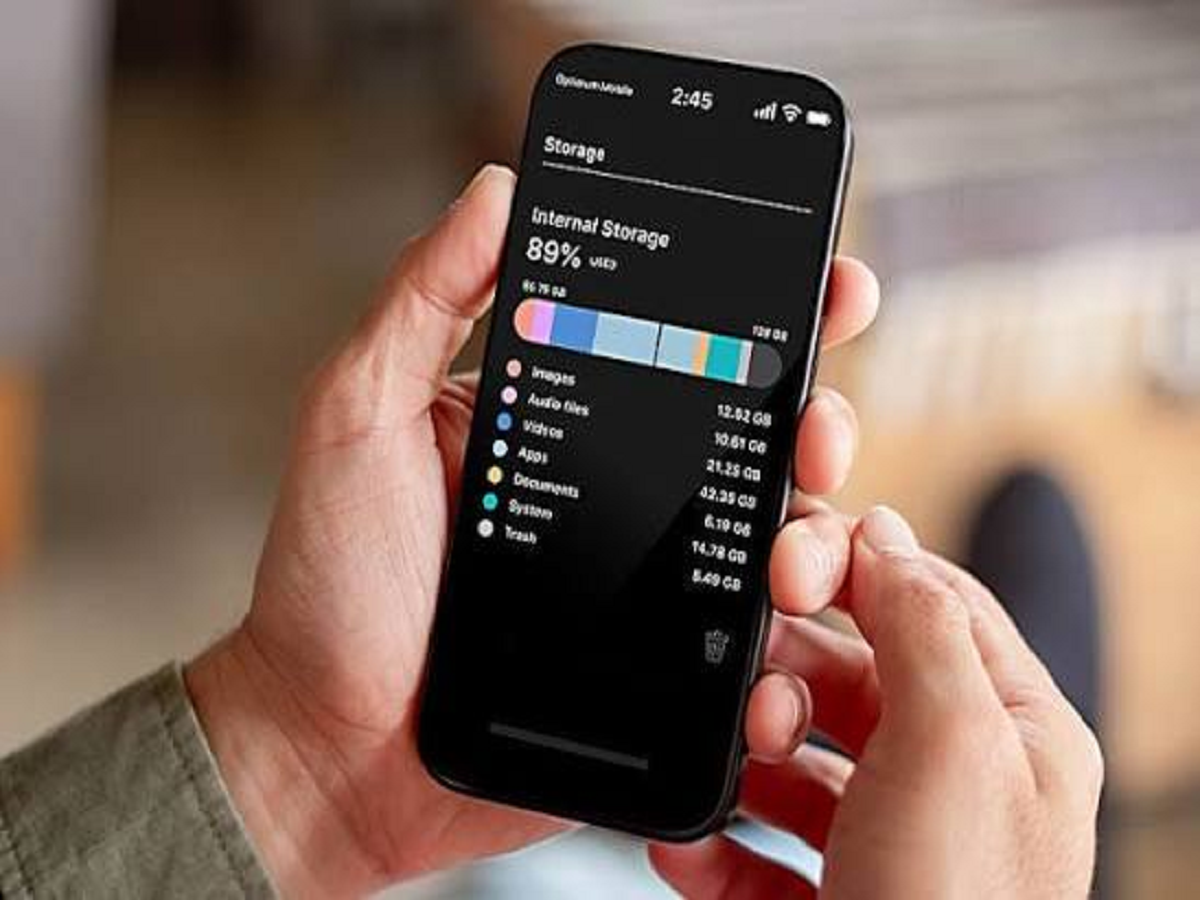
Running out of storage is one of the most frustrating smartphone problems. A phone that once had plenty of free space can suddenly start showing "Storage Almost Full" after months of photos, videos, WhatsApp media, downloads and app data.
The good news is that you don't necessarily need to delete your favourite photographs or important files. A few simple checks can often recover several gigabytes of storage.
Find Out What Is Actually Using Your Storage
Before deleting anything, open your phone's Storage settings. Android and iPhone both provide a breakdown showing how much space is being used by photos, videos, applications, documents and other data.
This immediately tells you where the problem is. If videos are consuming most of the storage, deleting unused applications won't make much difference.
WhatsApp Can Quietly Fill Your Phone
WhatsApp is one of the biggest sources of unnecessary storage usage. Videos, photographs, GIFs, voice messages and forwarded files can accumulate over time, particularly in large group chats.
Open WhatsApp's storage-management section and check which conversations are using the most space. You can then review large files and delete unnecessary media without deleting the entire chat.
Also consider preventing WhatsApp from automatically downloading every photograph and video to your phone's gallery.
Clear App Cache When Necessary
Some Android applications create temporary files that can occupy considerable storage. Clearing an app's cache can sometimes recover space without removing your account or important data.
However, avoid repeatedly clearing caches just because you see them listed in the storage menu. Cache exists partly to make applications load faster, and it will often be recreated after being deleted.
Most importantly, don't accidentally select "Clear storage" or "Clear data" unless you understand what it will remove.
Check Your Downloads Folder
The Downloads folder is another place where forgotten files accumulate. Old PDFs, installation files, images, documents and videos may remain on the phone long after you have finished using them.
Open your file manager and sort files by size. Large files that you no longer need can often be removed within minutes.
Remove Apps You Haven't Used in Months
Look through your installed applications and identify those you haven't opened for a long time. Games can be particularly large, with some occupying several gigabytes.
If you don't use an application anymore, uninstalling it is usually more effective than trying to recover a small amount of space elsewhere.
You can always reinstall an app later if you genuinely need it again.
Don't Keep Multiple Copies of the Same Photos
Photos and videos can be duplicated when they are downloaded from WhatsApp, edited and saved again, or backed up and restored.
Before deleting anything, carefully review your photo library for duplicate photographs, blurry images, screenshots and old screen recordings. Modern phones and photo-management apps may also provide tools for identifying duplicate or unnecessary files.
Be careful when using automatic cleaning tools, especially if your photos have not been backed up.
Cloud Storage Can Help, But Check Your Backup First
Cloud services can be useful for storing photographs and videos while keeping less data on the phone itself. But never delete local copies simply because you believe they are backed up.
First confirm that the photographs and videos have successfully uploaded and can be accessed from another device or through the cloud service. Only then should you consider removing local copies.
Your Phone Doesn't Need to Be Full
A smartphone performs best when you maintain some free storage instead of constantly operating at maximum capacity. Keeping a reasonable amount of space available can also make it easier to install system updates and download new files.
Instead of waiting for the dreaded "Storage Full" warning, spend a few minutes every month checking large videos, WhatsApp media, downloads and unused apps.


