TECH
Smart Plugs Can Make Your Home Smarter, But One Security Mistake Could Put Your Privacy at Risk
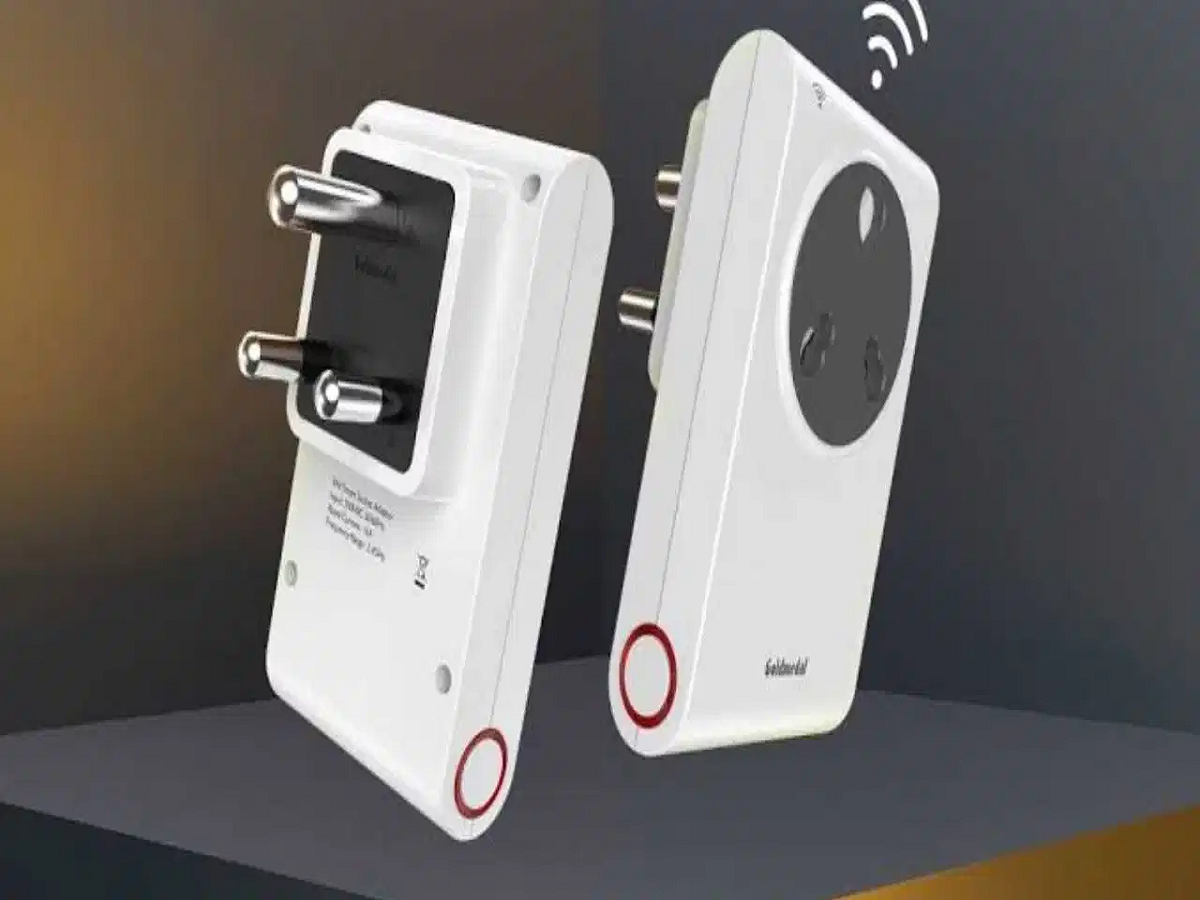
Smart homes are becoming increasingly popular, with people adopting gadgets that make everyday tasks easier. One such device is the smart plug, a small accessory that allows you to control electrical appliances using your smartphone. You can switch devices on or off remotely, create automatic schedules and even monitor electricity consumption. Some models are available for less than ₹1,000 and can be installed within minutes.
However, while smart plugs offer convenience, they also connect household appliances to the internet. This makes privacy and cybersecurity important considerations before installing one.
What can you do with a smart plug?
A smart plug fits between a regular wall socket and an electrical appliance. Once connected to your home's Wi-Fi network and configured through its companion app, it allows you to control the power supply remotely.
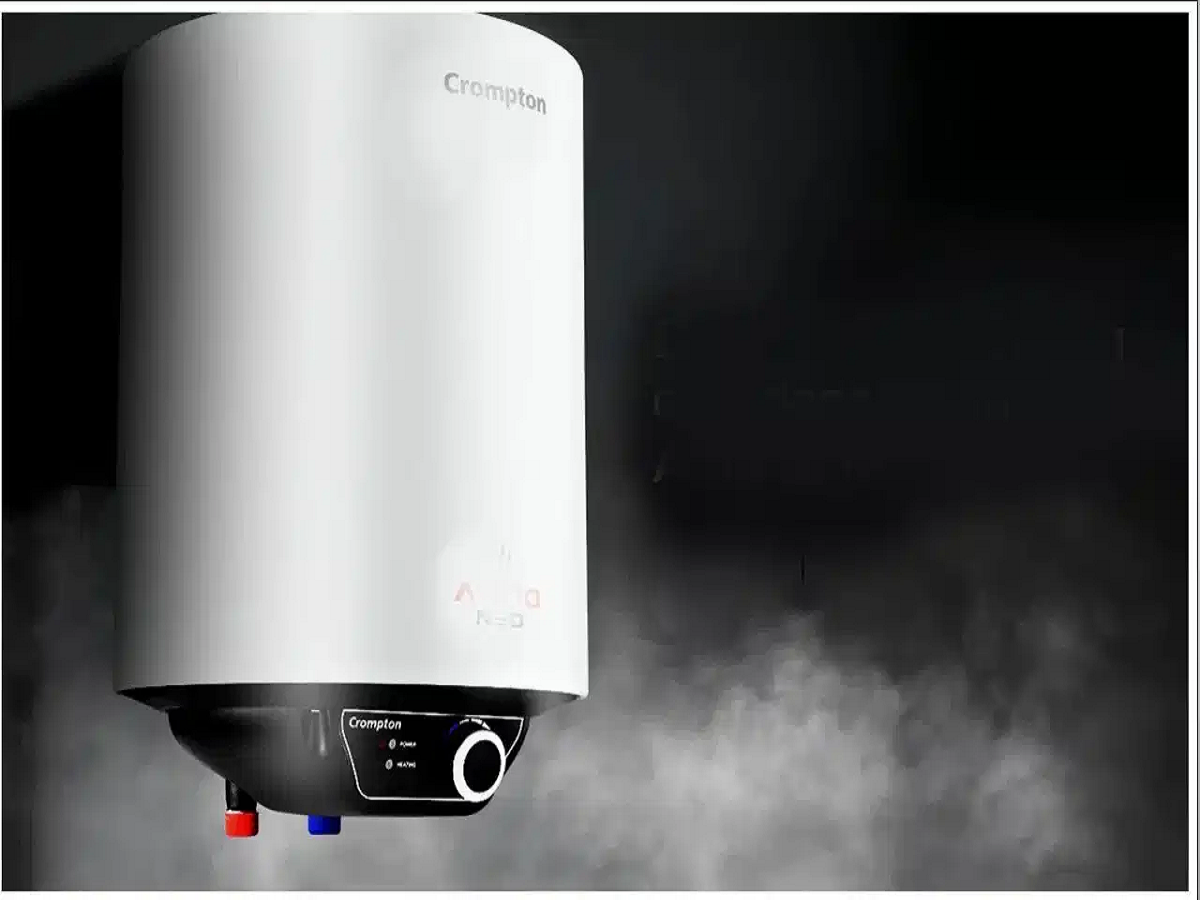
For example, you can schedule your geyser to switch on 20 minutes before your morning bath and turn off automatically afterward. You can also control lamps and other compatible appliances when you are away from home.
Many smart plugs support voice commands through Amazon Alexa or Google Assistant. Certain models also offer energy monitoring, allowing you to check how much electricity connected appliances consume.
However, smart plugs have limitations. They only control the electrical supply and cannot adjust an appliance's temperature or operate its individual functions. For example, they cannot select a washing machine's programme or change an air conditioner's cooling settings. Some appliances may also require you to press their physical power button before they restart after receiving electricity.
It is also important to avoid connecting dangerous appliances such as irons and portable heaters to smart plugs and leaving them unattended. Remote switching does not eliminate the risks associated with these devices.
Three smart plugs worth considering
Here are three 16A smart plug options that offer features such as scheduling, remote control and energy monitoring.
1. TP-Link Tapo P110 16A
The TP-Link Tapo P110 offers energy monitoring, timers, scheduling and voice control. It can help users understand electricity consumption and manage connected appliances remotely. Its mentioned price is approximately ₹853, and it has an average rating of 4.4 stars from more than 3,000 buyers.
2. Wipro 16A Smart Plug
Wipro's 16A smart plug is designed for compatible higher-power appliances, including geysers and microwaves. It supports scheduling and energy monitoring. Its mentioned price is approximately ₹904, with an average rating of 4.2 stars based on more than 19,000 ratings.
3. Qubo 16A Smart Plug
The Qubo 16A smart plug offers both Wi-Fi and Bluetooth connectivity. Bluetooth can provide local control when an internet connection is unavailable, subject to the device's supported features and operating range. Its mentioned price is approximately ₹899, and it has an average rating of 3.9 stars.
Prices and ratings may change depending on the retailer and availability.
Important privacy settings you should check
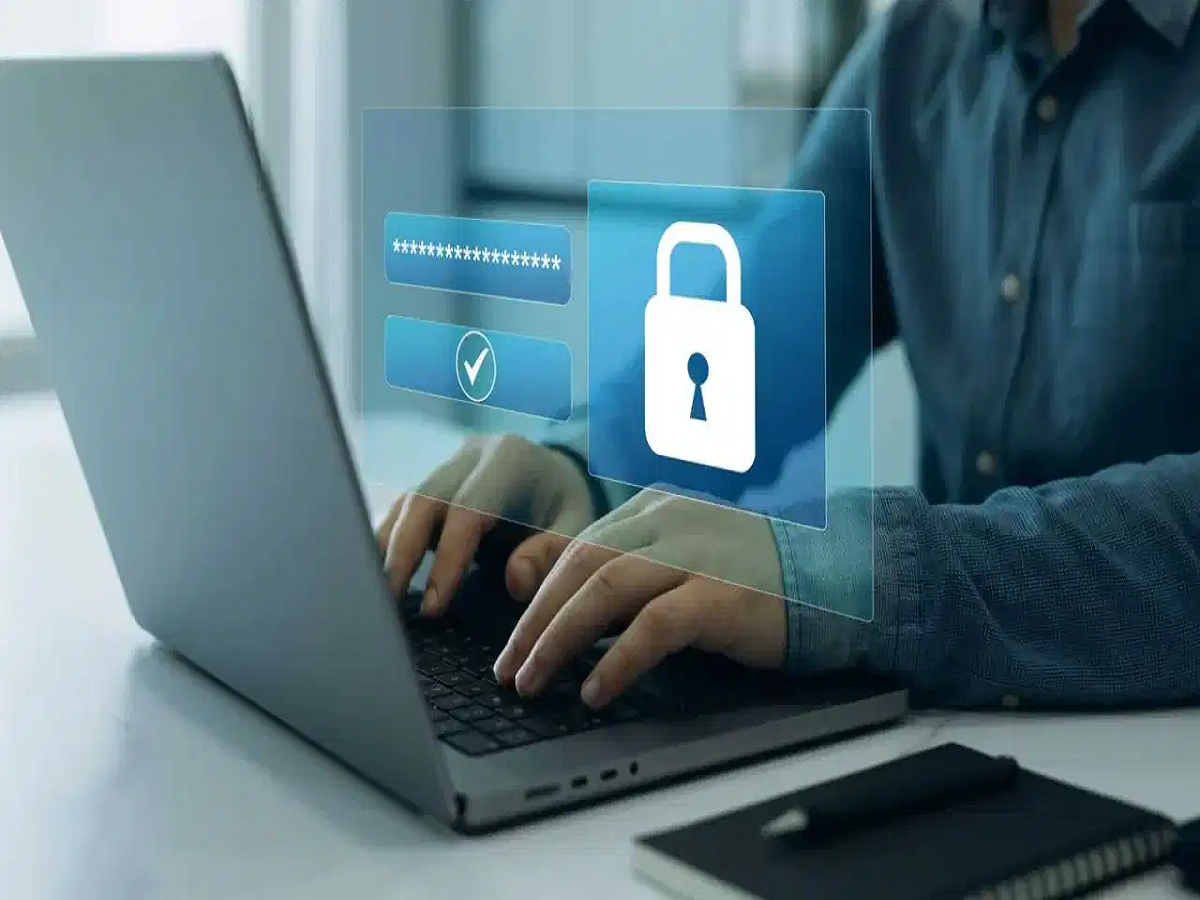
Since smart plugs connect to your home network and communicate with mobile applications, securing them is essential. A few simple precautions can reduce potential security risks.
-
Secure your Wi-Fi network: Use a strong, unique password for your router. If possible, connect smart home devices to a separate guest or IoT network.
-
Install software updates: Keep the smart plug's firmware and companion application updated to receive important security fixes.
-
Review app permissions: Avoid granting unnecessary access to contacts, photos and other personal information. Allow location access only when a feature genuinely requires it.
-
Enable two-factor authentication: If the manufacturer's account supports two-factor authentication, activate it to add another layer of protection.
-
Limit unnecessary data sharing: Review the application's privacy settings and disable optional marketing or data-sharing features that you do not need.
-
Reset devices before selling them: Remove the smart plug from your account and perform a factory reset before giving it away or selling it.
What happens when the internet connection stops working?
A common concern among smart plug users is whether the device will continue functioning during an internet outage.
Most Wi-Fi smart plugs have a physical button that allows you to switch the connected appliance on or off even when the internet is unavailable. However, remote control through the mobile app may stop working.
Automatic schedules may continue operating on some models if they are stored locally on the device. Others depend on cloud services and may not execute schedules without an internet connection. The availability of Bluetooth control also depends on the specific model.
Therefore, check the manufacturer's specifications before purchasing a smart plug. A little attention to compatibility, electrical safety and privacy settings can help you enjoy the convenience of a smarter home without overlooking important risks.