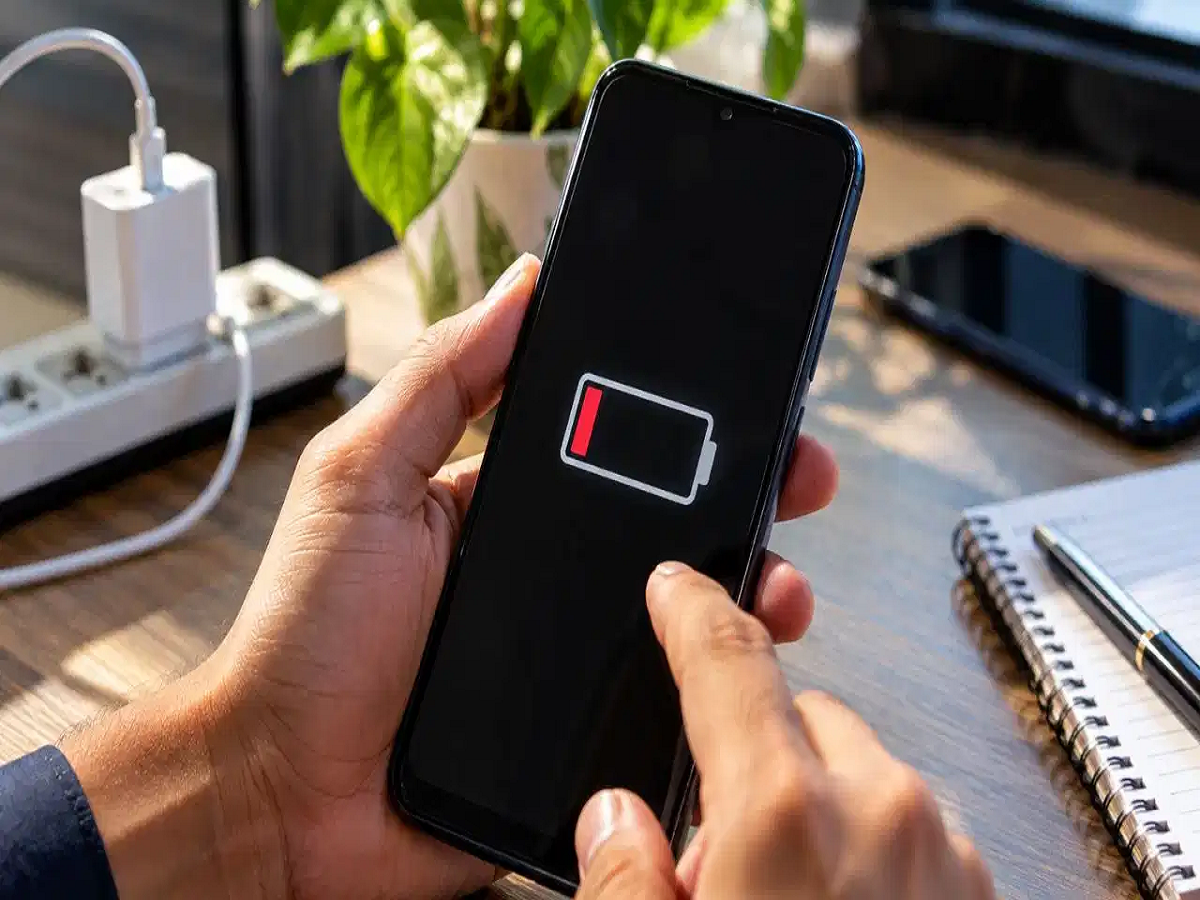
You leave home with a fully charged smartphone, but by afternoon the battery has already dropped dramatically. If this happens regularly, the problem may not always be an aging battery. Certain settings, background processes and apps can also contribute to faster battery consumption.
The good news is that you can make several simple changes without constantly keeping your phone in battery-saver mode.
Here are five settings worth checking.
1. Don't Keep the Screen Brighter Than Necessary
Your display is one of the biggest consumers of battery power, particularly when you use your phone for long periods.
Auto-brightness isn't necessarily bad for battery life, but keeping the screen excessively bright can increase power consumption. If your phone frequently raises brightness higher than necessary, manually lowering it can help.
Keep the brightness at a comfortable level and increase it only when you're outdoors or need better visibility.
2. Control Background App Activity
Closing an app from the recent-apps screen doesn't always mean that all of its background activity has stopped.
Some apps can continue syncing data, checking for notifications or using other resources in the background.
Go to your phone's battery settings and check which apps are consuming the most power. For apps that don't need to constantly update in the background, consider restricting their background activity.
However, avoid aggressively force-stopping essential system apps or messaging apps, as this can interfere with notifications and normal functionality.
3. Turn Off Location, Bluetooth and Wi-Fi When You Don't Need Them
Location services, Bluetooth and Wi-Fi aren't automatically huge battery drains on every modern phone, but keeping connectivity features active unnecessarily can still contribute to power consumption, particularly when the phone is constantly searching for connections.
If you're not using Bluetooth accessories, navigation or location-based services, you can turn off the relevant features.
Similarly, disable Wi-Fi when you're somewhere without a usable network rather than allowing the phone to continuously search for one.
4. Reduce Unnecessary Vibration and Haptics
Every vibration requires the phone's vibration motor to operate. Haptic feedback also consumes some power.
A single vibration won't make a major difference, but hundreds of vibrations throughout the day can add to overall battery consumption.
If battery life is important, reduce unnecessary vibration for notifications and keyboard haptics. You can keep vibration enabled for calls or other alerts that you consider important.
5. Identify Apps That Are Consuming Too Much Power
Some apps can consume significantly more battery than others, particularly games, video apps and social-media applications.
Open your phone's battery usage section and check which apps are responsible for the highest consumption.
If an app is using excessive battery even when you're barely using it, consider restricting its background activity, reducing its notification frequency or uninstalling it if you don't need it.
For some services, using a mobile browser instead of a dedicated app can also reduce background activity, although the actual battery impact varies by phone and usage pattern.
Don't Blame Every Battery Problem on Settings
If your phone still loses battery unusually quickly after changing these settings, the problem may be elsewhere.
An aging battery, poor mobile-network signal, high screen refresh rate, GPS-heavy apps, gaming, video streaming and excessive heat can all increase battery consumption.
Also check your phone's built-in battery-health or diagnostics section if one is available.
A Few Simple Habits Can Make a Difference
You don't need to switch off every feature on your smartphone to get better battery life. Instead, focus on the settings and apps that are actually consuming the most power.
Keep screen brightness reasonable, control unnecessary background activity, limit connectivity features when they aren't needed, reduce excessive vibration and regularly check battery usage.
These small changes can help you get more hours from a single charge without sacrificing the features you actually use.