
TECH
Tech Tips: Beware! This is a mistake and can damage your smartphone's charging port. If ignored, it will be harmful
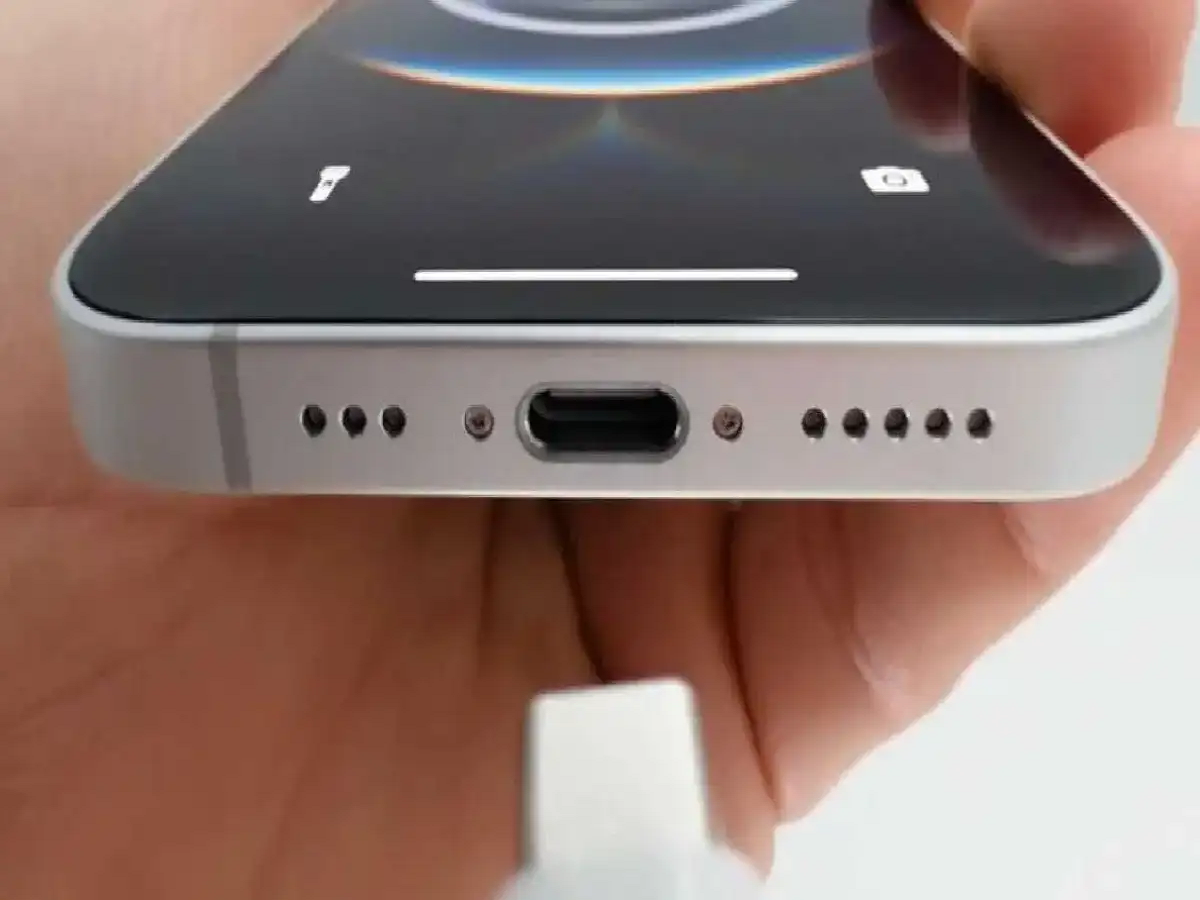
Nowadays, calling, messaging, photography, gaming, and much more can be done with just a smartphone. Smartphones are an all-in-one gadget for us. We use smartphones for various tasks throughout the day. The more a smartphone is used, the more often the device needs to be charged. You may have noticed that charging your phone repeatedly can loosen the charging port. If your phone's charging port is loose or the cable is repeatedly coming out of the charging port, do not ignore these things. Because even a small mistake can prove costly and cause you great losses.
Accumulation of dirt or dust in the port
The most common reason for loose charging port is accumulation of dirt or dust in the port. Usually, dirt or small fibers of cloth from pocket get stuck in the port. Due to this, the charging cable is not able to go completely into the port and the connection becomes weak. In such a situation, changes are felt when inserting the cable into the smartphone and charging problems can also occur. The charging cable does not fit tightly in the port as before, due to which many people think that the charging port has become loose. But the real problem here is with the port.
A poor-quality charging cable
isn't always the problem with your smartphone's port. A damaged, worn, or low-quality charging cable can also be the cause. The cable doesn't fit snugly into such a port, causing frequent disconnections. Before assuming your smartphone's charging port is faulty, try using a good-quality charging cable. If you don't experience any problems with a good-quality charging cable, it's likely the charging port isn't the problem.
Frequent use is likely to affect the port.
Daily use of the charging port is likely to affect it to some extent. Repeatedly connecting and disconnecting the cable from the port can cause some damage. Repeatedly connecting and disconnecting the cable gradually wears out the connector in the port. Also, forcibly connecting or disconnecting the cable crookedly can damage the port completely. This problem is more common in older smartphones. This problem is especially common if you have been using the smartphone for many years.
Be careful when cleaning the port.
If there is dust or dirt in the port, proper care is needed. Do not use needles, pins, or other sharp objects when cleaning the smartphone's charging port, as doing so may cause damage. Using pins, needles, or other sharp objects may also cause a short circuit.
PC: TV9


