TECH
Troubled by unknown calls and spam messages? Get rid of them immediately with these WhatsApp settings
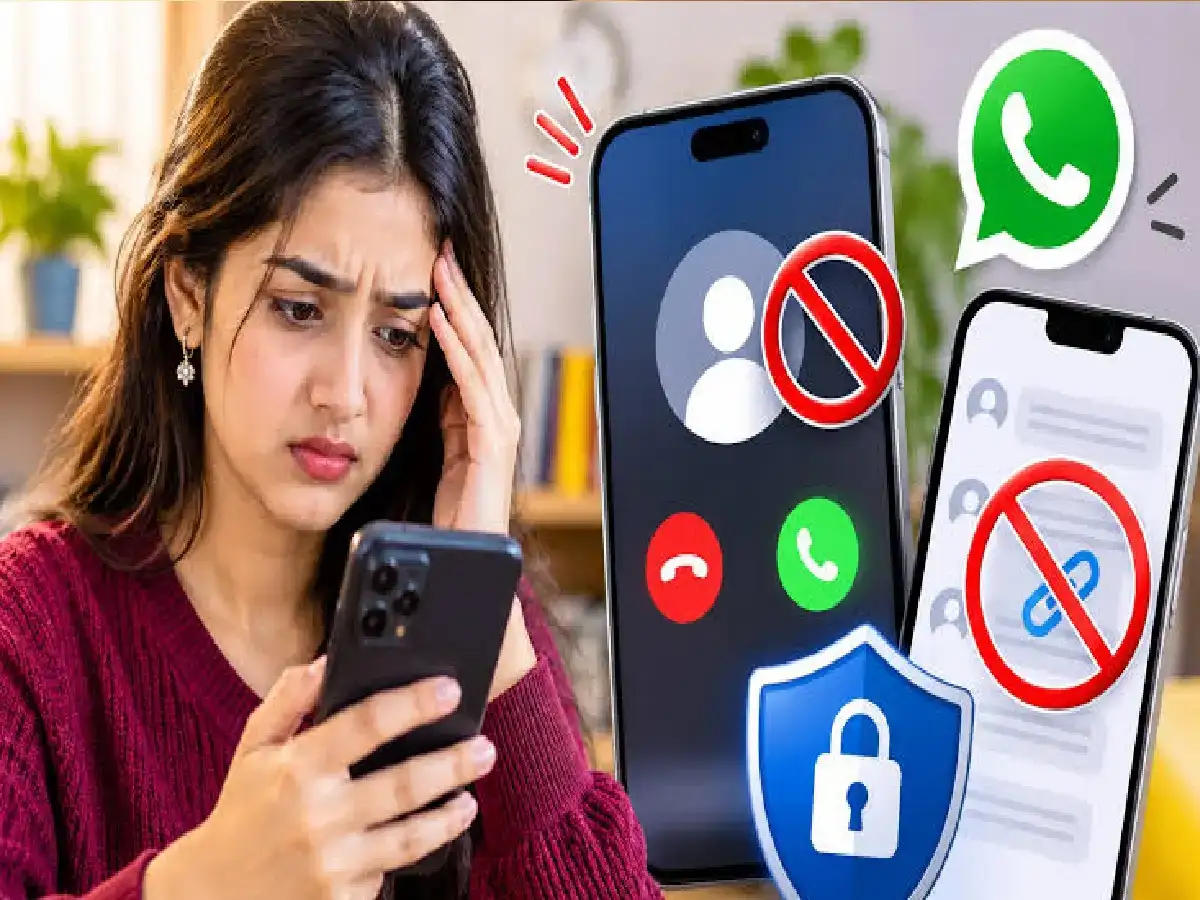
Spam calls and suspicious messages from unknown numbers not only waste time but can also lead to online fraud or phishing. WhatsApp has several security options that allow you to automatically silence unknown calls and quickly block and report spam senders.
Silence unknown callers to stop spam calls
If you get repeated calls from unknown numbers, you can stop them from ringing:
Open WhatsApp settings. Open WhatsApp on your phone. On Android, tap the three dots (⋮) in the top right and select Settings, or on iPhone, tap Settings in the bottom right. Verify: The main Settings menu will open.
Go to Call Privacy: Tap Privacy, scroll down, and select the Calls option. Verification: The option to Silence unknown callers will appear on the screen.
Turn on the feature: Turn the Silence unknown callers toggle on. Verification: The switch will activate. Now, calls from numbers not saved in your contacts won't ring, though they will still appear in the Calls tab and notifications.
How to block and report spam messages
You can easily block or report a message from a suspicious or unknown number:
Open a spam chat: Open the chat for the unknown or spam number. If the number isn't saved, there are often Block and Report buttons directly below the chat. Verification: You'll be within the relevant message thread and the sender's name or number will appear at the top.
Open Contact Info: If the options directly below aren't visible, tap the number or name at the top of the screen to open Contact Info. Verification: The Contact Info page will open and display the options below.
Block or Report: Scroll down and tap Block (to block all messages and calls) or Report (to send the last 5 messages to WhatsApp and select Block contact and clear chat) and confirm your choice. Verification: The message "You blocked this contact" will appear in the chat and that number will no longer be able to message or call you.
Additional tip: Avoid being added to spam groups
To prevent people you don't know from adding you to spam groups, go to Settings > Privacy > Groups and set it to My contacts (or My contacts except...) instead of Everyone. This will prevent people who aren't in your contacts from adding you to groups directly, but will only send you a private invite link.
PC: Prabhat khabar