UPI has made everyday payments extremely convenient, but a failed transaction can sometimes create confusion. The biggest mistake many people make is immediately trying the payment again without checking whether the first transaction was actually unsuccessful.
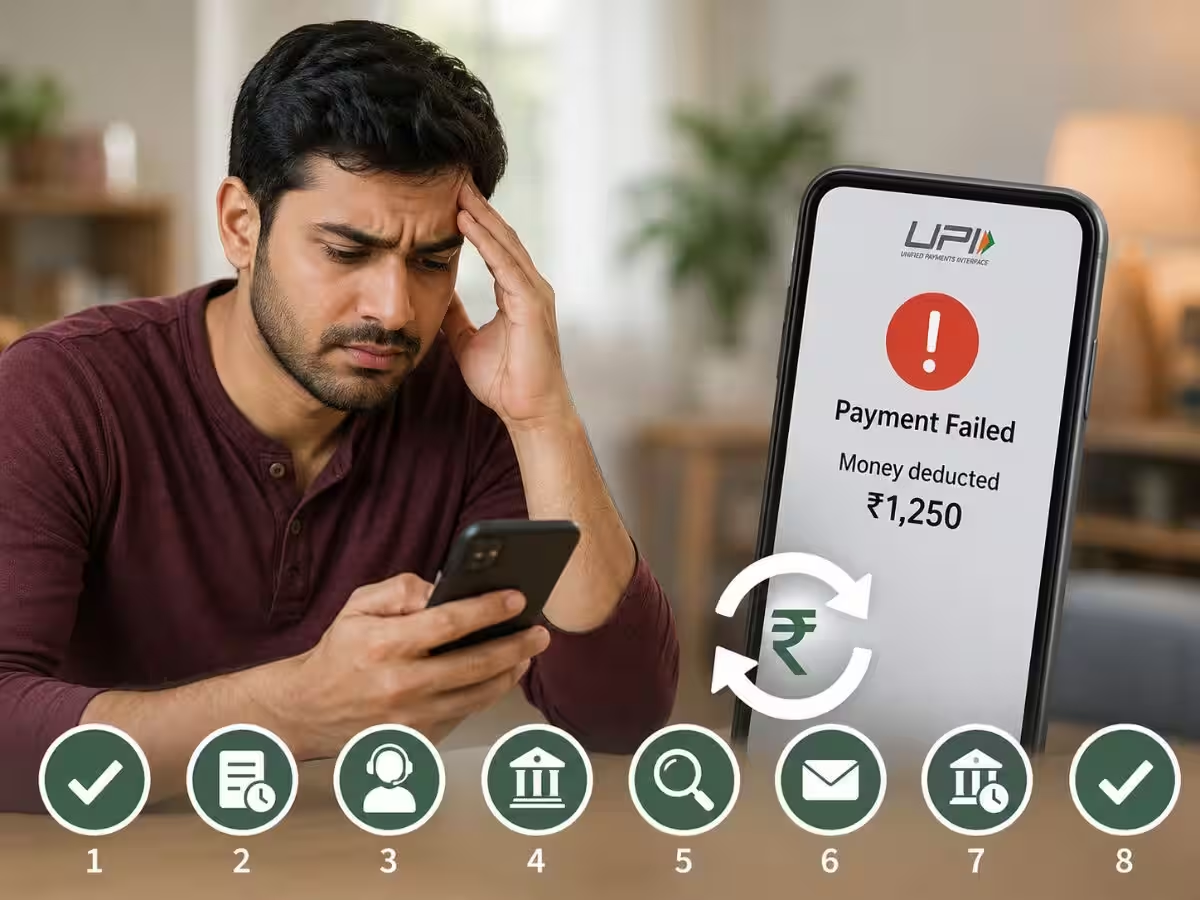
In some cases, your bank account may have been debited even though the payment screen shows an error.
Here are some important things to check before making another UPI payment.
1. Check Your Bank Account First
If a UPI payment shows "failed" or "pending", don't immediately repeat the transaction.
First check your bank account or transaction history to see whether the amount has actually been debited.
This can prevent you from accidentally paying twice.
2. Check the UPI Transaction Status
Open the payment app and check the transaction history.
The payment may show as successful, failed or pending. A pending transaction may take some time to receive its final status.
Wait for the transaction status to update before attempting another payment, especially for larger amounts.
3. Don't Trust Only the Merchant's Screen
Sometimes a shopkeeper may say that they haven't received the money even though the amount has been deducted from your account.
Instead of immediately paying again, check the transaction status in your UPI app and bank account.
If the payment is successful, keep the transaction reference number and contact the merchant or bank for reconciliation.
4. Check Your Internet Connection
A weak or unstable internet connection can interrupt a UPI transaction.
If the payment remains stuck, move to an area with a better connection and check the transaction status before trying again.
5. Check Your Bank's Service Status
UPI payments depend on banking systems and payment infrastructure. Occasionally, your bank may experience temporary technical problems.
If several payments are failing at the same time, waiting for the service to recover may be better than repeatedly attempting the transaction.
6. Don't Enter Your UPI PIN Repeatedly
If a payment isn't going through, repeatedly entering your UPI PIN won't necessarily solve the problem.
Stop and check whether the previous transaction is still pending or has already been processed.
Also, never share your UPI PIN with a merchant, caller or anyone claiming to provide technical support.
7. Save the Transaction Reference Number
For an unsuccessful or disputed payment, the transaction reference number can be extremely useful.
Keep a screenshot or note the transaction details, particularly when a significant amount is involved.
This information can help when contacting your bank or payment service provider.
What If Money Is Debited but the Payment Fails?
Don't panic and don't immediately make another payment.
First check whether the transaction is pending or has failed. If the payment ultimately fails, the debited amount is generally handled through the banking/payment system's reversal process according to the applicable rules.
If the amount does not return within the expected timeframe, contact your bank or payment service provider with the transaction details.
The Golden Rule
Whenever a UPI payment fails, remember one simple rule:
Check first, pay again later.
Taking a few seconds to verify the first transaction can prevent duplicate payments and unnecessary confusion.