TECH
WhatsApp Privacy Trick 2026: No one can read your personal chats anymore! Make your conversations disappear with a secret code
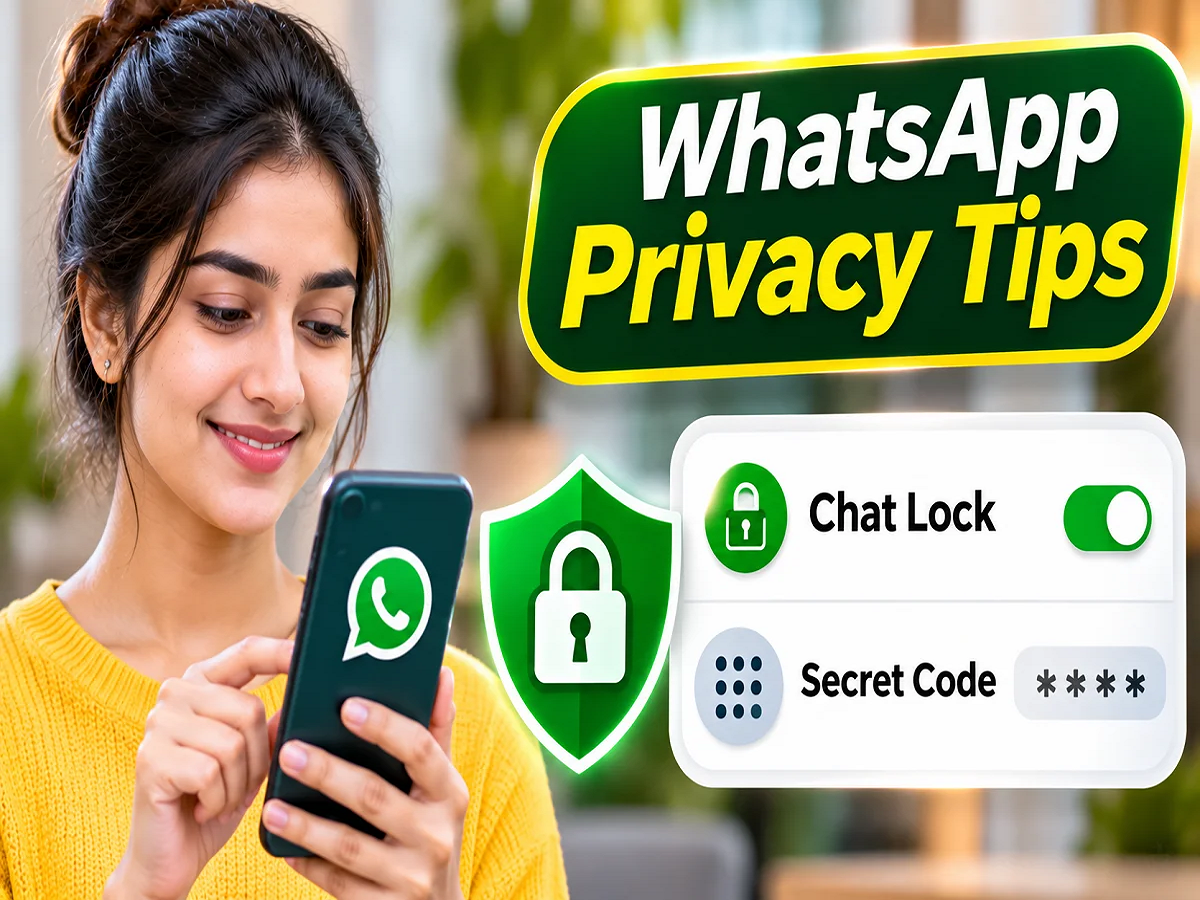
WhatsApp Chat Lock Feature 2026: If you give your smartphone to family members, friends or any other person to use and do not want anyone to read your private WhatsApp chats, then a special privacy feature present in the app can be useful for you. WhatsApp's Chat Lock and Secret Code feature allows users to keep their personal conversations safe. With its help, apart from locking the chat of a particular person or group, it can also be completely hidden from the chat list. The special thing is that to view the hidden chat again, a specified secret code is required.
WhatsApp Secret Code Feature: What is this special privacy feature?
WhatsApp is one of the most popular instant messaging platforms in the world. People use it for personal conversations, office work, and to share photos, videos, and important documents.
In such a situation, sometimes when the smartphone goes into the hands of another person, there may be concern about the privacy of private chats.
Keeping this problem in mind, a feature like Chat Lock is available in WhatsApp.
When this feature is activated, the selected individual or group chat is moved out of the general chat list and into a separate secure section.
This section is called Locked Chats.
Supported security options like the phone's passcode, fingerprint, or face authentication can be used to unlock it.
Apart from this, with the help of Secret Code feature, Locked Chats folder can also be hidden from the general chat list.
How does WhatsApp Chat Lock work?
WhatsApp's Chat Lock feature is designed to provide additional security to specific conversations.
When you turn this feature on a chat, it won't appear on the regular chat screen as before.
Instead, the conversation ends up in the Locked Chats folder.
Identity verification is required to open this folder.
Another advantage of this is that the actual content of new messages coming from a locked chat is not shown in the normal notification.
This can reduce the risk of messages appearing on the phone screen being read by other people nearby.
However, this feature is not a substitute for other security settings on the phone and WhatsApp.
WhatsApp Chat Lock Activate: How to lock any chat?
If you want to lock any of your individual conversations or group chats, follow the steps given below.
- First of all open WhatsApp on your smartphone.
- Now go to the chat of the person or group you want to protect.
- Tap the contact or group name that appears at the top of the chat screen.
- Find Chat Lock among the available options here.
- After this activate the option of Lock This Chat.
- WhatsApp may ask you to verify your identity using fingerprint, face authentication, or your phone's passcode.
- The respective chat will be locked once the verification is complete.
After this, the selected conversation will appear in the Locked Chats section.
Keep in mind that the names or locations of the options may vary slightly across different smartphones and WhatsApp versions.
WhatsApp Hide Locked Chats: How to completely hide locked chats?
Many users lock their conversations but also want to avoid having a folder called Locked Chats appear on the normal chat screen.
For such people, WhatsApp's Secret Code feature can be useful.
With its help, the Locked Chats folder can be hidden from the general chat list.
For this, follow this procedure:
- Open WhatsApp and go to the Locked Chats folder.
- Open Chat Lock Settings inside the folder.
- Here select the option of Secret Code.
- Now create a secret code of your choice.
- After setting the code, turn on the Hide Locked Chats option.
- When the setting is activated, the Locked Chats folder will be hidden from the general chat list.
After this, someone just looking at the normal chat screen will not be able to easily know that you have hidden some conversations separately.
How to reopen hidden chat using WhatsApp Secret Code?
After setting the Secret Code, the method of accessing the hidden conversation becomes slightly different from the normal locked chat.
If you haven't hidden the Locked Chats folder, it can usually be seen by dragging down the WhatsApp chat list.
After this, you will have to open the folder and do the necessary identity verification.
But if you have activated the Hide Locked Chats option, the folder will not be visible in the normal chat list.
In such a situation, enter your set Secret Code in the search bar of WhatsApp.
Entering the correct code will reveal the option to access the hidden locked chat. The conversation can then be opened by completing the necessary security verification.
What is the difference between Chat Lock and Secret Code?
Both of these WhatsApp features aim to increase the security of private conversations, but the way they work is different.
|
Main Objective |
Lock selected chats |
Hiding the Locked Chats Folder |
|
Where does the chat appear? |
In the Locked Chats folder |
Can be hidden from the general chat list |
|
Access Method |
Supported device authentication |
Secret code in search and required verification |
|
Useful for whom? |
To protect private conversations |
To hide the existence of locked chats as well |
Using these two features together can provide additional protection to the privacy of private chats.
Does applying Chat Lock also block WhatsApp calls?
Many people think that after locking a chat, both the messages and calls from that person stop.
but it's not like that.
Chat Lock's main purpose is to keep conversations in a secure section. It doesn't block the person involved.
So WhatsApp calls from that person can come through normally.
Similarly, locking a chat does not mean that your conversation will be hidden from the other person's phone.
This feature primarily enhances the privacy of chats on your own device.
WhatsApp Privacy Tips: Keep these things in mind too
It is better to take some necessary precautions while using Chat Lock and Secret Code.
- Create a secret code that other people cannot easily guess.
- Do not share your code with friends or strangers.
- Make sure to set a strong screen lock on your phone.
- Keep WhatsApp and smartphone software updated.
- Make sure to protect sensitive information before giving your unlocked phone to a stranger.
- Also check other privacy and security settings available in WhatsApp from time to time.
It's also important to understand that Chat Lock and Secret Code don't guarantee complete security. Additional risks may arise if someone else has authorized access to your phone, account, or security credentials.
WhatsApp Chat Lock 2026: For whom is this feature useful?
This feature can be especially useful for people who use their smartphones for both personal and professional interactions.
For example, someone might want to keep sensitive office messages or family conversations separate from the general chat list.
Similarly, people who often have to share their phone with family members or friends can also provide additional security to their private conversations with the help of this feature.
However, locking any conversation is a personal privacy option. Whether or not to use it depends entirely on the user's needs.
WhatsApp Secret Chat Trick: Increase privacy without deleting chats
Many times users delete chats to protect their personal conversations from others.
But with the help of Chat Lock and Secret Code present in WhatsApp, the conversation can be kept separate from the general chat list without deleting it.
This allows you to keep important messages, photos and other conversations in a secure section.
Conclusion: WhatsApp's Chat Lock and Secret Code features are useful for users who want to increase the privacy of private conversations on their phones. Chat Lock can protect a specific chat, while Secret Code can also hide the Locked Chats folder. Before using the feature, keep WhatsApp updated and keep your secret code private.