WhatsApp Tips: Do you suspect someone has blocked your WhatsApp number? Use Meta AI to clear your doubts immediately…want to know how?
Messages used to be sent by pigeon, then SMS came along. Now, in the age of smartphones, everything happens on WhatsApp. Millions of people use it. Let's learn some interesting tips.
Image Credit : stockPhoto
Usually, sending a message on WhatsApp results in a single tick, and reading two blue ticks. However, if someone has blocked you, only a single tick will appear. The same applies when your data is off or there's no network. So, how do you know if you've been blocked?
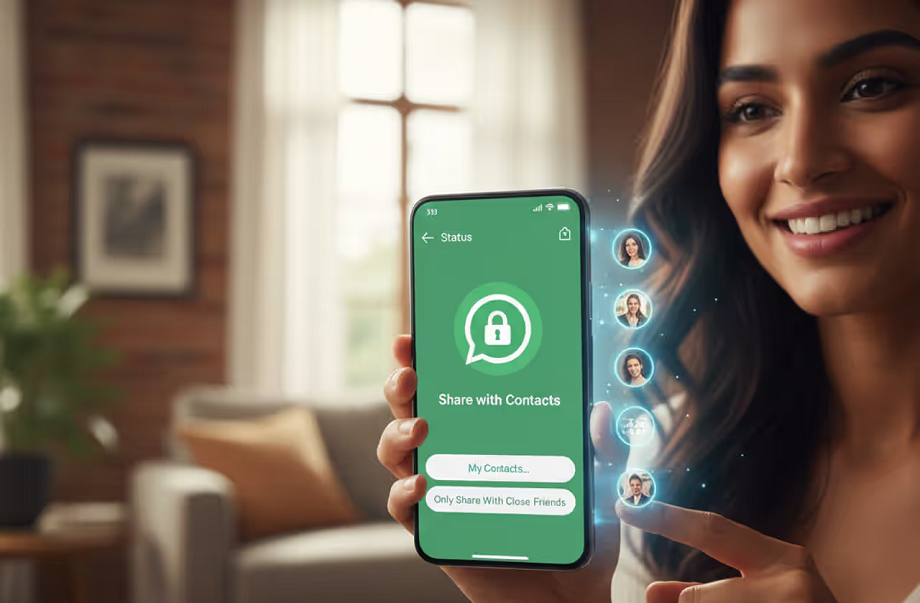
Image Credit : Gemini
If you suspect someone has blocked you, try this method. Send a message to the number you suspect by typing "@MetaAI Hi." If they've blocked you, you won't receive a reply. However, if they haven't seen the message due to network issues or other reasons, you will receive a reply.

Image Credit : stockPhoto
Do you suspect someone else is using your WhatsApp? To check, open WhatsApp and click the three dots in the top right. Go to the " Linked Devices " option. If your account is linked to an unknown device, disconnect it immediately.

Image Credit : Getty
You can also keep your chats private on WhatsApp. Use the "Locked Chats" feature to do this. You can add the chats you want to hide to this feature. These chats can only be opened with your fingerprint, pattern, password, or Face ID, and will not be visible to others.