WhatsApp is one of the most widely used messaging apps in the world, connecting billions of people for everyday communication. From personal conversations to professional discussions, WhatsApp has become a primary platform for staying in touch.
However, there are times when you may suddenly stop receiving replies from a contact, and this can lead to a common question: Has the person blocked you on WhatsApp?
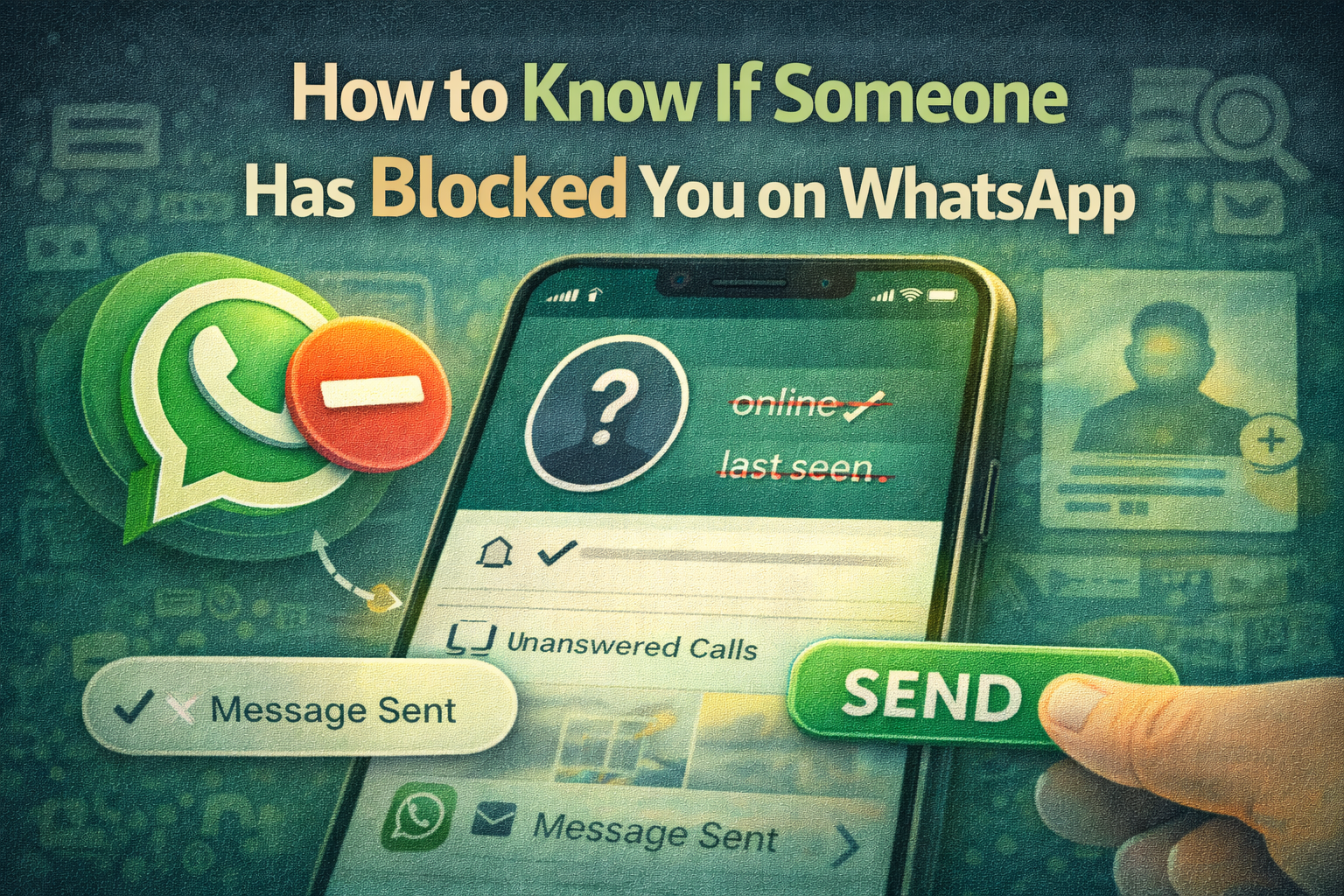
WhatsApp does not notify users when someone blocks them. This is part of the platform’s privacy-first design, which aims to protect users and avoid unnecessary conflicts. Still, the app provides several subtle signs that may indicate you have been blocked.
While none of these signs alone can confirm that you have been blocked, seeing several of them together may suggest that the contact has blocked you.
Below are some key indicators that can help you determine whether someone may have blocked you on WhatsApp.
1. You Can No Longer See Their Last Seen or Online Status
One of the first signs you might notice is that the contact’s last seen or online status disappears.
Normally, WhatsApp shows when a user was last active or whether they are currently online. But if someone blocks you, the app will hide this information from you.
However, this sign alone does not guarantee that you have been blocked. The user may have simply changed their privacy settings to hide their last seen status.
2. Their Profile Photo Stops Updating
Another common indication is related to the profile picture.
If someone blocks you:
-
You may still see their old profile photo, but
-
You won’t see any updates they make to their profile picture.
For example, if they change their profile image, the new photo will not appear on your screen.
Again, this can sometimes happen for other reasons, such as the user removing their profile photo entirely.
3. Messages Show Only One Check Mark
When sending a message on WhatsApp, the check marks indicate message delivery status:
-
One check mark: Message sent
-
Two check marks: Message delivered
-
Two blue check marks: Message read
If someone has blocked you, messages you send will only show one check mark. This means the message has been sent but never delivered to the recipient.
This is one of the strongest indicators that you may have been blocked.
4. Your Calls Do Not Go Through
Another sign is related to WhatsApp voice or video calls.
If you attempt to call someone who has blocked you:
-
The call may ring briefly or fail to connect
-
The person will not receive the call notification
This happens because WhatsApp prevents blocked contacts from establishing calls.
5. You Cannot Add Them to a WhatsApp Group
Another possible sign is when you try to add the person to a WhatsApp group.
If the contact has blocked you, WhatsApp may display a message saying “You are not authorised to add this contact.”
This restriction is designed to protect users from being contacted through group chats after blocking someone.
Why WhatsApp Doesn’t Confirm Blocks
WhatsApp deliberately avoids providing a direct confirmation when someone blocks you.
This approach helps:
-
Protect user privacy
-
Prevent harassment or conflicts
-
Maintain a safer communication environment
Because of this policy, users must rely on multiple indicators instead of a single confirmation message.
Important Things to Remember
Even if you notice some of the signs mentioned above, it does not always mean you have been blocked.
For example:
-
The person may have disabled their last seen visibility
-
They may have deleted or changed their profile photo
-
Their phone may be offline or without internet connection
-
They may have uninstalled WhatsApp
Only when several of these signs appear together does it become more likely that you have been blocked.
WhatsApp prioritises user privacy, which is why the platform does not directly reveal whether someone has blocked you. However, certain indicators—such as missing last seen status, undelivered messages, unchanged profile photos, and failed calls—can provide clues.
If you notice several of these signs for the same contact, there is a strong possibility that they have blocked you. Still, it’s important to remember that technical issues or privacy settings may produce similar results.
Understanding these signs can help users better interpret changes in communication on WhatsApp without jumping to conclusions.