
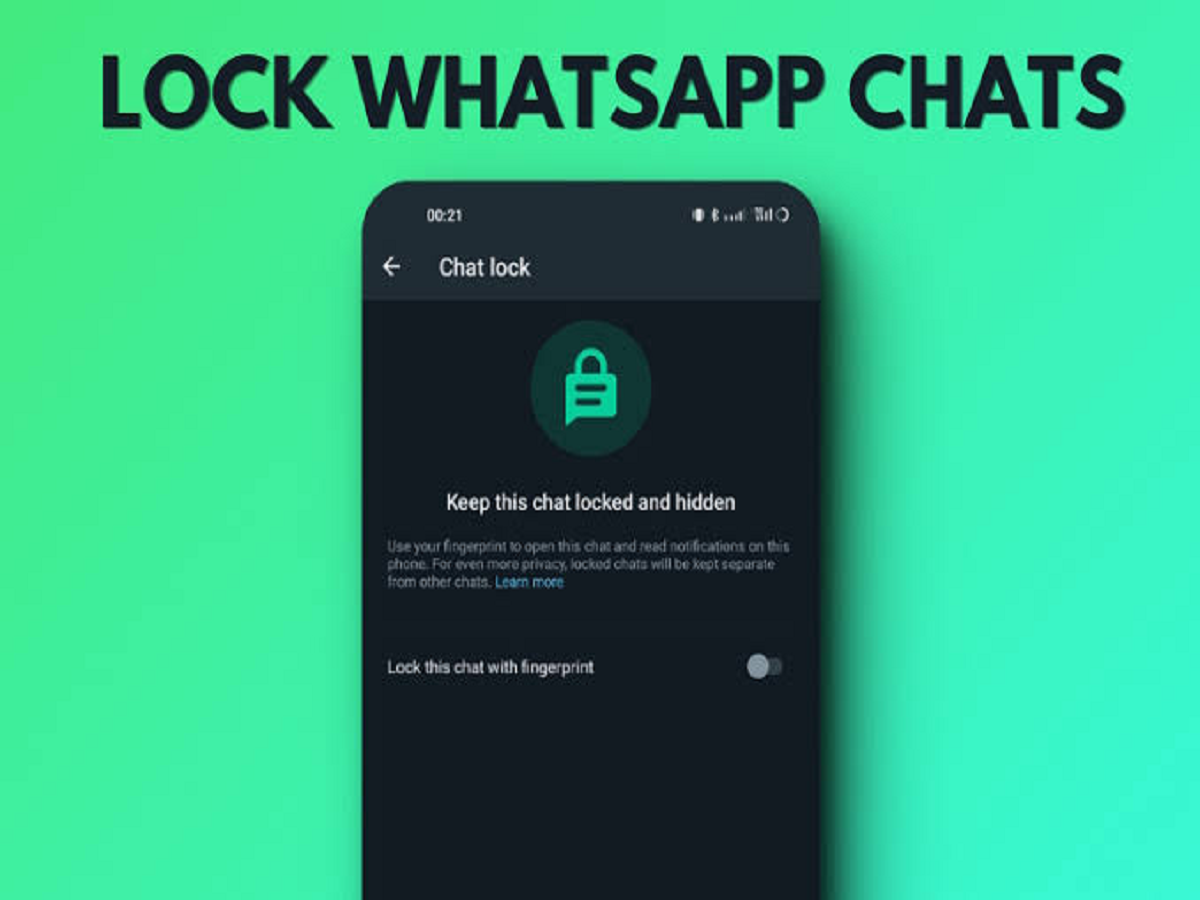
WhatsApp conversations can sometimes contain private messages, photos, documents or other information that you don't want others to see if they get access to your phone. WhatsApp has a built-in Chat Lock feature that can help keep selected conversations separate from your regular chat list.
The feature is useful when you want an additional layer of privacy for specific conversations without deleting them.
What is WhatsApp Chat Lock?
Chat Lock moves a selected conversation into a separate locked-chat section. The locked conversation is protected using your device's authentication method, such as a fingerprint, Face ID or phone passcode, depending on the device.
Messages from a locked chat are also designed to hide sensitive notification content, helping prevent others from seeing the message preview on your lock screen.
How to lock a WhatsApp chat
You can lock an individual or group conversation directly from WhatsApp.
Follow these steps:
-
Open WhatsApp.
-
Find the conversation you want to protect.
-
Press and hold the chat on Android, or open the chat information on supported devices.
-
Select the option to lock the chat.
-
Confirm using your phone's fingerprint, Face ID or passcode.
-
The conversation will then move to the locked-chat area.
The exact steps can vary slightly depending on your phone and WhatsApp version.
Where do locked chats appear?
Once a conversation is locked, it no longer appears normally in your main chat list.
To access your locked conversations, open WhatsApp and use the method shown for your device to reveal the locked-chat section. You will then need to authenticate yourself before the conversations become visible.
This means someone casually looking through your WhatsApp chat list may not immediately see the conversation.
You can use a secret code for extra privacy
WhatsApp also offers a Secret Code feature for locked chats on supported versions.
A secret code can provide another way to hide the locked-chat section from the main WhatsApp interface. Users can set a word or phrase as their secret code and use it to reveal their hidden locked chats.
This can be useful if you want the existence of your locked conversations to be less obvious.
What happens to notifications?
One useful part of Chat Lock is that notification content from locked conversations is protected.
Instead of displaying the message details normally, WhatsApp limits what appears in notifications from locked chats.
This can prevent someone nearby from reading private message previews without opening WhatsApp.
Does Chat Lock delete the chat?
No. Locking a conversation does not delete the messages, photographs or documents inside it.
The chat remains on WhatsApp and can be accessed after authentication.
If you unlock the conversation later, it can return to the regular chat list.
Don't confuse Chat Lock with disappearing messages
These are two different WhatsApp features.
Chat Lock is designed to restrict access to a conversation, while disappearing messages automatically remove messages after a selected period.
You can use both features when appropriate, but they serve different privacy purposes.
Keep your phone secure too
Chat Lock provides an additional privacy layer, but your phone's overall security remains important.
Use a strong device passcode and keep biometric authentication enabled if you are comfortable using it. Avoid sharing your phone's passcode with other people.
Also keep WhatsApp and your phone's operating system updated so that you receive the latest security improvements.
If you regularly keep sensitive conversations on WhatsApp, Chat Lock can be a simple way to prevent those chats from being immediately visible to anyone browsing your phone.


