
TECH
WhatsApp Users Alert: Hackers Are Sending Fake Documents—One Wrong Tap Could Put Your Phone at Risk
WhatsApp has become one of the easiest ways to exchange documents, invoices, photographs and work-related files. But that convenience is also being exploited by cybercriminals.
A cybersecurity company has warned about a fast-spreading WhatsApp malware campaign in which attackers are using compromised accounts to send malicious files disguised as ordinary documents. The campaign is reportedly targeting professionals, business users and finance-related users in particular.
How does the WhatsApp scam work?
The attack can begin with a WhatsApp account that has already been compromised.
Instead of sending an obviously suspicious message, the attacker uses the hacked account to distribute a file to the victim's contacts. Because the message appears to come from someone the recipient already knows, the attachment may look more trustworthy.
The file may be presented as an invoice, business document, report or another routine attachment.
Opening a malicious file can potentially expose the device to malware and give attackers an opportunity to compromise information stored on it.
Why this scam is particularly dangerous
The biggest problem is that the sender may appear familiar.
A user may receive a document from a colleague, friend or business contact and open it without thinking twice. But if that person's WhatsApp account has been compromised, the message may actually have been sent by the attacker.
This makes unusual attachments from known contacts worth treating with the same caution as messages from strangers.
What kind of files should you be careful with?
Users should be particularly cautious when they receive unexpected files such as:
-
Invoices or payment documents
-
APK or application files
-
ZIP or compressed files
-
Unknown office documents
-
Files accompanied by urgent payment requests
-
Documents asking you to enable unusual permissions
An unexpected file does not automatically mean it is malicious, but the circumstances surrounding the message should be checked before opening it.
What should you do if a friend sends you a suspicious file?
Do not immediately open it.
Instead, contact the person through another method, such as a phone call, and ask whether they actually sent the document.
This is especially important if the message contains an unusual request or creates a sense of urgency.
Cybersecurity researchers have specifically recommended independently verifying unexpected messages and attachments, even when they appear to come from a known contact.
Keep WhatsApp and your phone updated
Security updates can address vulnerabilities and improve protection against newly discovered threats.
Users should therefore keep WhatsApp, their smartphone operating system and other frequently used applications updated through official app stores and system-update mechanisms.
Avoid installing an application or “security update” received through a WhatsApp message or an unknown website.
Turn on two-step verification
WhatsApp users can also strengthen account security by enabling two-step verification.
This adds an additional PIN-based layer of protection to the account and can make unauthorised account takeovers more difficult.
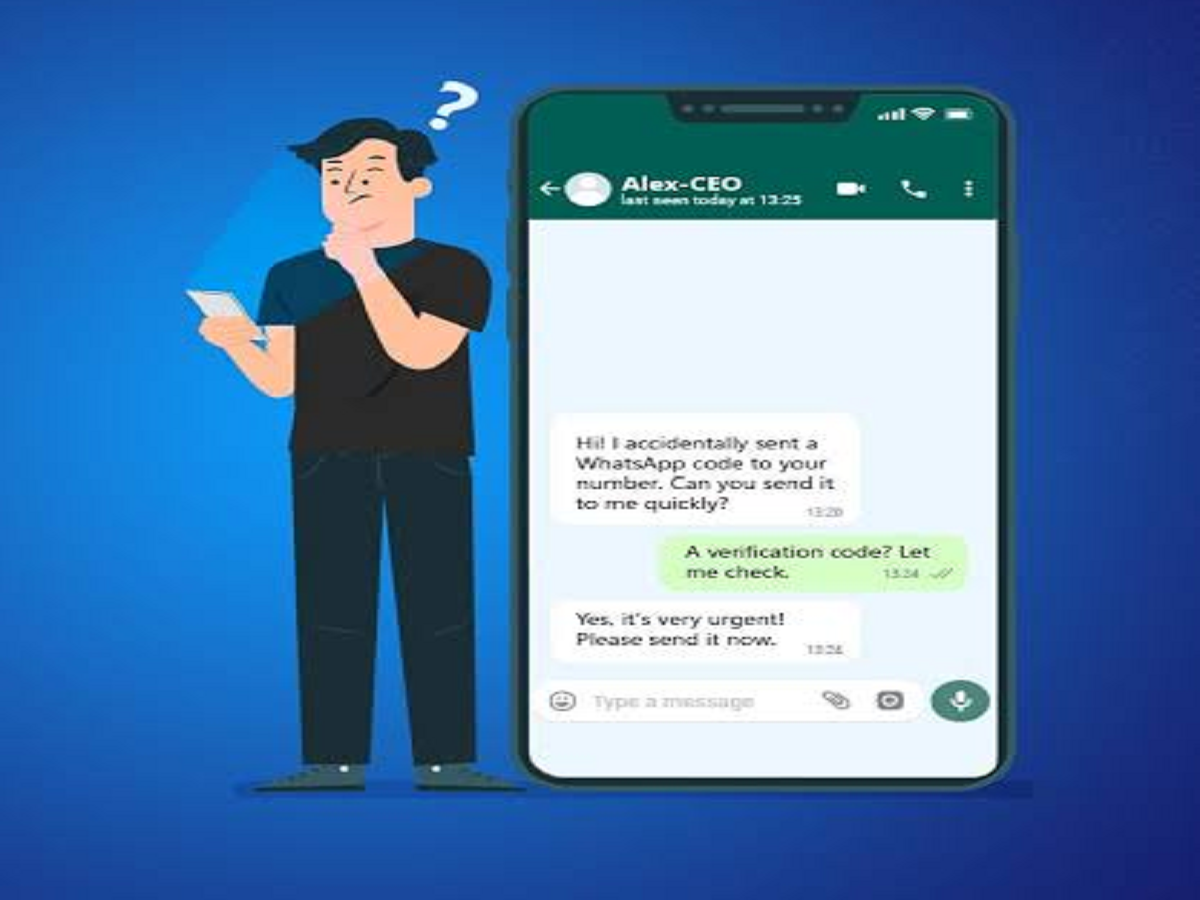
Users should also never share their WhatsApp verification code with another person, even if someone claims to be from customer support.
What if you have already opened a suspicious file?
If you accidentally opened a suspicious attachment, avoid interacting with it further.
Depending on what happened, you may want to:
-
Disconnect the device from the internet temporarily.
-
Delete the suspicious file.
-
Run a security scan using trusted security software.
-
Update your phone and applications.
-
Check for unfamiliar applications or unusual device behaviour.
-
Change important passwords if you believe credentials may have been exposed.
-
Inform the person whose account sent the file.
If financial information may have been compromised, contact your bank or relevant financial service immediately.
The simple rule WhatsApp users should remember
A message coming from a known person does not automatically mean the attachment is safe.
If a document arrives unexpectedly, particularly when it involves money, account information or an urgent request, verify it before opening it.
As cybercriminals increasingly use compromised accounts to make malicious messages appear legitimate, a few seconds of verification could prevent a much bigger security problem.


