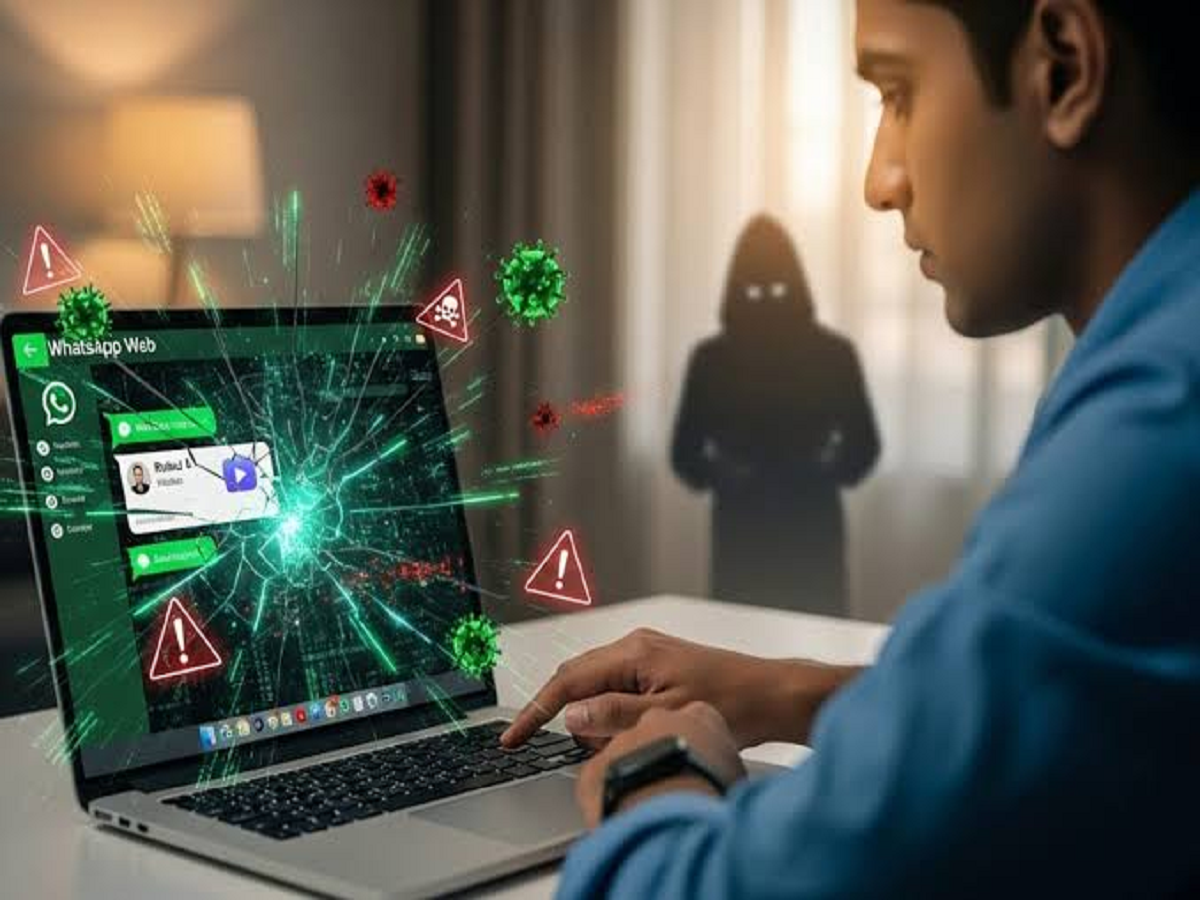
WhatsApp Web has become an essential tool for people who prefer replying to messages while working on a laptop or desktop. From sharing documents to managing office conversations, it makes communication easier without constantly picking up a smartphone.
However, many users overlook important security settings while using WhatsApp Web. Leaving an account logged in on a shared computer or ignoring unfamiliar linked devices could expose private conversations to others.
Here are seven mistakes you should avoid to keep your WhatsApp account secure.
1. Forgetting to Log Out from Shared Computers
One of the most common mistakes is leaving WhatsApp Web logged in on an office computer, cybercafé system or someone else's laptop.
Anyone who can access that computer may potentially open your WhatsApp conversations.
Always log out after using WhatsApp on a shared device. You can do this through WhatsApp's Linked Devices section on your phone.
2. Ignoring Unknown Linked Devices
WhatsApp allows users to connect multiple devices to one account. However, it is important to regularly review the list of linked devices.
Open WhatsApp on your smartphone, go to Settings and select Linked Devices.
If you notice a device or browser session you do not recognise, log it out immediately.
3. Scanning QR Codes Without Checking Them
WhatsApp Web uses QR codes to connect a browser to your account.
Never scan a QR code displayed on an unfamiliar website or sent by an unknown person. Fraudsters may attempt to trick users into linking their accounts to another device.
Only scan the QR code displayed on the official WhatsApp Web website when you are intentionally connecting your own computer.
4. Using WhatsApp Web on Public Wi-Fi Without Caution
Public Wi-Fi networks at cafés, airports and hotels can carry security risks, particularly when they are unsecured or impersonate legitimate networks.
Avoid accessing sensitive information on suspicious networks. Use a trusted connection or a reputable VPN when appropriate, and never ignore browser security warnings.
5. Clicking Suspicious Links Received in Chats
A message coming from a known contact does not automatically mean that every link inside it is safe.
Accounts can be compromised, and scammers may circulate links promising prizes, cashback, free subscriptions or urgent account verification.
Check the website address carefully before opening it. Never enter your banking details, passwords or OTPs on suspicious pages.
6. Ignoring Two-Step Verification
Two-step verification adds another layer of protection to your WhatsApp account.
You can enable it by opening WhatsApp Settings, selecting Account and choosing Two-step verification.
Set a PIN that is difficult to guess and add an email address for account recovery where the option is available.
Remember that you should never share your verification code or two-step verification PIN with anyone.
7. Keeping Your Browser and WhatsApp Outdated
Using outdated software can expose your device to security vulnerabilities.
Keep your browser, operating system and WhatsApp application updated. Download updates only through official sources such as the Google Play Store, Apple App Store or the software provider's official website.
What Should You Do If You Find an Unknown Device?
If an unfamiliar device appears in your Linked Devices list, log it out immediately. Then review your account security settings and make sure your phone number and recovery information remain under your control.
If you suspect that someone has gained unauthorised access to your account, take steps to secure it and never share verification codes with anyone claiming to offer technical support.
Final Words
WhatsApp Web is convenient, but convenience should not come at the cost of privacy. Regularly checking linked devices, logging out of shared computers and avoiding suspicious QR codes can significantly improve account security.
A few seconds spent reviewing your security settings could help protect years of personal conversations, photographs and important information.