TECH
Your Phone Can Be Hacked Through a Public Charging Port! What Is Juice Jacking and How Can You Stay Safe?
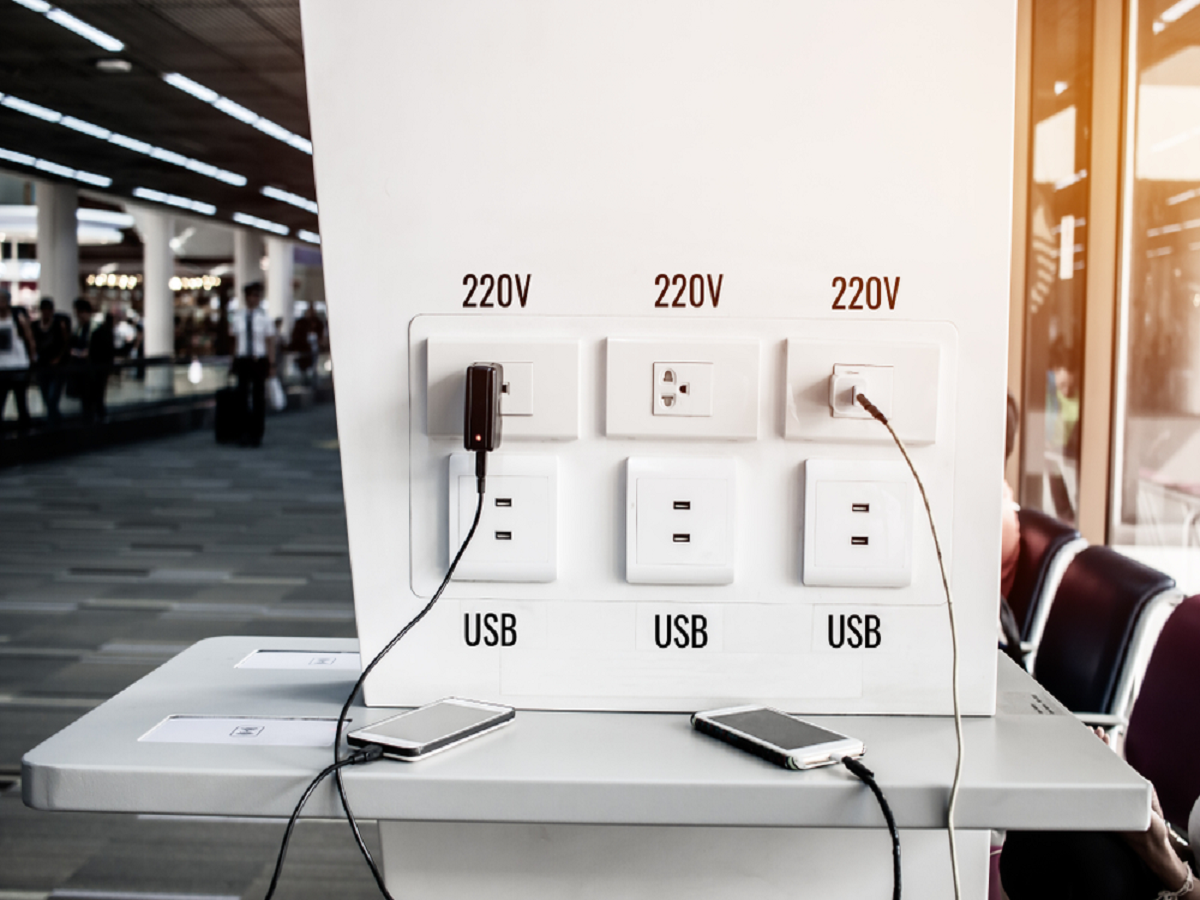
Imagine your smartphone battery is almost dead while you are travelling. You spot a USB charging port at an airport, railway station, hotel or shopping centre and plug in your phone. It seems harmless, but security experts have warned about a potential risk known as “juice jacking,” in which a compromised charging connection could be used to attempt data theft or deliver malicious software.
Although this threat is not something every public charging station poses, understanding how USB connections work can help you make safer choices when charging your phone outside your home.
What Exactly Is Juice Jacking?
Juice jacking refers to a type of cyberattack in which a malicious or compromised USB charging connection is designed to do more than supply electricity.
USB connections can support both power delivery and data transfer. Depending on the device, cable and connection, a USB port may be capable of communicating with a connected phone.
A compromised setup could potentially attempt to exploit that communication to access data or install malicious software. However, modern smartphones include security protections, and simply plugging a phone into an unfamiliar charger does not automatically mean it will be hacked.
The risk depends on factors such as the hardware involved, the phone's operating system, its security settings and whether the user approves any connection or permission requests.
Why Can a USB Charging Connection Create a Risk?
A USB cable can carry electrical power and, in supported configurations, data. This dual purpose is useful for charging phones, transferring photographs and connecting accessories.
The potential problem arises when a connection that appears to be an ordinary charger is actually connected to equipment capable of communicating with the phone.
For example, a compromised charging station might attempt to establish a data connection or exploit a security vulnerability. Older or unpatched devices may face different risks from fully updated smartphones.
Modern Android phones and iPhones generally restrict sensitive access and may display prompts when a connected device requests data access. These protections help reduce the risk, but users should still avoid approving unfamiliar requests without understanding them.
Five Ways to Charge Your Phone More Safely in Public
1. Carry Your Own Power Adapter
One of the simplest precautions is to carry your own compatible charging adapter and cable.
You can plug the adapter into a conventional electrical socket instead of connecting your phone directly to an unfamiliar USB port. A properly maintained power bank is another useful option when travelling.
Use reputable charging accessories that are compatible with your device.
2. Use a Power Bank When Possible
A power bank can be particularly useful during long journeys, airport layovers or days when you expect to use your phone heavily.
Because you control the charging equipment, you do not need to depend on an unknown public USB connection.
Choose a power bank from a reputable manufacturer and follow the charging and storage instructions supplied with it.
3. Pay Attention to USB Data Prompts
If you connect your phone to a USB port and receive a prompt asking whether to trust a device, transfer files or allow data access, do not approve it automatically.
If you only intended to charge your phone, deny unnecessary data access and disconnect if anything appears suspicious.
The exact prompts vary between Android and iPhone models, and some connections may not display a prompt at all.
4. Keep Your Phone Updated
Operating-system and security updates can fix vulnerabilities that attackers might otherwise exploit.
Install updates through your phone's official settings and keep your applications current. Avoid installing unknown applications or configuration profiles in response to unexpected instructions.
Updates cannot eliminate every possible threat, but they are an important part of smartphone security.
5. Avoid Unknown Charging Accessories
Be cautious about plugging your phone into unfamiliar devices that request permissions or behave unexpectedly.
If a public charging station looks damaged or suspicious, choose another option. If your phone unexpectedly asks you to approve data access, stop and review the request before proceeding.
You do not need to panic whenever you use a public charger; the sensible approach is to minimise unnecessary data connections and use trusted accessories when practical.
Does a USB Data Blocker Help?
A USB data blocker, sometimes called a USB condom, is an accessory designed to allow electrical power while blocking data connections through supported USB connections.
It can be useful when charging from a USB port that you do not control. However, compatibility varies by device and charging standard, and some accessories may limit charging performance or fail to support particular fast-charging features.
A data blocker is an additional precaution rather than a guarantee of complete security. Using your own power adapter or a power bank remains a straightforward alternative.
What If You Have Already Used a Public Charging Port?
There is no need to assume your phone has been compromised simply because you charged it in public.
If you did not approve any unusual prompts and your device is up to date, the risk may be low. Nevertheless, take action if you notice suspicious behaviour.
-
Disconnect the phone from the charging station.
-
Decline unexpected data-access or device-trust requests.
-
Install available operating-system security updates.
-
Review recently installed applications and remove anything you do not recognise.
-
If you entered passwords on a suspicious website or believe an account has been compromised, change the affected credentials from a trusted device and enable two-factor authentication.
If the phone displays persistent security warnings or behaves unusually, consult the device manufacturer or a reputable service provider.
Are Public Charging Stations Always Dangerous?
No. Public charging stations are not inherently malicious, and many are legitimate services designed to help travellers keep their devices powered.
The concern is that a USB connection may support more than charging, particularly if its hardware or software has been compromised.
The practical lesson is to understand the difference between an electrical outlet used with your own adapter and an unfamiliar USB port that may also support data communication.
Final Word
Juice jacking highlights an important principle of digital security: a connection that looks convenient is not automatically one you should trust with unrestricted access to your device.
Carry a reliable charging adapter or power bank, avoid approving unfamiliar data requests and keep your smartphone updated. These simple habits can help you charge more confidently while travelling.
You do not need to avoid every public charging station. You simply need to be aware of how your phone connects, what permissions it requests and which charging methods give you greater control.