
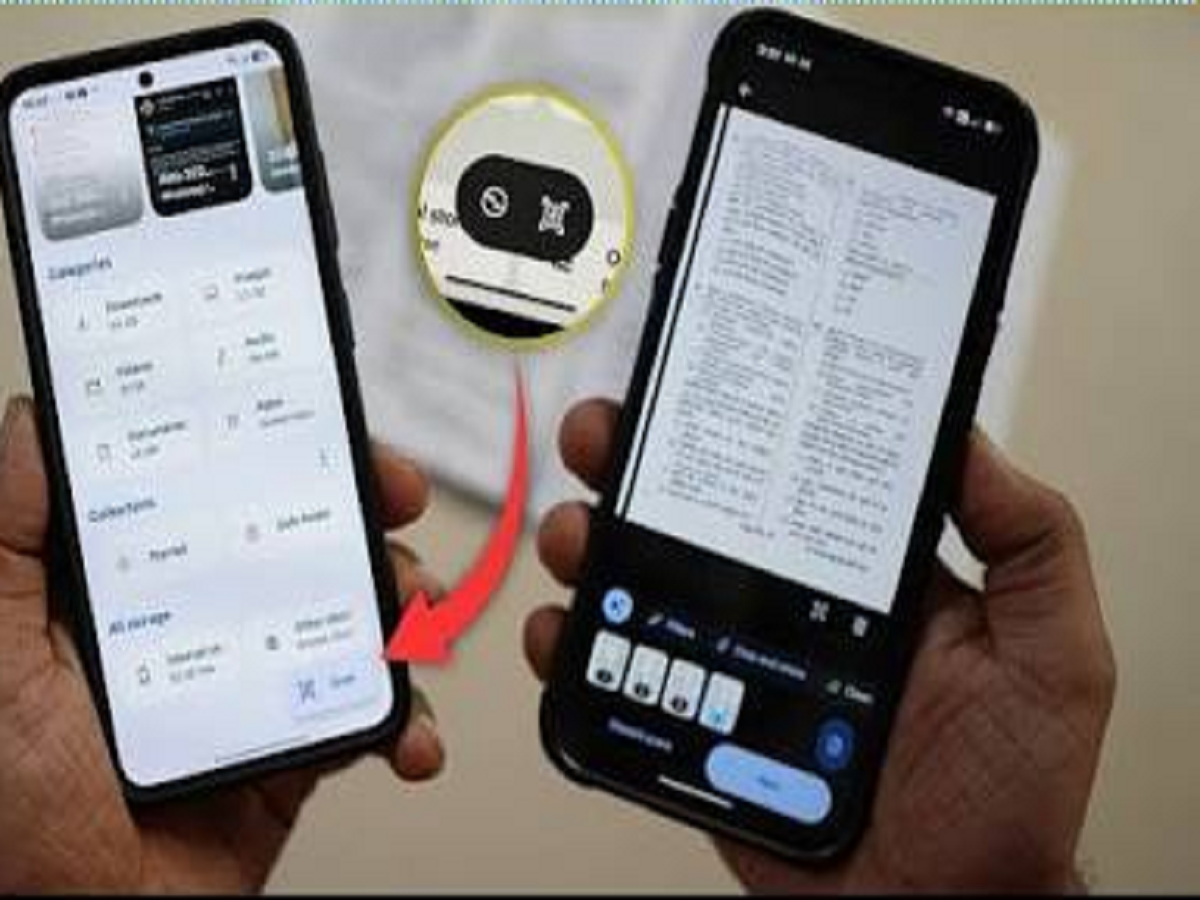
You may think your smartphone needs a separate app for almost everything. But many modern phones already have useful scanning tools built into the operating system.
From documents and QR codes to text hidden inside photographs, your phone can recognise and digitise information in seconds.
Here are some useful things you can scan without filling your phone with another app.
1. Scan Documents With Your Camera
Need to quickly digitise a receipt, form or important paper?
Modern smartphones can detect documents and help you capture them as clean, digital scans. The result can often be saved or shared as a PDF rather than keeping a photograph of the paper.
This is useful for bills, certificates, notes and other documents you may need later.
2. Scan QR Codes Instantly
You don't necessarily need a dedicated QR-code application.
Open your phone's camera and point it at a QR code. On supported devices, a notification or link should appear automatically.
This can be useful for restaurant menus, payments, event tickets and websites.
3. Copy Text From a Photograph
One of the most useful features is the ability to extract text from an image.
Take a photograph of a document, sign, book page or handwritten note and use your phone's built-in text-recognition feature where supported.
You can then copy the text and paste it into a message, document or notes app.
4. Translate Text From Images
Travelling abroad?
Your phone can often recognise text in photographs and translate it into another language.
This can be particularly useful for menus, signs, instructions and packaging.
Instead of typing every unfamiliar word manually, simply point your camera at the text.
5. Scan Contact Information
Some smartphones can recognise phone numbers, email addresses and website addresses inside photographs.
For example, if someone sends you a picture containing a phone number, you may be able to tap the detected number and call it directly.
This can save you from manually typing long strings of numbers.
6. Search for Objects in Your Photos
Image-recognition technology has become increasingly capable.
Depending on your phone and the software you use, you may be able to identify objects, animals, plants, landmarks or products in photographs.
Simply select an image and look for the visual-search option available on your device.
7. Scan a Product or Landmark
Some visual-search tools can recognise products, landmarks and other objects and provide additional information.
This can be useful when you see something unfamiliar and want to know what it is without manually describing it in a search engine.
Before Installing Another App, Check Your Phone
Many people immediately search an app store whenever they need a new function.
But your smartphone may already have the feature built into its camera, gallery or operating system.
The next time you need to scan a document, copy text from a photo or read a QR code, check your phone's built-in tools first.
You might already have the scanner you need sitting right in your pocket.


