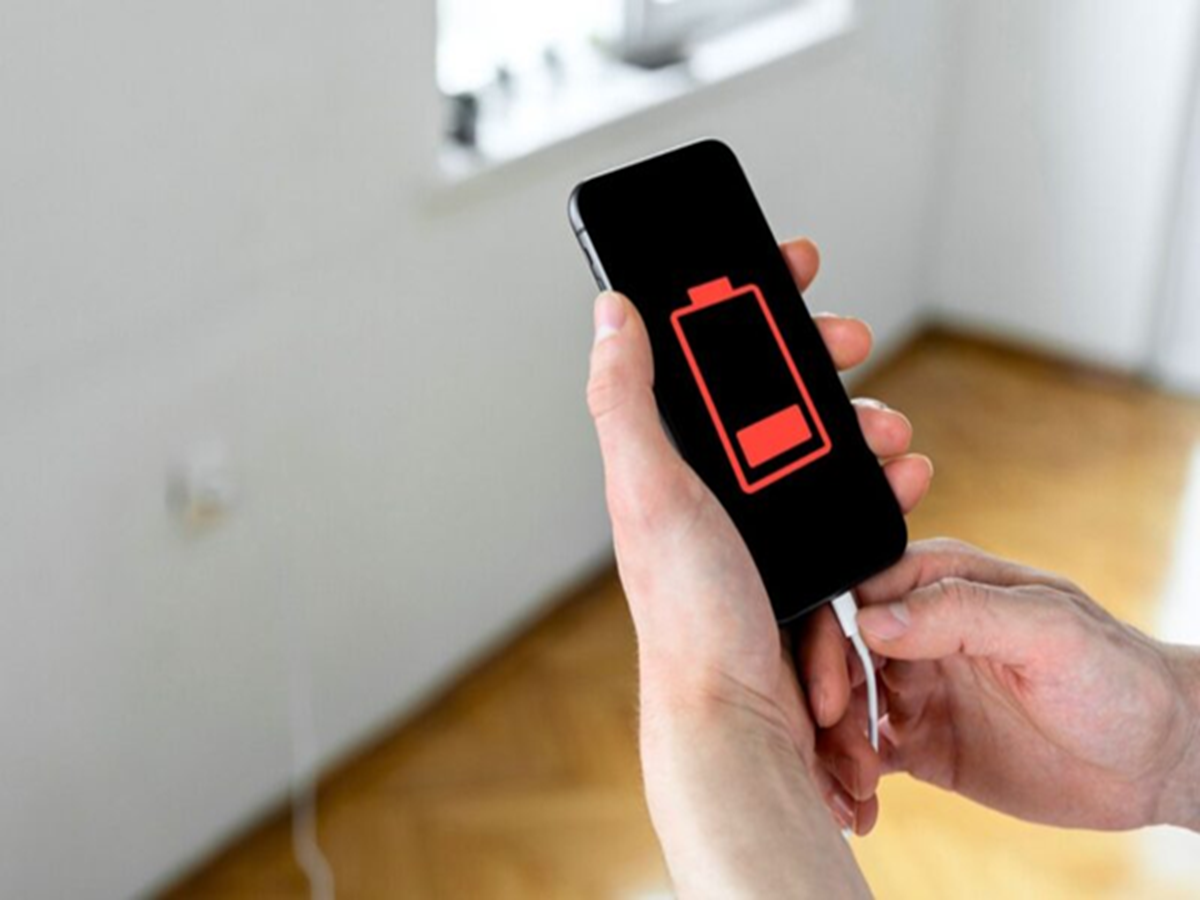
A smartphone with poor battery life can quickly become frustrating, especially when you're away from a charger. While many people assume the battery has worn out, the real problem is often hidden settings and apps running in the background.
Before replacing your phone or battery, try these simple tricks to extend your battery life.
1. Lower the Screen Brightness
The display is one of the biggest battery consumers. Keeping brightness at around 40–60% or using Adaptive Brightness can significantly reduce power usage.
2. Turn Off 5G When You Don't Need It
If your area has weak 5G coverage, your phone constantly switches between networks, consuming extra battery. Using 4G in such areas can improve battery backup.
3. Disable Location Access for Unused Apps
Many apps continue accessing your location even when you're not using them. Change location permission to "Only While Using the App" for apps that don't need constant GPS access.
4. Check Battery Usage by Apps
Most smartphones have a Battery section in Settings that shows which apps consume the most power. If an app is draining an unusually high percentage of battery, consider restricting its background activity or uninstalling it.
5. Reduce Screen Timeout
If your screen stays on for two or three minutes after every use, your battery drains unnecessarily. Setting the screen timeout to 30 seconds or one minute can make a noticeable difference.
6. Turn Off Features You Rarely Use
Features like Bluetooth, NFC, mobile hotspot, and nearby device scanning continue searching for connections. Turn them off when they are not needed.
7. Keep Apps Updated
Developers regularly release updates that improve battery efficiency and fix bugs. Updating your apps can help reduce unnecessary power consumption.
8. Use Dark Mode on OLED Displays
If your smartphone has an AMOLED or OLED screen, enabling Dark Mode can reduce power consumption because black pixels require less energy than bright ones.
9. Restart Your Phone Every Few Days
A simple restart closes stuck background processes and refreshes system resources. Doing this once or twice a week can improve both battery life and overall performance.
Bonus Tip: Watch Out for Battery-Hungry Apps
Social media, video streaming, gaming, navigation, and camera apps often consume the most battery. Closing these apps when you're done using them and limiting unnecessary background permissions can extend battery life throughout the day.
When Should You Replace the Battery?
If your phone is more than three or four years old and the battery drains rapidly even after following these tips, the battery may have reached the end of its lifespan. In such cases, replacing the battery through an authorised service centre may be a better option than buying a new phone.
Get More Hours from Every Charge
Small changes in your phone's settings can have a surprisingly big impact on battery life. By managing background apps, reducing unnecessary features, and optimising display settings, you can enjoy longer screen time, fewer charging sessions, and a smoother smartphone experience every day.