
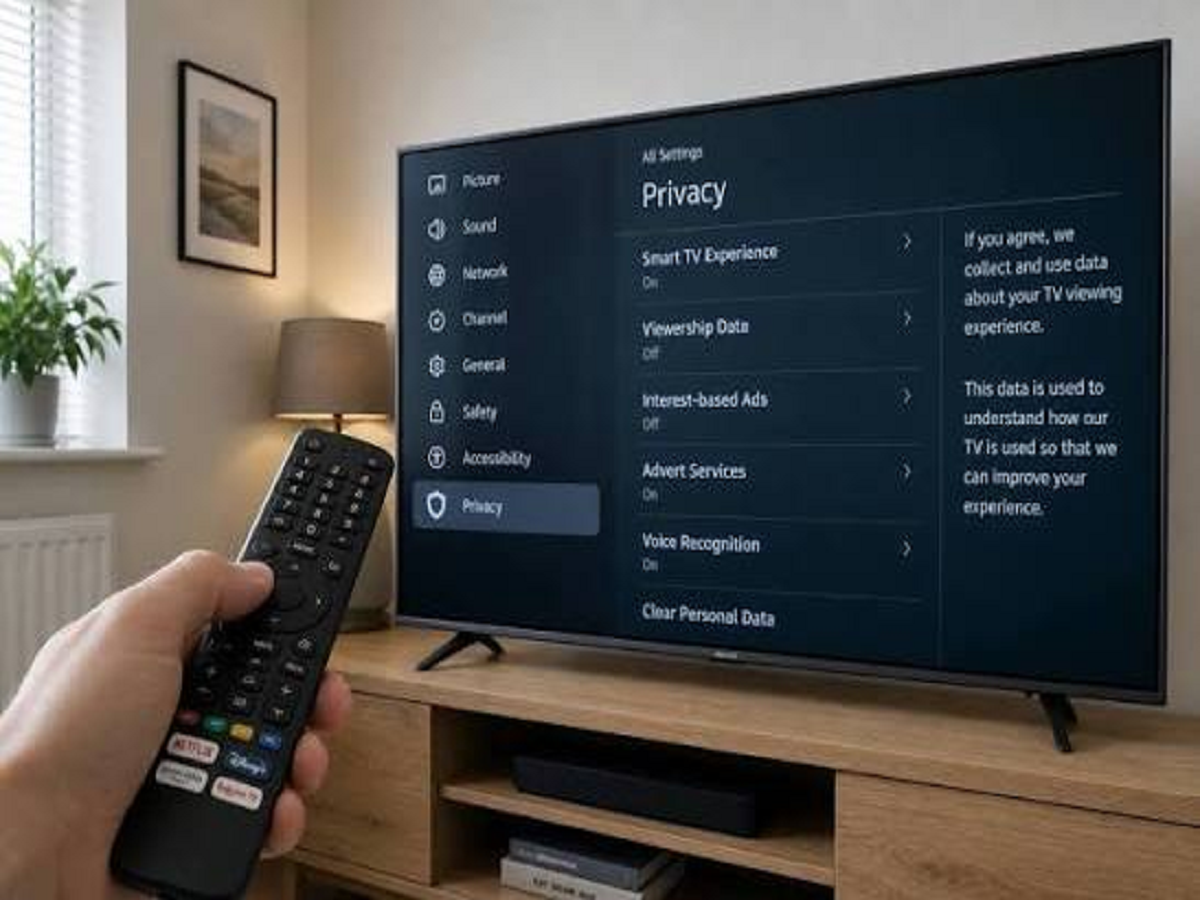
Your television is no longer just a screen for watching movies and shows. Modern smart TVs are connected to the internet, run apps, collect viewing data and can even communicate with other devices in your home.
That convenience comes with privacy considerations that many users overlook.
If you own a smart TV, here are six settings worth checking.
1. Review Viewing Data Collection
Many smart TV platforms can collect information about viewing habits and interactions with the television.
Look through your TV's privacy settings and check whether viewing-data collection or personalized recommendations can be limited.
The exact options vary depending on the manufacturer and operating system.
2. Check Which Apps Are Installed
Over time, your television can accumulate apps that you no longer use.
Old apps may continue receiving updates or requesting permissions even when you have forgotten they are installed.
Remove applications you don't use and keep the remaining ones updated.
3. Don't Ignore the Microphone
Some smart TVs and remote controls support voice commands.
If your television has a microphone, check which features use it and whether voice-related data is stored or shared.
If you rarely use voice commands, you may choose to disable voice features where your TV allows it.
4. Secure Your Streaming Accounts
Your smart TV may contain accounts for Netflix, YouTube, Prime Video and other services.
Avoid leaving your accounts signed in on televisions you no longer own or regularly use.
If you sell, give away or dispose of a smart TV, perform a proper factory reset and sign out of your accounts first.
5. Keep the TV Software Updated
Smart TVs receive software and security updates just like smartphones and computers.
These updates can fix bugs, improve performance and address security vulnerabilities.
Check your television's software-update settings and enable automatic updates if that option is available and suitable for you.
6. Secure Your Home Wi-Fi
Your smart TV is connected to your home network, so its security is also linked to your Wi-Fi security.
Use a strong Wi-Fi password, keep your router updated and check the list of connected devices occasionally.
If you notice an unfamiliar device connected to your network, investigate it rather than ignoring it.
What About the TV Camera?
Not every smart TV has a built-in camera. If yours does, pay particular attention to camera permissions and connected devices.
If you don't use video-calling or camera-based features, consider disabling camera access where possible.
Your Television Deserves a Privacy Check Too
We regularly check privacy settings on our phones and laptops but often forget about the television sitting in the living room.
A smart TV is essentially another internet-connected computer in your home.
Spend a few minutes reviewing its privacy, microphone, account, application and software-update settings. A few simple changes can give you greater control over what your television does—and what information it collects.


