
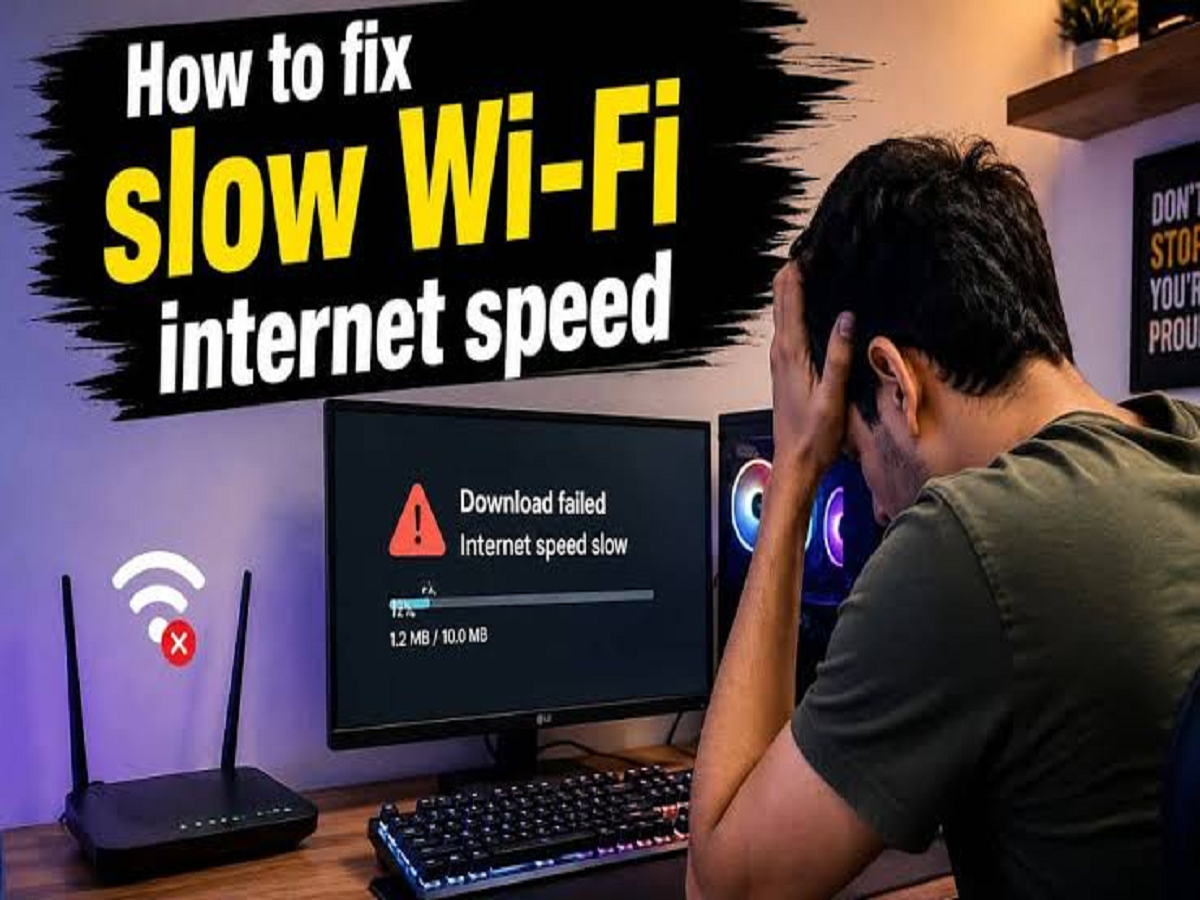
Ever run a speed test and see a perfectly respectable internet speed, only to find that YouTube keeps buffering, websites take too long to load or video calls suddenly become unstable?
The problem may not actually be your internet plan.
Your Wi-Fi connection depends on several factors beyond the speed advertised by your broadband provider. Router placement, interference, connected devices, network congestion and even the browser or website you're using can affect your actual experience.
Here are some common reasons your internet can feel slow even when your speed test looks fine.
1. Your Router Is in the Wrong Place
Where you keep your router can make a surprisingly big difference.
Placing it inside a cabinet, behind a television, near large appliances or on the floor can weaken the wireless signal.
Ideally, keep the router in an open and relatively central location, preferably elevated from the floor. This can help the signal reach more parts of your home.
2. Too Many Devices Are Using the Network
Your phone may not be the only device consuming bandwidth.
Smart TVs, laptops, gaming consoles, security cameras, tablets and smart home devices can all communicate with the internet simultaneously.
If several devices are streaming high-resolution video or downloading large files, other devices may experience slower connections.
3. The 2.4GHz and 5GHz Bands Behave Differently
Many modern routers offer both 2.4GHz and 5GHz Wi-Fi.
The 2.4GHz band generally travels farther and can work better through walls, but it can be more susceptible to congestion.
The 5GHz band can offer higher speeds and lower interference at shorter distances, although its signal generally doesn't travel as far.
If your router supports both, choosing the appropriate band for your location can improve your experience.
4. Your Neighbour's Wi-Fi Could Be Causing Interference
In apartment buildings and densely populated areas, dozens of wireless networks may be operating close to one another.
When networks overlap heavily, wireless performance can suffer.
Modern routers can often select channels automatically, but restarting or properly configuring the router can sometimes help when interference becomes a problem.
5. Your Router May Simply Be Getting Old
Internet plans can become faster over time, but an older router may not be capable of taking full advantage of the connection.
Older Wi-Fi standards may also offer lower speeds and weaker performance when several devices are connected simultaneously.
If your broadband plan has been upgraded significantly but your router hasn't changed in years, the router itself may be worth checking.
6. The Website or App Could Be the Problem
Not every slow-loading website means your internet connection is slow.
A particular website may have server problems, heavy traffic or other technical issues. Streaming platforms and online games can also experience service-side problems.
Try opening several different websites or applications. If only one service is slow, your Wi-Fi may not be responsible.
7. 't automatically mean fast Wi-Fi everywhere in your home. Your router, wireless band, network congestion, connected devices and even the website you're visiting can all affect performance.
So, the next time your internet feels painfully slow despite a good speed-test result, don't immediately blame your broadband provider. The real problem could be sitting right next to your television—the router.


