TECH
Your Wi-Fi Router Could Be Slowing Down Your Internet! 8 Hidden Mistakes That Reduce Speed Even With a High-Speed Plan
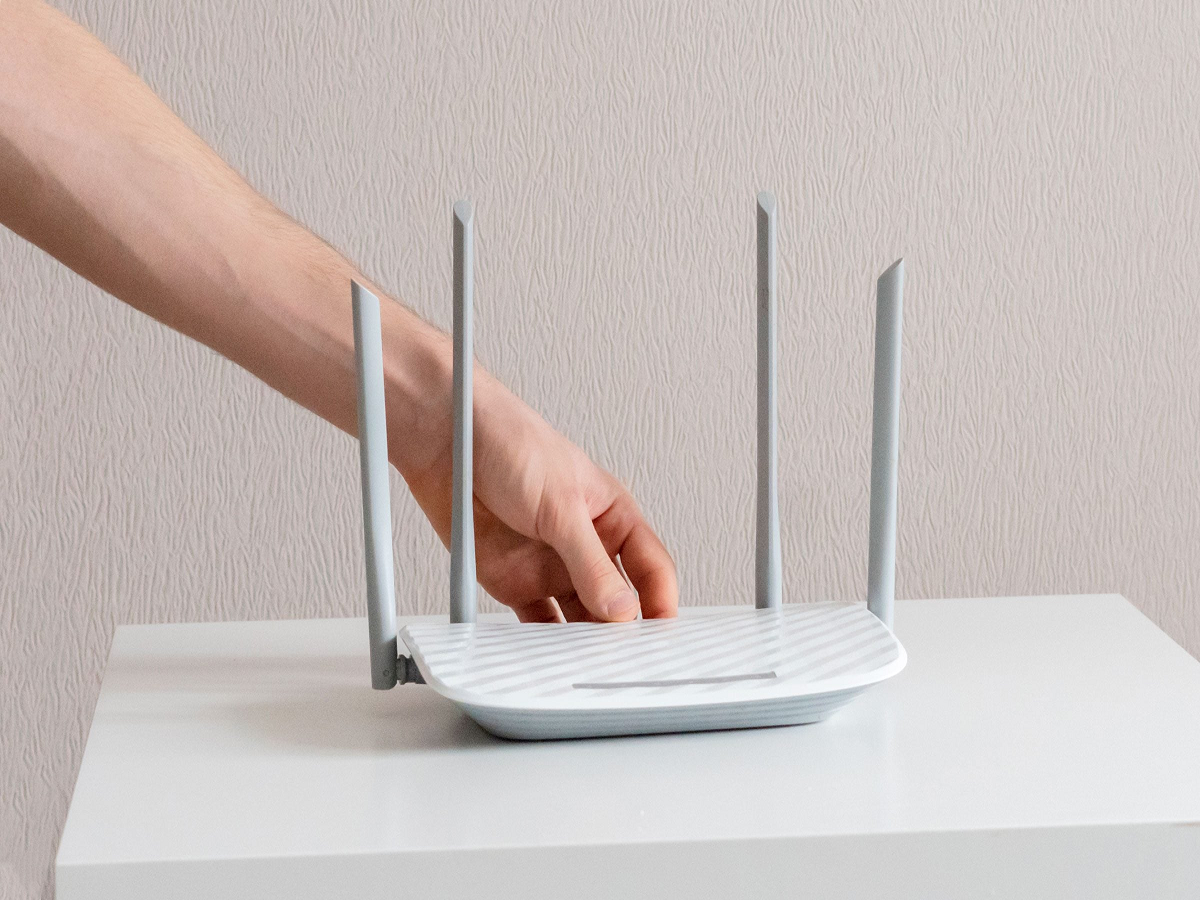
Have you ever paid for a high-speed internet plan but still struggled with buffering videos, slow downloads or video calls that keep freezing? Before upgrading to a more expensive connection, take a closer look at your Wi-Fi router.
Your internet speed depends on more than the plan you purchase. Router placement, interference from nearby devices, outdated hardware and the number of connected gadgets can all affect performance. In some cases, a few simple adjustments can improve your Wi-Fi experience without costing you anything.
Here are eight common mistakes that could be slowing down your home internet and how to fix them.
1. Keeping Your Router Behind a Television or Inside a Cabinet
One of the most common Wi-Fi mistakes is hiding the router to keep cables out of sight.
Walls, wooden cabinets, metal furniture and large electronic appliances can weaken wireless signals. When the router is placed in a corner or enclosed space, some rooms may receive a much weaker connection than others.
The solution is to place your router in an open, central location, preferably elevated on a shelf. Keep it away from thick walls, metal objects and large appliances whenever possible.
If your home has multiple floors, experiment with placement to find a position that provides better coverage throughout the house.
2. Using the Wrong Wi-Fi Frequency Band
Most modern dual-band routers support both 2.4 GHz and 5 GHz Wi-Fi.
The 2.4 GHz band generally covers longer distances and can pass through obstacles more effectively, but it is often more congested. The 5 GHz band can offer higher speeds over shorter distances, although its signal usually weakens more quickly through walls.
Some newer routers also support the 6 GHz band, which can provide additional capacity with compatible devices.
Choose the band according to your needs. Use 2.4 GHz for devices farther from the router, where compatibility and range matter. Prefer 5 GHz for high-bandwidth activities such as streaming and gaming when you are relatively close to the router.
3. Too Many Devices Are Sharing the Connection
A modern home may have smartphones, laptops, smart TVs, security cameras, gaming consoles and smart speakers connected simultaneously.
Even when individual devices are not actively downloading files, "1">
-
Run a speed test close to the router.
-
Repeat the test in the room where the connection usually struggles.
-
Compare Wi-Fi results with a wired Ethernet test, if available.
-
Test again when fewer devices are using the network.
-
Check your broadband provider's outage information if both wired and wireless speeds are poor.
Record the download speed, upload speed and latency. Latency is particularly important for online gaming and video calls, where a connection can feel sluggish even when download speeds appear reasonable.
Also remember that speed-test results can vary because of server location, network congestion and the capabilities of your device.
When Should You Upgrade Your Router?
Consider upgrading when your existing router no longer receives security updates, cannot support your broadband plan, struggles with the number of devices in your home or consistently provides inadequate coverage despite sensible placement.
For many households, a reliable Wi-Fi 6 router may be sufficient. Larger homes or users with demanding connectivity needs may benefit from a mesh system or newer Wi-Fi technology, depending on device compatibility and budget.
Before spending money, check whether your internet provider can replace an outdated router or help diagnose the problem.
Final Takeaway
Slow Wi-Fi does not always mean you need a faster broadband plan. Poor router placement, wireless interference, outdated hardware and weak coverage can all prevent you from getting the performance you expect.
Start by moving the router to an open, central location, checking connected devices and comparing Wi-Fi speeds with a wired connection. These simple tests can help identify the problem before you spend money on new equipment.
A better internet experience often begins with understanding what is slowing your current connection down.