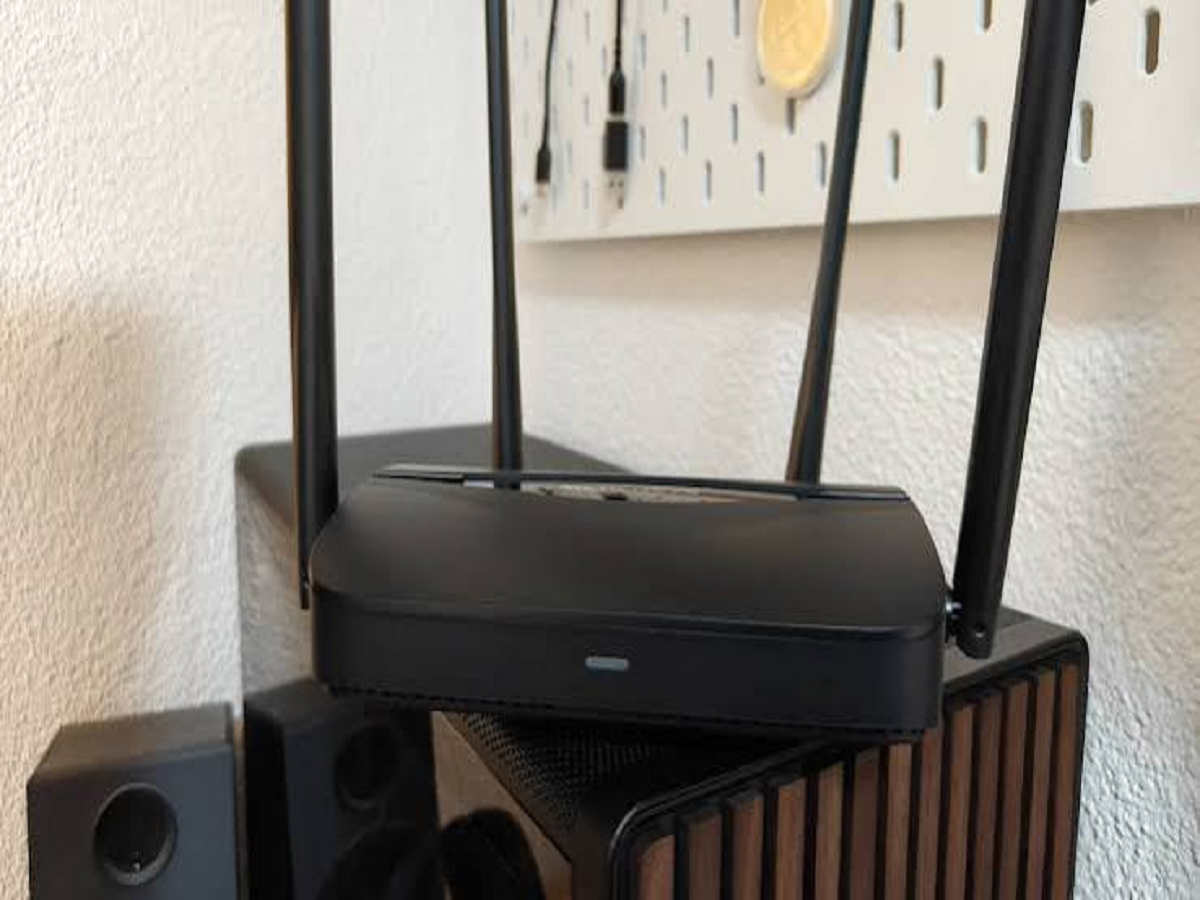
When people think about protecting their home network, they usually focus on their phone or laptop. But there is another device quietly connecting almost everything in the house to the internet: the Wi-Fi router.
Smart TVs, phones, security cameras, laptops, speakers and even appliances may all depend on it. If the router is poorly configured, all of these connected devices can become easier targets.
The good news is that improving your home Wi-Fi security does not require advanced technical knowledge.
1. Change the default router password
Many routers come with a standard administrator username and password. Leaving these unchanged can make it easier for someone who gains access to your network to modify important settings.
Create a strong, unique administrator password and avoid using the same password that you use for your Wi-Fi connection or other online accounts.
2. Use strong Wi-Fi encryption
Check your router's security settings and use a modern encryption standard whenever your device supports it.
Older security protocols can provide weaker protection. If your router supports WPA3, it is generally preferable; otherwise, WPA2 with a strong password is a common alternative.
3. Don't keep an easy Wi-Fi password
A password such as your mobile number, house name or date of birth may be easy to remember, but it can also be easy to guess.
Use a longer password or passphrase containing a combination of words and characters. You should also avoid sharing the same password across multiple important accounts.
4. Turn off features you don't need
Routers often include features that many users never use.
If remote administration, WPS or other optional services are unnecessary for your household, consider disabling them. Fewer active features can mean fewer potential entry points.
5. Keep the router's software updated
Routers also receive firmware updates.
These updates can fix security vulnerabilities, improve stability and sometimes add new security features. Check whether your router manufacturer provides automatic updates or whether you need to install them manually.
6. Create a separate network for smart devices
If your router supports a guest network or IoT network, consider using it for smart TVs, cameras, speakers and other connected gadgets.
This can help separate less-trusted devices from computers and phones containing sensitive information.
For example, if a smart device develops a security problem, network separation can reduce the potential impact on your primary devices.
7. Check which devices are connected
Most modern routers allow you to view a list of devices connected to your network.
Check this list occasionally. If you see an unfamiliar device, investigate it rather than simply ignoring it.
You may discover that it belongs to a family member or a smart appliance, but an unknown connection should not automatically be assumed to be harmless.
Your router is the gateway to your digital home
A secure smartphone cannot fully protect your household if the network connecting all your devices is poorly secured.
You don't need to change router settings every day. A one-time security check followed by occasional reviews can significantly improve your home's digital security.
As smart homes become more common, the router is no longer just a box that provides inter