LIFESTYLE
Aadhaar Address Update Made Easy: Change Your Address Online Without Visiting an Aadhaar Centre
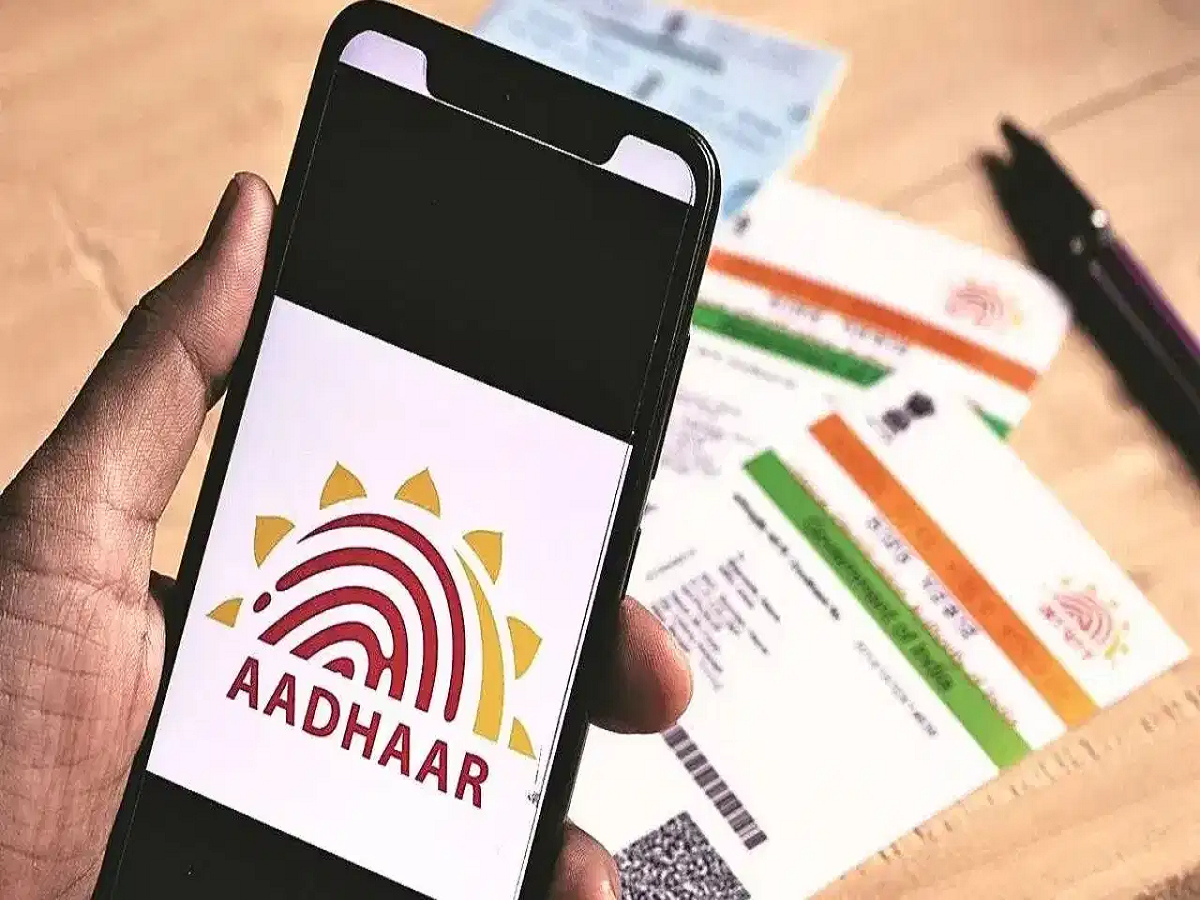
Have you recently moved to a new city for work or shifted to a different house? If the address on your Aadhaar is outdated, you may face difficulties when your identity documents are checked for banking, government services or other purposes.
The good news is that eligible Aadhaar holders can request an address update online through the official myAadhaar portal. This means you may not need to visit an Aadhaar centre just to update your address.
How to Update Your Aadhaar Address Online
The process can be completed using a smartphone or computer.
First, visit the official myAadhaar portal and log in using your 12-digit Aadhaar number. You will need access to the mobile number registered with your Aadhaar because an OTP is required for authentication.
After logging in, look for the Address Update option and select the option for updating Aadhaar using documents.
Your existing address will be displayed. Enter your new address carefully, including details such as your state, district, city and PIN code.
Before submitting the request, carefully check the spelling and other details because mistakes can result in the request being rejected or requiring another update.
Which Documents Can Be Used?
You will need a valid address-proof document to support the new address.
Depending on the documents accepted by UIDAI, examples can include:
- Passport
- Voter ID
- Bank statement
- Electricity or utility bill
- Rent agreement
- Other approved address-proof documents
The document should contain the relevant address details and meet the applicable UIDAI requirements.
What If You Don't Have Address Proof in Your Name?
This can be a problem for people who have recently moved to a new city and don't yet have a utility bill or other document in their own name.
In eligible cases, the Head of Family (HoF) option can be used. This allows an address update based on the Aadhaar details of an eligible family member along with the required relationship documentation and consent.
The exact documents and conditions should be checked on the official UIDAI portal before submitting the request.
Don't Forget the Update Request Number
After submitting your request, you will receive an Update Request Number (URN).
Keep this number safely. It can be used to track the progress of your Aadhaar update request.
You should also save the acknowledgement or confirmation generated after completing the application.
How Much Does Aadhaar Address Update Cost?
The applicable fee depends on the type of Aadhaar service being requested and the current UIDAI fee structure.
Therefore, don't rely on old information about free updates or fixed charges. Check the amount displayed on the official myAadhaar portal at the time you submit the request.
Be Careful While Uploading Documents
One of the most important steps is uploading a clear and valid document.
Make sure:
- The document is readable.
- Your name and address are clearly visible.
- The document isn't damaged or cropped incorrectly.
- The information entered in the application matches the supporting document.
An unclear or invalid document can lead to rejection of the request.
Keep Your Aadhaar Address Updated
Keeping your Aadhaar details current can make identity verification easier when your address is required for different services.