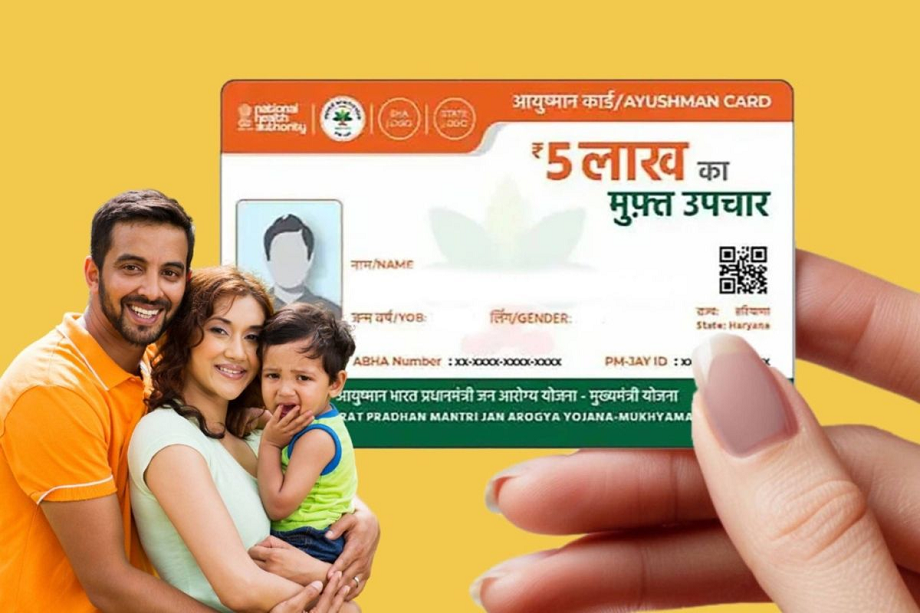
Ayushman Card: Now it's even easier to get free treatment up to ₹5 lakh! Long queues at government offices for an Ayushman card are a thing of the past. With the National Health Authority's new app, you can check your eligibility and complete your e-KYC from the comfort of your home.
Ayushman Card: There's great news for beneficiaries of the Ayushman Bharat scheme. The central government has made the process of obtaining an Ayushman card completely digital and extremely easy. Now, to avail of free treatment, you no longer need to stand in long lines outside government offices or seek the help of an agent. The National Health Authority (NHA) has clarified that citizens can now generate their own cards using their smartphones.
NHA gave information on social media
The National Health Authority (NHA) has informed citizens through its official social media handles that the "Ayushman App" has now become a one-stop solution. Through this app, you can not only check whether your name is eligible for the scheme, but also complete your e-KYC and download the digital card in a matter of minutes.
How to check your eligibility?
If you want to know whether you will get free treatment up to Rs 5 lakh or not, follow these steps:
- First of all install Ayushman App from Play Store or App Store.
- Open the app and click 'Login.' Select the 'Beneficiary' option and login using your mobile number and OTP.
- Now select your scheme (PMJAY), your state and district in the form displayed on the screen.
- You can search your eligibility through your Aadhaar number, ration card (Family ID) or name.
- If your name is listed, a list of all family members will open. If your name is not listed, a message saying 'No Beneficiary Found' will appear.
How to complete e-KYC from home?
If your card is not generated despite being eligible, you will need to do e-KYC:
- Click on 'Do e-KYC' written in front of the name in the beneficiary list.
- Select the 'Aadhaar OTP' option for verification. You will receive an OTP on your Aadhaar-linked mobile number. Enter it.
- Your information will appear on the e-KYC page. Here, you'll need to click and upload a recent selfie, which will be matched with your Aadhaar data.
- After filling in all the information, submit the form. Once the verification is successful, your Ayushman card will be ready.
How to download your old card
Those whose KYC has already been completed will see a 'Download Card' button next to their name. By clicking this button, you can save your Ayushman card in PDF format, which can be presented for treatment at any listed hospital.
Disclaimer: NewsCrab does not provide any buying or selling recommendations related to the stock market. We publish market analysis based on market experts and brokerage firms. However, make market decisions only after consulting certified experts.
PC:Prabhat Khabar