TECH
Cyber-Fraud Alert: Screen sharing can empty your bank account, never believe what an unknown caller says
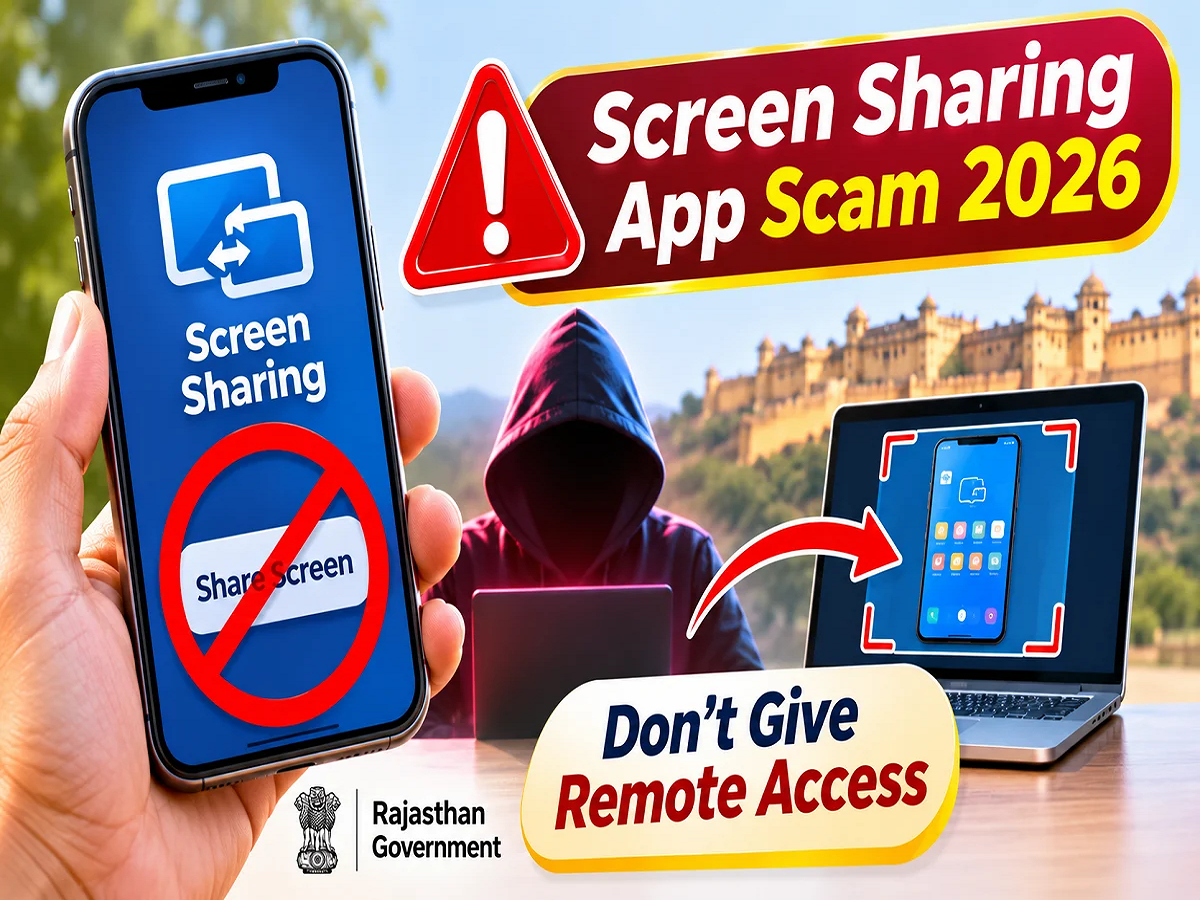
Screen Sharing App Fraud 2026: With the increasing use of digital services, cybercriminals are adopting new methods to defraud people. A dangerous method of online fraud is related to screen sharing and remote access apps. Cybercriminals often contact people by posing as bank employees, customer care officers or technical support personnel. Then, on the pretext of fixing a problem, they make them download an app on their mobile or ask them to share their screen. The Department of Information Technology and Communications (DOITC) of the Rajasthan government has advised people to be cautious about such cases.
According to the department, sensitive information displayed on a mobile phone can be accessed by others through screen-sharing apps. Some remote access apps may also allow fraudsters to gain unauthorized access to the device.
How can online fraud happen through screen sharing?
Nowadays, mobile phones are used to access banking apps, UPI, email, social media, and many other important digital services. Therefore, the information displayed on the mobile screen can be extremely sensitive.
Cybercriminals try to exploit this. They may call from an unknown number and claim there's a problem with your bank account, KYC, digital payments, or mobile phone.
After this, in the name of solving the problem, you may be asked to start screen sharing or install a remote access app.
If the user does so, the fraudster can view the information displayed on the screen. In some cases, they can even try to remotely control the device if they are granted additional permissions.
Why can remote access apps increase the risk?
Remote access apps are commonly used for technical support and remote device management. However, they can also be misused by cybercriminals.
If an unknown person gets remote access to the mobile, he can view the device activities or perform some actions depending on the permissions given.
This could compromise the security of banking information, personal documents, and other sensitive data.
However, not every screen sharing or remote access app is vulnerable. The risk primarily arises when users hand over control of their screen or device to an untrusted individual.
Under what pretext can cyber criminals contact you?
Fraudsters can use different methods to gain people's trust.
- Bank KYC Update: Asking to install the app by threatening to shut down bank account services.
- Problem with UPI payments: Screen sharing in the name of getting a stuck payment refunded.
- Customer Care Support: Impersonating a company representative and requesting remote access to a mobile phone.
- Refund lure: Getting people to download apps to get their money back for online purchases or services.
- Technical glitches: Asking for control of the device under the pretext of fixing mobile or internet problems.
Before acting on any such request, it is necessary to confirm through the official channel of the concerned bank or company.
Follow these 6 steps to avoid screen sharing fraud
1. Do not download apps at the behest of unknown callers
If an unknown person calls and asks you to install a screen sharing or remote access app, don't trust him immediately.
2. Avoid sharing your mobile screen
Do not share screens containing banking apps, UPI, passwords or personal information with any unknown person.
3. Keep OTP and UPI PIN confidential
Banking OTPs, UPI PINs, and passwords should never be shared with anyone. Don't enter them on the instructions of strangers.
4. Check the app's permissions
Periodically review screen recording, accessibility and other sensitive permissions granted to apps installed on the mobile.
5. Contact the official customer care
In case of any issue related to the bank or any digital service, use the support options available on its official website or app.
6. Beware of suspicious links
Avoid downloading apps through unknown links sent on WhatsApp, SMS or email.
What to do immediately if you accidentally share your screen?
If you have allowed a suspect to view your mobile screen or take control of the device, immediately stop screen sharing and remote access sessions.
After this, turn off the internet connection, remove the permissions of the suspicious app and uninstall the app if necessary.
If banking information is suspected to have been exposed, contact your bank from a secure device and take necessary security steps.
Change passwords for important accounts and check banking transactions. If you notice any unauthorized transactions, file a complaint immediately.
Where to complain about cyber fraud?
If you have been subjected to financial fraud through screen sharing or remote access apps, the Government of India’s National Cyber Crime Helpline 1930 can be contacted immediately.
Apart from this , the facility to lodge online complaint is also available on the official cyber crime reporting portal cybercrime.gov.in .
It may be useful to keep the suspicious mobile number, app name, chat screenshots and banking transaction related information safe while filing a complaint.
Awareness is the most important factor in digital security.
The main objective of the cyber-security message issued by the Information Technology and Communication Department of Rajasthan is to make people aware of the dangers associated with screen sharing and remote access.
To use digital facilities safely, it is important that people do not hand over control of their mobile phones to any unknown person.
Remember, sharing your screen or installing a remote access app at the behest of an unknown caller can pose a serious threat to the security of your personal information and bank account.
Source Credit: Cyber awareness information on screen sharing and digital safety by Department of Information Technology and Communications (DOITC), Government of Rajasthan. #DOITC #CyberSafety #DigitalSafety