TECH
Data Saving Setting: 1.5GB data will now last all day, just change 3 phone settings, no need for extra recharge
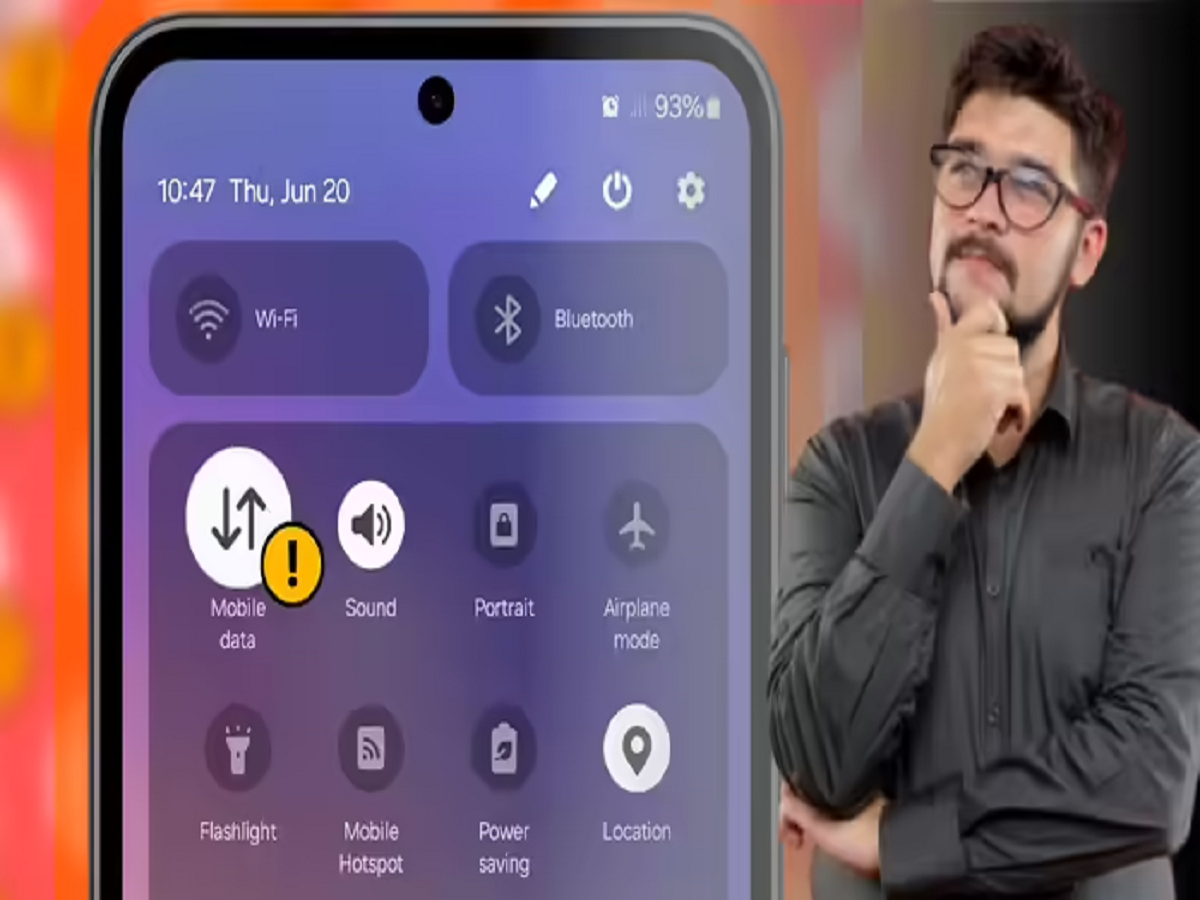
How to Save Mobile Data: Does the 1.5 or 2GB of daily data included in your recharge plan not last you a full day? If so, the problem lies in your phone's settings. By choosing the right network mode, background internet acess permissions and data saver settings, you can control whether your 1.5 or 2GB of data lasts the entire day. All you need to do is turn off unnecessary internet usage on your phone. There was a time when 1 or 1.5 GB of data was enough for a day. However, with the increasing internet demand, it's hard to tell when that 1 or 1.5 GB of data runs out. After that, people have to recharge their data separately. However, few people know that by adjusting just three settings on your phone, that same 1.5 GB of data can last a full day.
Android Data Saving Settings: There was a time when 1 or 1.5 GB of data was enough for a day. However, with the increasing internet demand, it's hard to tell when that 1 or 1.5 GB of data runs out. After that, people have to recharge their data separately. However, few people know that by adjusting just three settings on your phone, that same 1.5 GB of data can last a full day.
If you want to control your internet data consumption, then first bring the 5G mode to 4G and if it is necessary to use 5G mode, then choose it with the right settings. Actually, 5G network uses more data as compared to 4G network. Apart from this, due to the setting of using more data on 5G network being on on iPhone, your data gets exhausted faster.
In such a situation, go to the phone's settings and set the Mobile Network to 4G. If it is necessary to keep it on 5G, then definitely turn on the option of USE LESS DATA in the settings.
Turn on Data Saver mode
The best way to reduce internet consumption is to turn on Data Saver mode. Turning on this mode stops background data usage by apps. Simply go to your phone's settings and search for "Data Saver mode." Enabling this feature will stop your phone's unnecessary internet data consumption.
Stop apps from using data in the Background
You can also disable background internet activity in apps to further reduce unnecessary internet data consumption. You can control this in the following ways: The first method is to allow apps to use the internet when Data Saver Mode is on, on the DATA SAVER MODE page itself.
PC:NBT