BUSINESS
Did you transfer your money to another account while using Paytm or GPay? Stop worrying, just do this and you'll get it back
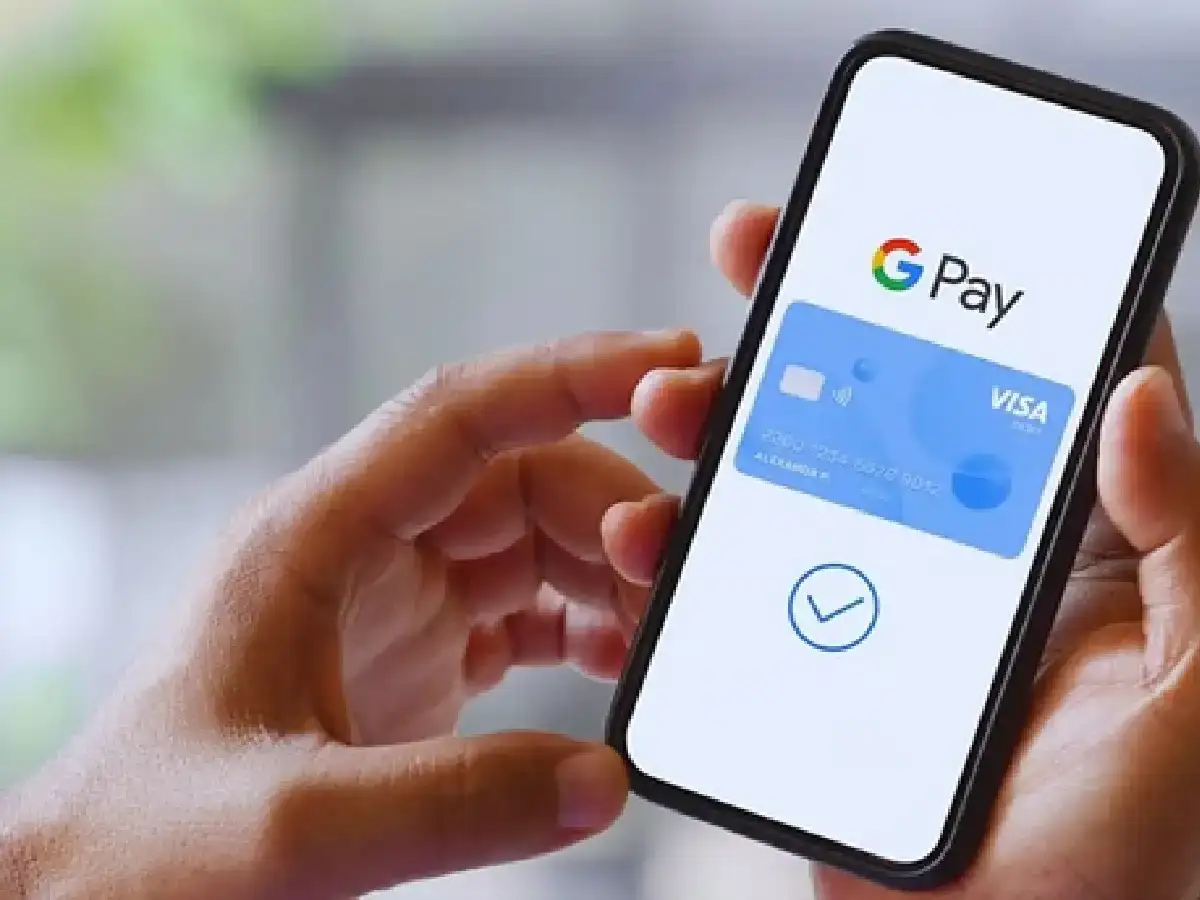
These days, we're using UPI for both small and large expenses. We use apps like PhonePe, Google Pay, and BHIM. This has made money transfers easier and faster. But sometimes, due to haste and a small mistake, money ends up in the wrong account. In such a situation, don't panic or worry; just file a complaint. You'll get your money back.
If your money has been transferred to the wrong bank account, you can immediately file a complaint on the NPCI portal. You can also seek assistance through your bank or its helpline number. Action is initiated within 48 hours of receiving a complaint, increasing the chances of getting your money back. First, contact the bank and obtain accurate transaction details. Then, file a complaint immediately. But always remember to double-check your UPI ID or mobile number before sending money.
How to make a complaint on the NPCI portal?
You can report a wrong transaction on the National Payments Corporation of India website.
Step 1- First of all open https://www.npci.org.in/.
Step 2- Click on UPI Dispute/Complaint.
Step 3- After this enters your UPI reference number and transaction details.
Step 4- Then enter your mobile number. Finally, submit the complaint.
File a complaint on the helpline number.
You can also file a complaint on the helpline number. For UPI-related issues, you can call 1800-120-1740. This number is toll-free. Whenever you make a digital payment, keep a record of the SMS and transaction details. If a problem arises, this information will be useful when filing a complaint or during an investigation.
PC: SaamTV