TECH
How to Apply for a Driving Licence Online in India: Step-by-Step Guide for a Hassle-Free Process
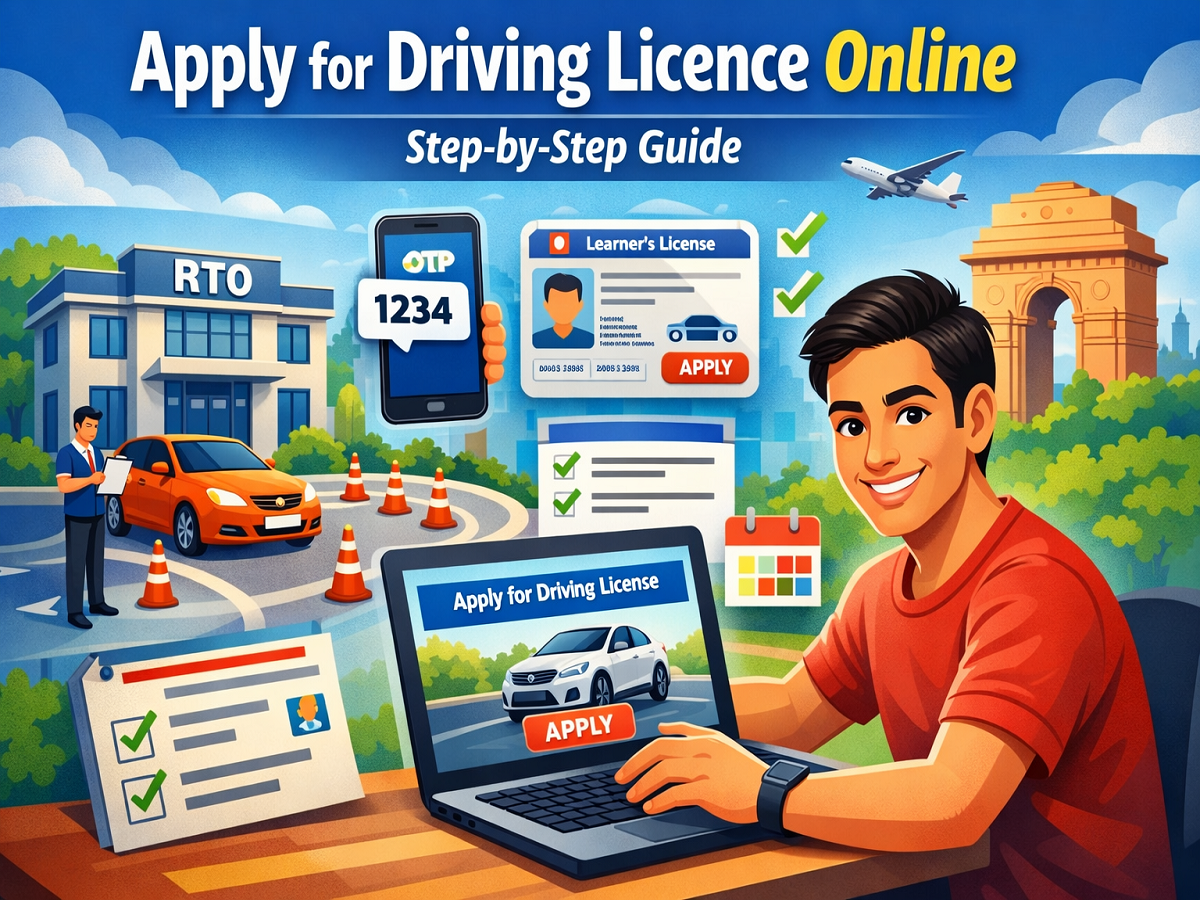
Getting a driving licence is an essential step for anyone planning to drive legally in India. With the growing adoption of digital services, the process has become much easier and more convenient. Today, applicants can complete most of the formalities online without visiting government offices multiple times. However, before starting the application, it is important to understand one key requirement — you must already possess a valid learner’s licence.
Without a learner’s licence, your application for a permanent driving licence will not be processed. Once you meet this requirement, you can proceed with the online application through the official government portal.
Why Choose the Online Method?
Applying online for a driving licence offers several advantages. It helps you avoid long queues, reduces paperwork, and saves time. This method became especially popular during the COVID-19 pandemic, but it continues to be the preferred option due to its simplicity and efficiency. While driving licences are issued by state authorities, the central government has streamlined the process through a unified digital platform to make access easier for citizens.
Step-by-Step Process to Apply Online
Follow these steps carefully to submit your driving licence application online:
1. Visit the Official Portal
Start by visiting the Parivahan Sarathi website, which is the official platform for driving licence-related services. Once there, select your state from the list provided.
2. Choose the Application Option
After selecting your state, look for the option labeled “Apply for Driving Licence” and click on it. This will take you to a new page with detailed instructions.
3. Read Instructions Carefully
You will be shown a set of guidelines explaining the application process. Make sure to read them thoroughly before moving forward.
4. Continue with the Application
Click on the “Continue” button to proceed to the next step.
5. Enter Mobile Number for OTP Verification
Provide your active mobile number. You will receive a One-Time Password (OTP) on this number.
6. Verify OTP
Enter the OTP received on your phone and complete the authentication process to continue.
7. Provide Learner’s Licence Details
Select the option indicating that you hold a learner’s licence. Enter your learner’s licence number and date of birth. If applicable, you may also choose options related to foreign or defence licences.
8. Fill the Application Form
Complete the online application form with accurate personal and address details. Double-check all entries to avoid errors.
9. Select Appointment Date
Choose a convenient date to visit your nearest Regional Transport Office (RTO) for further verification and driving test.
What Happens After Online Application?
Once you complete the online process, you will need to visit the RTO on the selected date. Carry all original documents along with the application receipt and fee payment proof. At the RTO, you will be assigned a slot for your driving test.
Passing the driving test is mandatory to obtain your permanent licence. After successfully completing the test and verification process, your driving licence is typically issued within two to three weeks.
Important Tips for Applicants
- Ensure all documents are valid and up to date
- Double-check details entered in the application form
- Arrive at the RTO on time for your appointment
- Practice driving beforehand to clear the test confidently
Conclusion
The online driving licence application process has made it significantly easier for individuals to apply without unnecessary delays. By following the correct steps and preparing your documents in advance, you can complete the process smoothly. Just remember that holding a learner’s licence is the first and most important step before applying for a permanent driving licence.