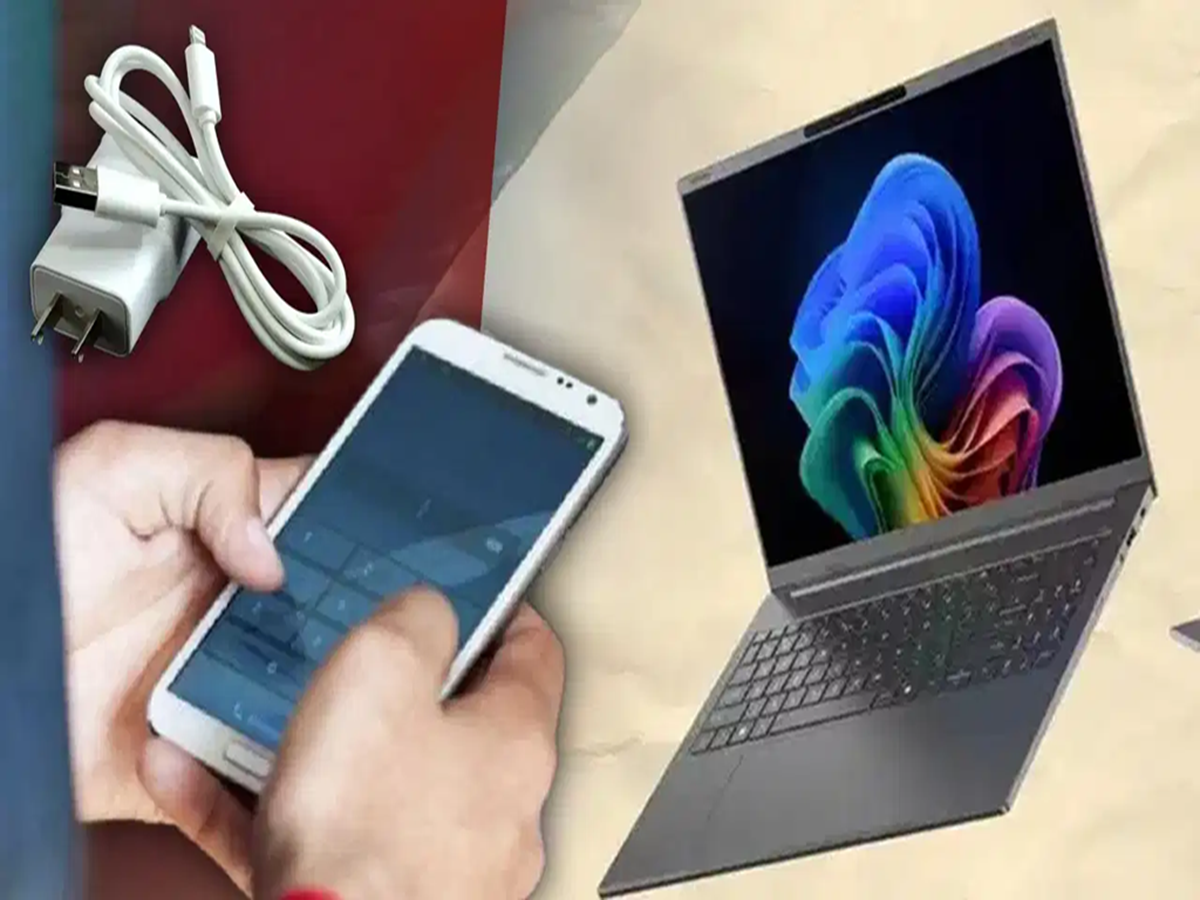
When your phone charger isn't nearby, plugging your smartphone into your laptop's USB port can seem like the easiest solution. Many people do this while working, studying, or travelling. But is it safe for your phone, and are there any risks involved?
The good news is that charging your phone with a laptop is generally safe—as long as you follow a few basic precautions.
Is It Safe to Charge Your Phone from a Laptop?
Yes. If your laptop is functioning properly and you're using a high-quality or original USB cable, charging your phone through a laptop is considered safe.
Modern smartphones are equipped with battery management systems that regulate charging speed and protect the battery from overcharging or excessive current. As a result, occasional charging through a laptop is unlikely to damage your phone.
Why Does Charging Take Longer?
One of the biggest differences between a laptop and a wall charger is charging speed.
Most laptop USB ports supply less power than a dedicated phone charger, so your phone charges more slowly.
Common reasons for slow charging include:
- Older USB 2.0 ports that provide lower power output.
- Low-quality or damaged charging cables.
- Lack of fast-charging support.
- Using the phone heavily while it's charging.
- The laptop limiting USB power to conserve its own battery.
Some newer laptops equipped with USB-C Power Delivery (USB-C PD) can provide higher power output, allowing compatible smartphones to charge much faster than through traditional USB ports.
When Should You Be Careful?
The biggest concern isn't battery damage—it's data security.
USB connections can transfer both power and data. If you connect your phone to an unknown or public computer and accidentally allow data access, your personal files could become accessible.
To stay safe:
- Connect your phone only to trusted computers.
- Select "Charge Only" mode if your phone displays USB connection options.
- Avoid enabling File Transfer mode unless you specifically need to move files.
Best Practices for Safe Charging
To protect both your phone and your data, follow these simple tips:
- Use the original or a certified high-quality USB cable.
- Avoid charging through damaged or loose USB ports.
- Don't connect your phone to unfamiliar public computers.
- Use your original wall charger whenever you need fast charging.
- If your laptop is overheating or malfunctioning, avoid using it as a charging source.