TECH
Is Your Phone Listening to You? Why Ads Appear After Conversations and 6 Privacy Settings You Should Check
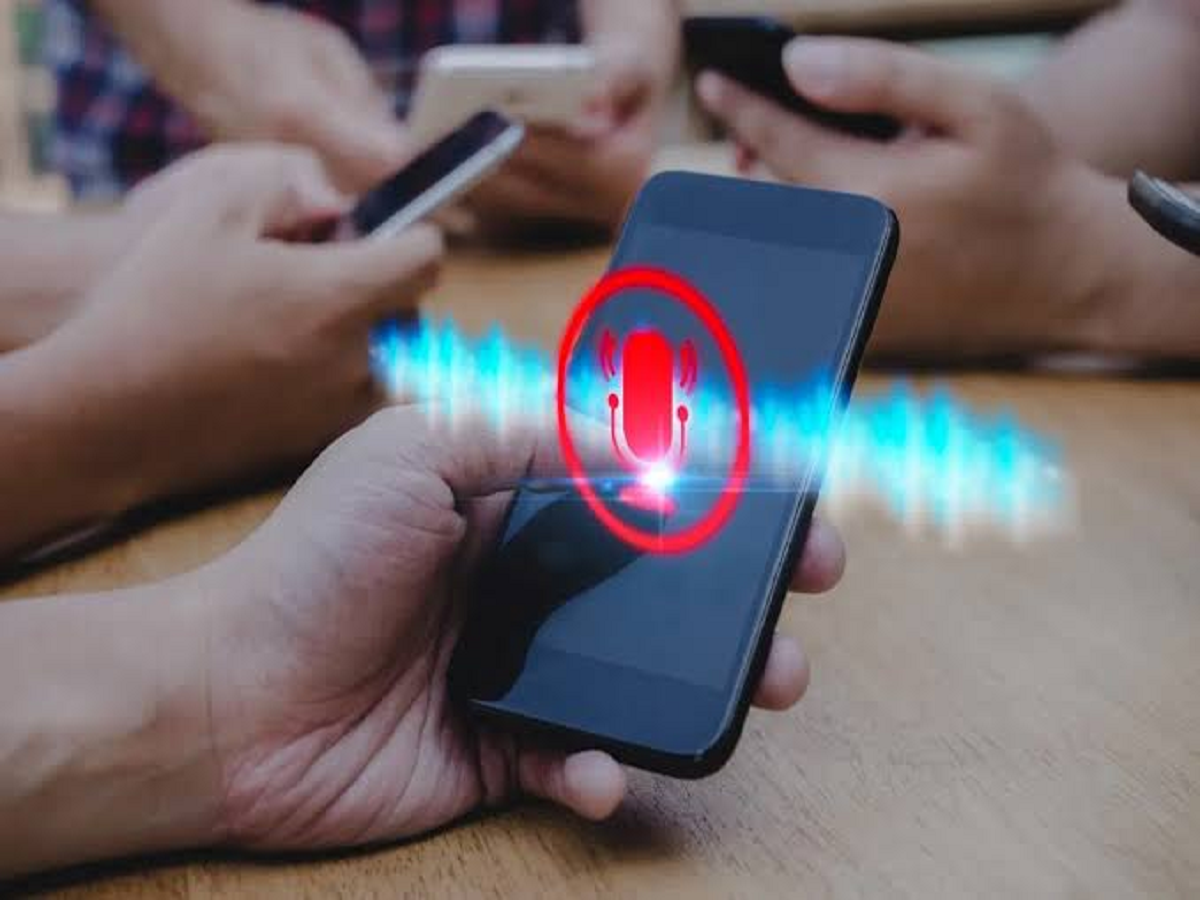
Have you ever discussed a product with a friend and then noticed an advertisement for the same product on Instagram, YouTube or another application? This experience often makes smartphone users wonder whether their phones are secretly listening to private conversations.
Although the timing can seem suspicious, targeted advertisements do not necessarily mean that your microphone is recording conversations. Advertising platforms can use browsing activity, search history, app interactions and other signals to predict what products or services might interest you.
Understanding how these systems work can help you protect your privacy and reduce unwanted tracking.
Why Do Advertisements Seem to Know What You Are Thinking?
Advertising companies use several types of information to personalise advertisements. These may include websites you visit, products you search for, videos you watch and advertisements you interact with.
For example, if you recently searched for running shoes or watched fitness-related videos, advertising systems may start showing you advertisements for sportswear and fitness accessories.
Sometimes, advertisements can also be influenced by information associated with shared devices, accounts or advertising audiences.
This can create the impression that your phone knows what you discussed, even when there is no evidence that your microphone was used.
1. Check Which Applications Can Access Your Microphone
Your smartphone allows you to control which applications can use its microphone.
On Android, open Settings, select Privacy or Security and Privacy, and find Permission Manager. Choose Microphone to review application access.
On an iPhone, go to Settings, Privacy & Security and Microphone.
Disable microphone permission for applications that do not genuinely need it.
2. Watch for Microphone Activity Indicators
Modern Android phones and iPhones display privacy indicators when applications access the microphone.
On iPhones, an orange indicator generally appears when the microphone is being used.
On supported Android devices, a green privacy indicator can appear when the microphone or camera is active.
These indicators can help you identify unexpected microphone usage.
3. Review Personalised Advertising Settings
Google and other advertising platforms provide controls for managing personalised advertisements.
You can review Google's advertising preferences through My Ad Center and adjust the information used to personalise ads.
On iPhones, you can also review app tracking permissions through Settings, Privacy & Security and Tracking.
These settings can reduce certain forms of tracking, although they will not eliminate all advertisements.
4. Limit Unnecessary Location Access
Location information can influence the advertisements and recommendations you see.
For example, applications may show advertisements related to businesses or services in your area.
Review which applications have access to your location and select more restrictive options where appropriate.
5. Clear Unnecessary Browsing Data
Websites can use cookies and other technologies to remember your activity and support advertising measurement or personalisation.
Review your browser's privacy settings and clear browsing data when necessary.
You can also use available tracking-prevention features to limit certain forms of cross-site tracking.
6. Avoid Giving Every Application Unnecessary Permissions
Some applications request access to your microphone, camera, contacts, location and other information even when those permissions are not essential to their main functions.
Before granting access, consider whether the application actually needs that information.
You can usually change these permissions later through your smartphone settings.
Can Smartphones Secretly Record Conversations for Advertising?
Smartphones are technically capable of recording audio when an application has the necessary access, and malicious software can misuse device permissions.
However, the appearance of a relevant advertisement after a conversation is not proof that a phone recorded the discussion.
There is no reliable evidence that major advertising platforms routinely record users' private conversations through smartphone microphones to target advertisements.
Many seemingly surprising advertisements can be explained by extensive data collection, predictive algorithms and coincidence.
Final Words
Targeted advertisements can sometimes feel intrusive, but they are not necessarily evidence that your smartphone is secretly listening.
Reviewing microphone permissions, limiting unnecessary location access and adjusting personalised advertising settings can help you exercise greater control over your personal information.
A few minutes spent checking your smartphone's privacy settings can make your digital experience more secure and transparent.