TECH
Your Smartphone Knows More About You Than You Think! 7 Hidden Settings You Should Change Right Now
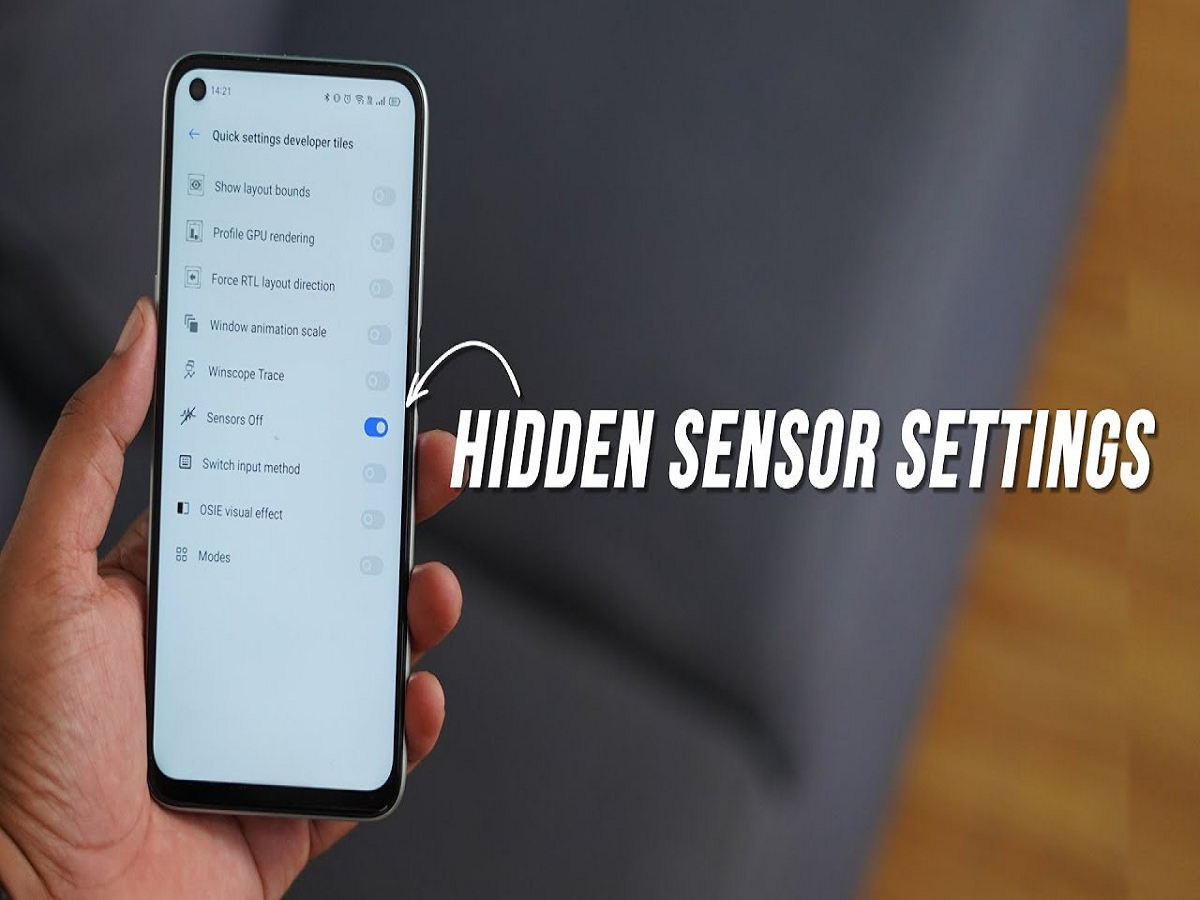
Your smartphone is probably the one device you use more than anything else throughout the day. From checking bank accounts and sending personal messages to storing photographs, tracking your location and accessing social media, almost every part of your digital life is connected to your phone.
But have you ever wondered how much information your smartphone collects while you are using it?
Many smartphones have features and permissions that users rarely check. Some applications may have access to your location, microphone, camera, contacts and personal information even when you don't actively use them.
While these permissions are sometimes necessary for applications to function properly, unnecessary access can create privacy and security risks.
The good news is that a few simple changes can help you take better control of your digital privacy. Here are seven smartphone settings worth checking today.
1. Check Which Apps Can Access Your Microphone and Camera
Have you ever wondered why certain applications request access to your microphone or camera even when these features are not essential to their services?
Many applications request permissions during installation or their first use. However, users often approve these requests without checking whether the access is actually necessary.
Go to your smartphone's privacy settings and review the applications that have microphone and camera permissions.
Remove access from applications that do not need these features. You can always grant permission again whenever required.
2. Stop Unnecessary Apps from Tracking Your Location
Location access is another important privacy setting that smartphone users should regularly review.
Navigation, food delivery and cab-booking applications may need your location to provide their services. However, not every application requires continuous access to your whereabouts.
Open your location permissions and check which applications can access your location all the time.
Where possible, select options such as 'While Using the App' instead of allowing permanent access. You can also disable precise location for applications that only need an approximate location.
This gives you greater control over how your location information is shared.
3. Enable Two-Factor Authentication for Important Accounts
A strong password is important, but it may not always be enough to protect your online accounts.
Two-factor authentication adds another layer of security by requiring an additional verification step when someone attempts to sign in.
Enable this feature for important accounts, especially your email, banking-related accounts and social media profiles.
Whenever possible, use an authenticator application or passkey instead of relying entirely on SMS-based verification.
This makes it more difficult for unauthorised individuals to access your accounts, even if they manage to obtain your password.
4. Check Whether Your Phone Is Sharing Too Much Data
Smartphones and applications collect different types of usage information to improve services, personalise recommendations and analyse performance.
However, you may not want every application to collect more information than necessary.
Review your privacy dashboard, advertising preferences and application permissions.
On Android, you can also review advertising privacy settings and disable personalised advertising where supported. On iPhones, you can manage application tracking permissions through Settings.
Remember that disabling personalised advertising does not necessarily stop all data collection.
5. Turn On Automatic Security Updates
Ignoring software updates is one of the most common smartphone mistakes.
Manufacturers regularly release updates to fix security vulnerabilities, improve system performance and resolve software problems.
If your phone supports automatic updates, consider enabling them. Also check for updates to applications installed through the official app store.
Using outdated software for long periods can leave your device exposed to security weaknesses that may already have been addressed by newer updates.
6. Hide Sensitive Notifications on Your Lock Screen
Your smartphone can reveal personal information even when it is locked.
Message previews, verification codes, banking notifications and private conversations may appear directly on the lock screen.
If someone has physical access to your phone, they may be able to read these notifications without unlocking the device.
To avoid this, change your notification settings so that sensitive message content remains hidden until the phone is unlocked.
Both Android and iOS offer options to control how notifications appear on the lock screen.
7. Activate the Find My Device Feature
Losing a smartphone can be stressful, especially when it contains personal photographs, important documents, banking applications and other sensitive information.
Fortunately, Android and Apple devices offer built-in tracking services that can help locate a lost phone.
Android users can use Google's Find Hub, while iPhone users can activate Apple's Find My feature.
Depending on the device and its settings, these services can help locate the phone, play a sound, mark it as lost or remotely erase its data.
Make sure these features are configured before your phone goes missing.
Your Smartphone's Security Is in Your Hands
Smartphones have become an essential part of modern life, but convenience should not come at the cost of privacy and security.
You do not need expensive applications or advanced technical knowledge to protect your personal information. Reviewing permissions, enabling security updates, protecting important accounts and controlling lock-screen notifications can make a meaningful difference.
Take five minutes today to explore your smartphone's privacy and security settings. A few small changes could help protect some of your most valuable personal information.