TECH
Aadhaar Update 2026: Now you can change the number and address registered in Aadhaar through mobile, know the complete method
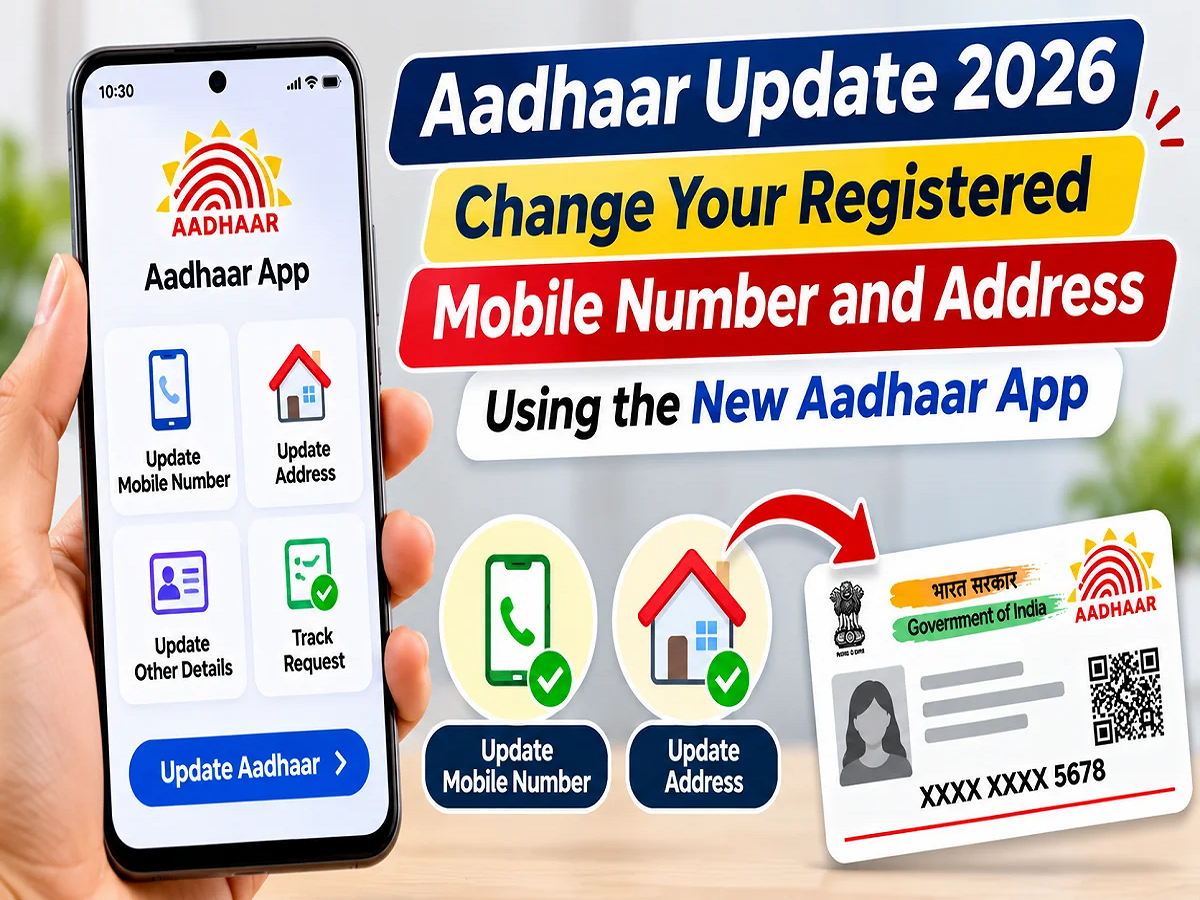
Aadhaar Mobile Number Update: Now, there may not be a need to visit an Aadhaar Seva Kendra every time to change the mobile number or home address in the Aadhaar card. The Unique Identification Authority of India (UIDAI) has provided several digital features in its new Aadhaar app. Through this, eligible users can request to update their mobile number and address from their smartphones. The app also provides features like face authentication, biometric lock and secure sharing of Aadhaar information. However, if you are registering a mobile number for the first time or do not have access to the old number, then a visit to the Aadhaar Kendra may be necessary.
Aadhaar cards are used for many important purposes today, including banking, government schemes, mobile connections, and identity verification. Therefore, it's crucial that the mobile number and address listed on your Aadhaar card are correct.
Many people face difficulties updating their Aadhaar records after changing their mobile number or deactivating their old SIM. Similarly, registering a new address after moving house also requires a process.
UIDAI's new Aadhaar app aims to simplify these tasks. It provides users with a single platform for identity verification and a variety of Aadhaar-related services.
What facilities are available in UIDAI's new Aadhaar app?
According to UIDAI, the Aadhaar app, launched in January 2026, allows Aadhaar holders to digitally access several services related to their identity document.
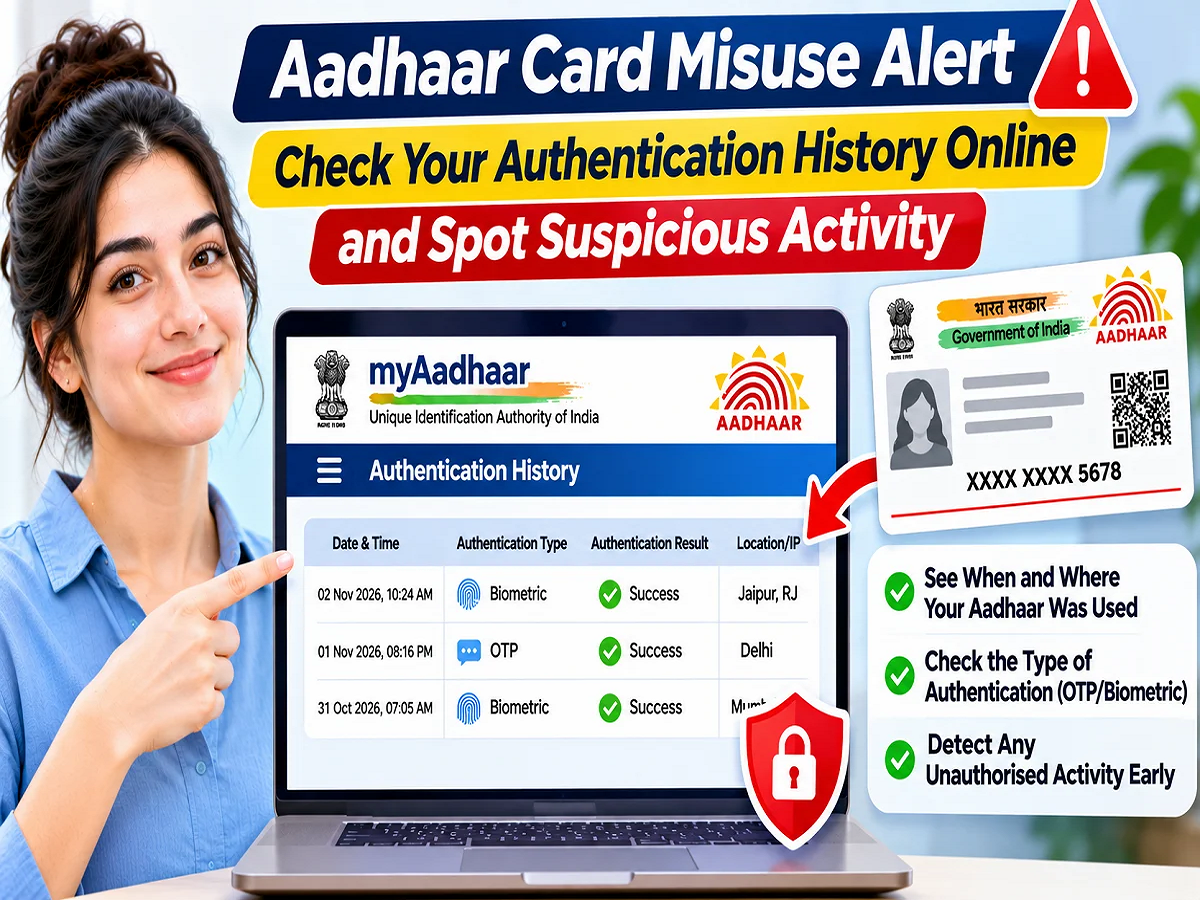
Apart from updating mobile number and address, the app also offers options like downloading e-Aadhaar, viewing authentication history, locking or unlocking biometrics and sharing selected Aadhaar information.
Users can also add multiple Aadhaar profiles to the app, making it easier to manage information for eligible family members.
The app supports 13 languages including English and Hindi.
On which smartphones will the new Aadhaar app run?
To use the new Aadhaar app, the smartphone must have the prescribed software version.
|
Android phone |
Android 9.0 or newer |
|
Apple iPhone |
iOS 16.0 or newer |
Apart from this, the phone must have internet connection.
According to UIDAI, the app is available for use in India. However, due to security reasons, the app may not work when developer mode is enabled.
How to register for the first time on Aadhaar app?
If you are using the new Aadhaar app for the first time, then first of all you will have to create your profile in it.
Step 1: Download the official Aadhaar app on your Android or iPhone.
Step 2: Open the app and select the language of your choice.
Step 3: Now enter your 12 digit Aadhaar number.
Step 4: Read and agree to the terms and privacy policy on the screen.
Step 5: After this, select the respective SIM card present in the phone.
Step 6: Complete the verification process requested by the app. This may include OTP and face authentication.
Step 7: After successful verification, set a six-digit PIN to protect the app.
After this you can use the available Aadhaar services.
The app may ask for certain permissions related to the camera, SMS, and calls. According to the UIDAI, these are used for processes like face authentication and SIM-based device verification.
How to change the number registered in Aadhaar from mobile?
If you want to change the mobile number registered in Aadhaar, you can use the relevant update service available in the new Aadhaar app.
However, this requires you to complete the app's prescribed identity verification process.
Step 1: First of all open the Aadhaar app and login with your six-digit PIN.
Step 2: Now go to the Services section and select the option related to updating the mobile number.
Step 3: Here enter the new mobile number which you want to link with Aadhaar.
Step 4: Verify the new number using the OTP received on it.
Step 5: Also enter the OTP of the pre-registered number when asked in the app.
Step 6: After this complete the face authentication process.
Step 7: Pay the applicable fee and submit the update request.
Keep the receipt or request number received after the process is successful.
Note that the need for OTP verification may vary in different circumstances.
What to do if the old mobile number is closed?
This is an important question. If your old Aadhaar-linked mobile number is no longer active or you don't have its SIM available, it may not be possible to complete the update through the app.
According to UIDAI, in such a situation one will have to go to the authorized Aadhaar service center or enrollment and update center.
Similarly, those who had not registered any mobile number while making Aadhaar, will also have to go to the authorized center to add the number for the first time.
Therefore, before changing the mobile number, check whether the old registered number is available with you or not.
How to change home address using Aadhaar app?
The facility to update address has also been provided in the new Aadhaar app.
For this, users can enter a new address based on their documents.
Step 1: Login to the Aadhaar app by entering the PIN.
Step 2: Open the Services section and select the Address Update option.
Step 3: If the app asks for OTP verification, complete it.
Step 4: Now upload acceptable documents as proof of address.
Step 5: The document can be uploaded in supported formats like JPG, PNG or PDF.
Step 6: After this enter the new address.
Step 7: Carefully check the preview of the address that appears in English and local language.
Step 8: Complete the face authentication and pay the prescribed fee.
Step 9: Download the receipt received after submitting the application.
The status of the update request can be checked with the help of the Service Request Number (SRN) present in the receipt.
Address can also be changed using the Aadhaar number of a family member.
UIDAI has also provided the option to update the address through the Head of Family (HoF).
In this process, the applicant can use the Aadhaar linked address of his/her eligible family member.
For this, you have to select the Address Update option in the app and enter the Aadhaar number of the concerned family member and your relationship.
After this, necessary face authentication and other verifications are completed.
The request is sent to the head of the family for approval. The person concerned can approve the request based on the SRN by opening the Family Member Request under Services in their app.
This process is subject to the prescribed eligibility and verification conditions.
How much will it cost to change the address in Aadhaar?
According to the UIDAI information given in the source, a fee of ₹75 is fixed for updating the address through the app.
The process of updating the mobile number may also involve payment of applicable charges.
Users should check the amount displayed in the app and the current fee list of UIDAI before making the payment.
In how many days will the mobile number and address be updated?
According to UIDAI, the request for updating mobile number and address may take up to 30 days to be processed.
The new information may appear in the app once the request is accepted and the record is updated.
During this time, users can check the status of their request.
Keep in mind that submitting an application doesn't immediately mean the update is complete. The request may require verification and approval.
Can the name and date of birth in Aadhaar also be changed through the app?
Currently, as per the information given in the source, the facility to update mobile number and address is available in the new Aadhaar app.
To change other details like name, date of birth, gender and email, you may have to visit an authorised Aadhaar centre.
Similarly, to update biometric information related to photo, fingerprint and iris, it is necessary to visit the authorized centre personally.
UIDAI may expand the features of the app in the future.
How many profiles can be added in one Aadhaar app?
The new Aadhaar app allows adding a maximum of five profiles.
Profiles of eligible minor children can also be included in this.
However, adding children's profiles requires meeting the prescribed criteria of parental records and face authentication.
If the child has undergone mandatory biometric update, the corresponding verification process may be different.
How to share Aadhaar information securely?
Selective Sharing facility is available in the new app.
This means that the user can choose to share only the required details instead of sharing the entire Aadhaar related information as per the requirement.
According to UIDAI, the facility to share digitally verified Aadhaar Verifiable Credential is also available in the app.
This may include information such as name, address, date of birth, photo and last four digits of the Aadhaar number.
The user can share the required details based on his/her consent.
Additionally, the app also includes a Share Contact feature, which allows you to share contact information using a QR code.
What are the arrangements for data security in the Aadhaar app?
According to UIDAI, the new app incorporates several measures to protect identity and personal information.
These include features like face authentication, six-digit PIN, SIM-based verification and biometric lock.
Users can control the sharing of Aadhaar information as per their needs.
The app also offers a biometric lock and unlock option, which can help limit the risk of unauthorized biometric verification.
However, users should not share their app PIN, OTP and other confidential information with any unknown person.
Conclusion
UIDAI's new Aadhaar app is an important step towards making many Aadhaar-related services available on smartphones.
It allows eligible users to request mobile number and address updates, and also to securely share Aadhaar information, lock biometrics, and manage multiple profiles.
However, in situations like registering a mobile number for the first time or not having access to the old number, you may need to visit an Aadhaar service center. Before any update, please check the available options, fees, and verification requirements in the app.