TECH
How to enable two-step verification on WhatsApp? Learn the easy way to keep your account secure
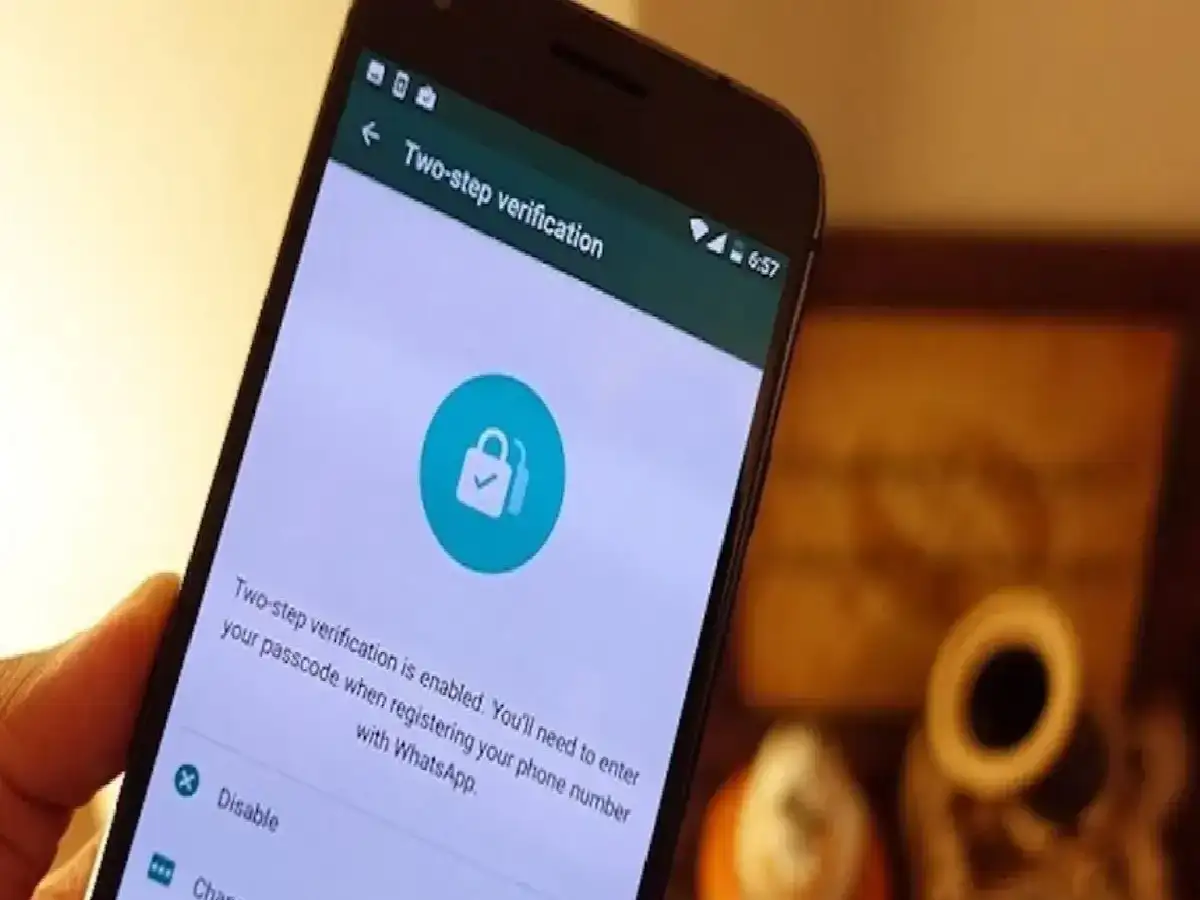
Nowadays, WhatsApp has become a primary medium for our daily conversations, office work, and sharing personal information. This makes account security extremely important. WhatsApp's Two-Step Verification feature adds an additional layer of security to protect your account from hackers and strangers.
After enabling this feature, whenever someone tries to login to WhatsApp on a new device using your phone number, they will have to enter a 6-digit PIN along with the OTP.
Easy steps to enable two-step verification in WhatsApp
Open the WhatsApp app on your phone. Tap the three dots (⋮) in the top right (on iPhones, select the Settings option in the bottom right) and go to Settings.
Tap Account in the Settings menu.
Yes you will see the option of Two-step verification, tap on it and then press the Turn on button given below.
Now enter a strong 6-digit PIN of your choice and re-enter it to confirm.
Add an email address (optional but required): After setting your PIN, WhatsApp will ask you for your email address. If you ever forget your PIN, you can reset it using this email address. Enter your email address, click Next, confirm the email address again, and tap Save or Done.
Important points to remember
Do not share your PIN with anyone: Never share your 6-digit PIN with any unknown person, through call or message.
Avoid easy PINs: Instead of easy numbers like 123456 or your date of birth, choose a PIN that's difficult to guess.
Reminder PIN: To help you remember the PIN, WhatsApp may sometimes ask you to enter a PIN when you open a chat—this is normal.
PC: INDIA TV