NATIONAL
Amit Shah has switched from Gmail to Zoho Mail, and you can easily switch too; learn the step-by-step process
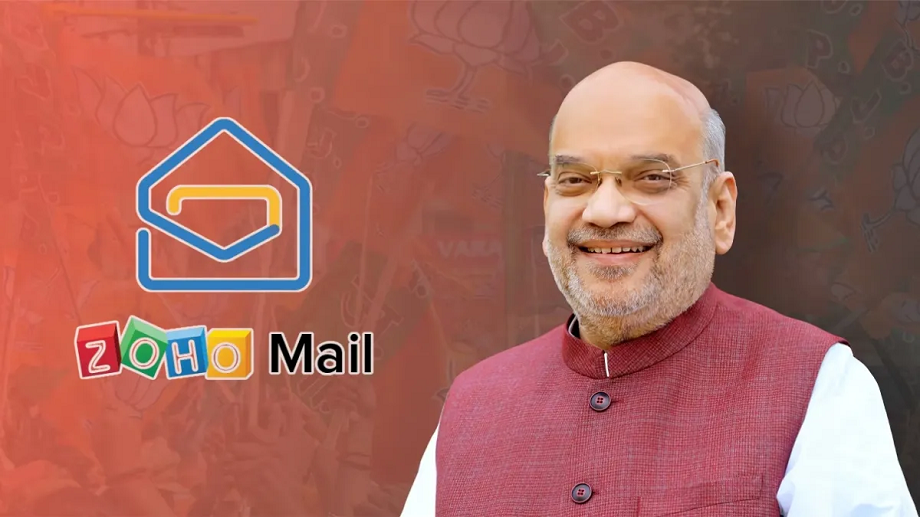
Home Minister Amit Shah announced on Wednesday that he has switched his email platform from Gmail to Zoho Mail. He made the announcement on the social media platform X (formerly Twitter), where he also shared his new email ID.
India has taken another major step towards promoting Made in India technology. Home Minister Amit Shah officially announced on Wednesday, October 8, 2025, that he has switched his email platform from Gmail to Zoho Mail. He shared this information on the social media platform X (formerly Twitter), where he also shared his new email ID. Shah stated that all future government and official emails should be sent to this new ID.
This move not only sends a strong message toward digital self-reliance, but also demonstrates that technology developed in India is now capable of competing internationally. Zoho Mail, developed by Indian tech company Zoho Corporation, is considered an indigenous alternative to foreign platforms like Gmail and Microsoft Outlook.
Hello everyone,
— Amit Shah (@AmitShah) October 8, 2025
I have switched to Zoho Mail. Kindly note the change in my email address.
My new email address is amitshah.bjp @ https://t.co/32C314L8Ct. For future correspondence via mail, kindly use this address.
Thank you for your kind attention to this matter.
Zoho founder Sridhar Vembu also expressed happiness over Amit Shah's move, saying it's a proud moment for India's mission of technological self-reliance. Zoho's chatting app, Arattai, has also been in the news recently, especially since Prime Minister Narendra Modi called for promoting the use of Made in India apps.
How to switch from Gmail to Zoho Mail?
- Visit the Zoho Mail site and sign up, choosing a free or paid plan. Set your mobile number and recovery email address.
- Go to Gmail → Settings → Forwarding and POP/IMAP and enable IMAP. This will allow Zoho to access your Gmail data and perform the migration.
- In Zoho Mail, go to Settings → Import/Export or Migration Wizard. From here, you can import emails, folders, and contacts from Gmail. This process can take some time for large mailboxes, so be patient.
- Go to Gmail Settings and enable forwarding to your new Zoho address so that all incoming emails are delivered to Zoho. Don't forget to verify.
- Update your new Zoho email address with your bank, services, social media, and subscriptions. Also, share your new ID by sending a note to your contacts.
- Back up with Google Takeout. Enable 2-FA (two-factor authentication) in Zoho and set up a signature/auto-responder.
Note- Keep auto-reply on for the old Gmail and run both mailboxes simultaneously for a few weeks so that you don't miss any mail.
PC:NDTVINDIA