
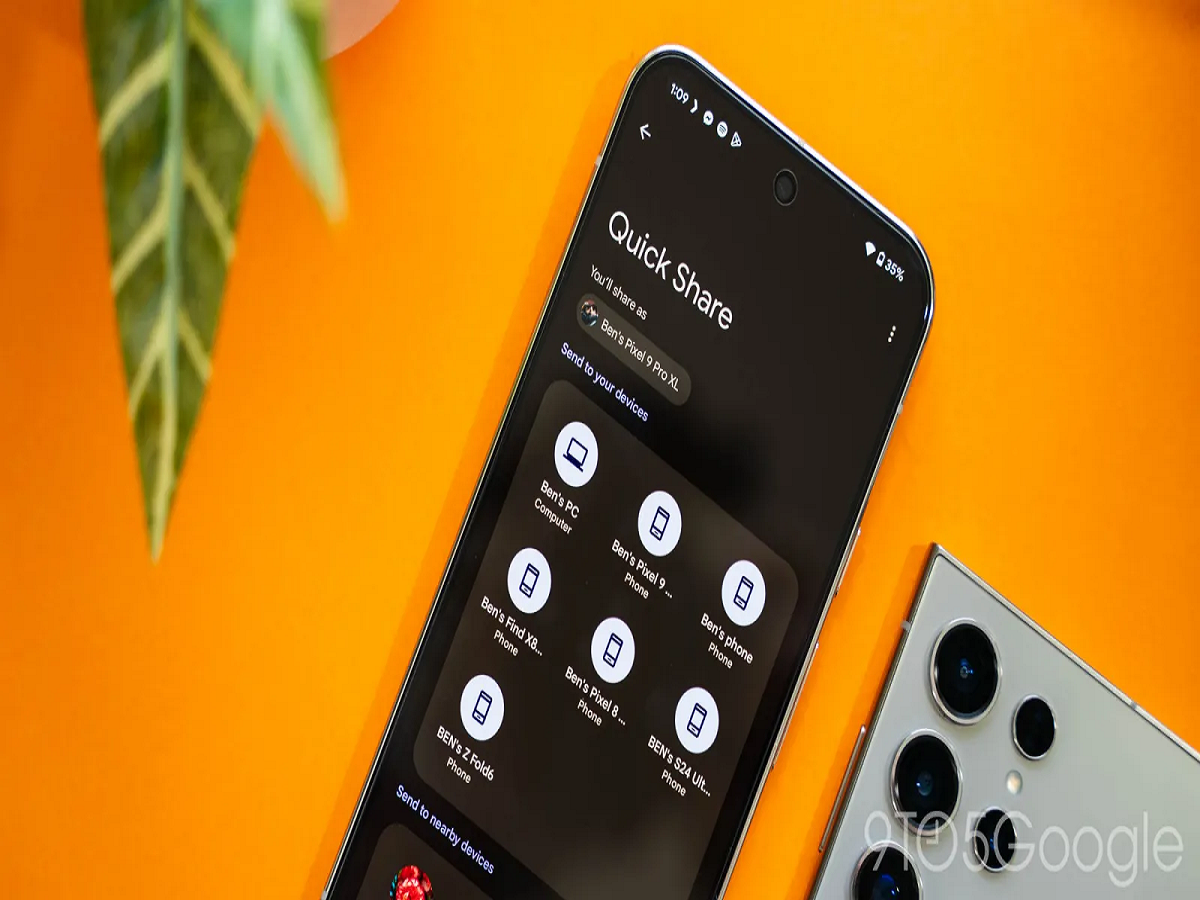
Sharing photos, videos, contacts, and other files between Android phones is about to become much easier. Google has introduced a new tap-to-share capability for Quick Share that allows compatible Android devices to exchange content simply by bringing the phones close together. The feature is beginning to roll out to newer Pixel devices and is expected to expand to more Android phones.
If you frequently send files to friends or family, this is one Android trick worth knowing.
How Does the New Tap-to-Share Feature Work?
Quick Share already allows Android users to send files wirelessly, but the new feature makes the process more convenient.
Instead of manually selecting a nearby device from the sharing interface, supported phones can use NFC and proximity technology to initiate sharing when the devices are brought close together.
This makes file sharing feel much more like the familiar phone-to-phone sharing experience many users are accustomed to.
How to Try It
If the feature is available on your compatible Android phone:
-
Open the photo, video, contact, or file you want to share.
-
Tap the Share button.
-
Select Quick Share.
-
Bring the two compatible phones close together.
-
Follow the on-screen instructions to complete the transfer.
The exact interface can vary depending on the phone manufacturer and software version.
Which Phones Support It?
Google has started the rollout with Pixel 6 series phones and newer models. The company has also announced plans to bring the feature to additional Android devices, including newer Samsung Galaxy foldables.
Because the feature is rolling out gradually, it may not appear immediately on every compatible device.
Why Is This Trick Useful?
The biggest advantage is convenience.
Imagine taking a group photo and wanting to send it to a friend's phone. Instead of searching through menus or asking the other person to find your device manually, the tap-to-share approach can make the process much quicker.
It can also be useful for sharing contacts, documents, videos, and other files between nearby devices.
Another Android Setting You Should Check
If you're using an Android phone, it's also worth checking your security patch level regularly.
Google's August 2026 Android Security Bulletin says devices with the August 5, 2026 security patch level or later address the vulnerabilities covered by that month's security update.
You can generally check for updates through:
Settings → System → Software update
The exact menu name may differ between brands such as Samsung, Xiaomi, OnePlus, Motorola, and others.
The Bottom Line
Android's new tap-to-share capability makes Quick Share more convenient by allowing supported devices to initiate file sharing simply by bringing them close together.
If you have a compatible phone, keep your software updated and look for the feature in Quick Share. As Google expands the rollout, more Android users should be able to use this simple phone-to-phone sharing trick.


