TECH
How to share your location with someone on WhatsApp and Instagram? Learn the easiest and safest way
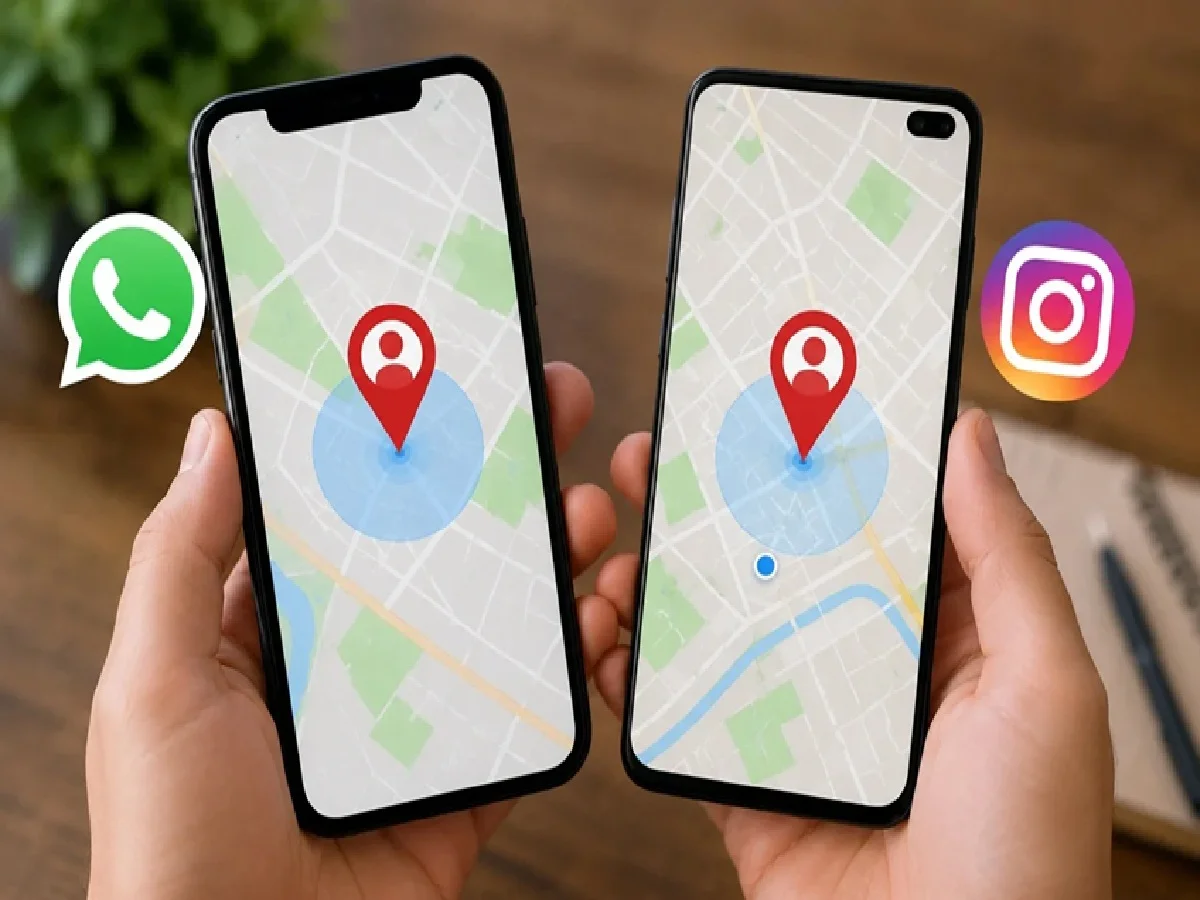
In today's digital age, location sharing has become an essential part of everyday interactions. Social media platforms like WhatsApp and Instagram offer features for sharing your exact location with friends, family, or coworkers. However, many people wonder if someone's location can be seen without their permission. WhatsApp offers a 'live location' feature, while Instagram allows you to share your location via DM.
How to share live location on WhatsApp
If you want to share your live location with your friend on WhatsApp, follow these steps.
Go to WhatsApp and open the chat of that person or group.
Tap the attachment icon.
Select the 'Location' option.
Tap on 'Share Live Location'.
Choose a timer of 15 minutes, 1 hour, or 8 hours.
If desired, write a message and tap 'Send'.
After this, the other person will be able to see your live location on the map for a set amount of time. You can also turn this off by tapping 'Stop Sharing.'
How to Share Live Location on Instagram
Instagram has also introduced location sharing feature in Direct Messages (DMs), which lets you share your location with a friend.
Open the Instagram app.
Open the DM of the person or group you want to share your location with.
Select the location in the + icon or chat option.
Tap Share Live Location.
Confirm sharing your location.
Live location on Instagram is shared temporarily and is only visible to people in the same chat. This feature is turned off by default, and location sharing isn't done without your permission.
Keep these things in mind:
Another person's location cannot be seen without his permission.
Live location can be turned off at any time.
Location is shared only with the person or group you choose.
These features cannot be used to find out the location of public profiles or unknown people.
Meta's WhatsApp and Instagram platforms prioritize user privacy. Therefore, there is no way to view a person's live or precise location without their explicit consent. When using any location sharing feature, it should be shared only with trusted individuals and privacy settings should be checked frequently.
PC: Navarashtra